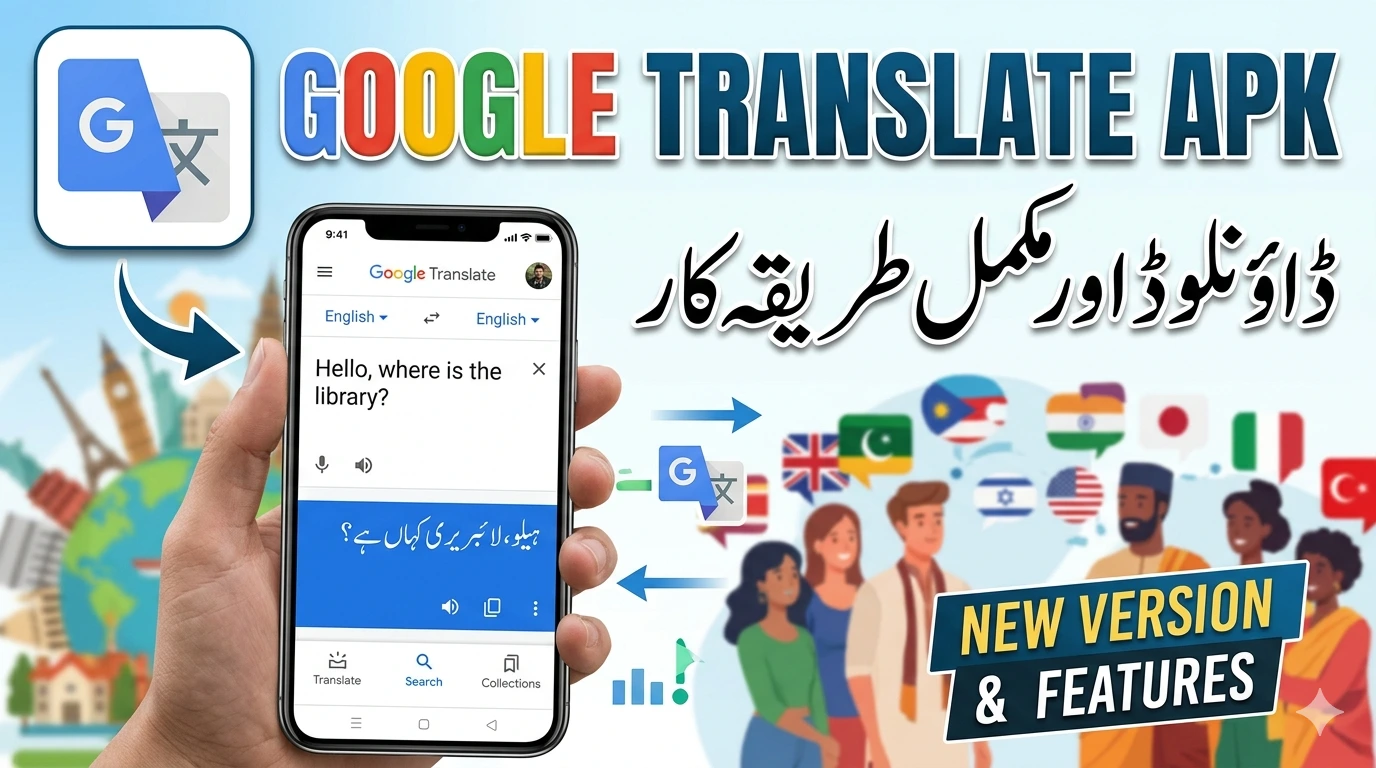
Google Translate APK for Android
Google Translate APK for Android you are probably looking for the app outside the Google Play Store. Maybe your device does not have Play Store access. Maybe you want an older version. Or maybe you saw a “modded” version promising unlimited translations without an internet connection. Before you download, let us talk about what Google Translate actually does, why you might need the APK, and how to avoid downloading a fake that translates your data into someone else’s pocket.
What Is Google Translate?
Google Translate is the world’s most popular translation app, developed by Google. It supports over 240 languages for text translation, and it keeps growing. According to Google’s official stats, the app is used by over 500 million people monthly.
The app does far more than just text translation. The official features include:
- Text Translation: Type or paste text and translate instantly.
- Voice Translation: Speak a phrase, and the app translates it aloud.
- Camera Translation (Word Lens): Point your camera at signs, menus, or documents, and the app overlays the translation in real time.
- Conversation Mode: A two-way, real-time conversation translator that works like a personal interpreter.
- Offline Translation: Download language packs and translate without an internet connection.
- Handwriting: Draw characters or letters, and the app translates them.
All of these features are available for free, directly from the Google Play Store. There is no “Pro” version, no subscription, no ads inside the app. It is one of the few Google apps that is completely free.
Why Do People Search for “Google Translate APK”?
If the app is free and easily available on the Play Store, why would anyone look for an APK? There are a few legitimate reasons:
- No Play Store Access: Some Android devices, especially in certain regions or older models, do not have Google Play Services. Users need to sideload the app.
- Older Android Versions: If your phone runs an older Android version, the latest Play Store version might not be compatible. An older APK might be the only option.
- Custom ROMs: Users with custom Android installations often sideload apps.
- Preference for APK Backup: Some users like to keep APK files as backups to reinstall without downloading again.
However, there is also a less innocent reason: “modded” APKs. Some websites claim to offer a “Google Translate Premium” or “Unlocked” version with “unlimited offline translations.” This is a trap. Google Translate does not have a premium tier. Any modded version is either a fake or a modified app that could contain malware.
The Risk of Third-Party Google Translate APKs
Google Translate requires sensitive permissions: microphone (for voice translation), camera (for Word Lens), and storage (for offline packs). If you install a fake or modified version, you are giving those permissions to someone who might use them to spy on you.
A 2025 report by the security firm Zimperium found that translation apps were among the top ten categories for fake APK distribution. Scammers create clones with names like “Google Translate Pro” or “Translate+ Premium” to trick users. These fake apps often:
- Show intrusive full-screen ads that are difficult to close.
- Upload your conversations and camera images to remote servers.
- Collect your contacts and send spam from your device.
- Replace the translation engine with a low-quality one and show ads for “premium” upgrades that do nothing.
If you search for “Google Translate APK” on any third-party site, you will likely see multiple results with different file sizes. The official APK from Google is around 40–50 MB. If you see a version that is 5 MB or 100 MB with “mod” in the name, stay away.
How to Download the Official Google Translate APK Safely
If you genuinely need to sideload Google Translate because you cannot access the Play Store, there is a safe way to do it.
Option 1: Use a Trusted APK Repository
APKMirror is the most reliable source for official, unmodified APKs. They verify that the APK matches the signature from Google Play. As of March 2026, APKMirror hosts all versions of Google Translate. You can download the latest version or an older one if needed.
Option 2: Extract the APK from Another Device
If you have a device with Play Store access, you can use an APK extractor app (like “APK Extractor”) to save the Google Translate APK and transfer it to your other device.
Option 3: Use Alternative App Stores
If your device lacks Google Play but has a trusted store like Amazon Appstore or Samsung Galaxy Store, check there. Google Translate is sometimes available.
Never download Google Translate from random file-hosting sites like Mediafire, Uploaded, or obscure forums. The risk of malware is simply too high.
Offline Translation
One of the biggest reasons people look for a “modded” version is the offline translation feature. But here is the secret: offline translation is completely free and officially available. You do not need a cracked version.
To use Google Translate offline:
- Open the official Google Translate app.
- Tap on the language name (e.g., “English”).
- Look for the download icon (a downward arrow) next to the language.
- Tap it to download the offline pack. The size varies by language (around 50–150 MB).
Once downloaded, you can translate text, voice, and even camera images offline. The only feature that requires internet is conversation mode (two-way live translation) because it uses cloud processing. Everything else works offline.
If a website claims to offer “offline translation unlocked” in a modded APK, they are lying. The official app already has it.
The Camera Translation
The camera translation feature, powered by Google Lens, is one of the most impressive features. Point your phone at a sign, and the text changes into your language in real time. It works on printed text, handwriting, and even text in images.
It is not perfect. There are famous fail videos where Google Translate misinterprets restaurant menus. One user shared, “I pointed it at a menu in Italy. It translated ‘pasta con verdure’ as ‘pasta with guilt.’ I was like, yes, exactly.”
Another user said, “I tried to translate a sign in Japan. It said ‘beware of falling elderly.’ I still do not know what the sign actually said, but I was cautious.”
These moments are part of the charm. The camera feature works surprisingly well for signs, menus, and documents. It is free, it is fast, and it does not require a modded APK.
Permissions
When you install the official app, it asks for permissions. Here is why:
Camera: For real-time translation using Word Lens and to take photos of text.
Microphone: For voice input and conversation mode.
Storage: To save offline language packs and to read text from images you already have.
Notifications: Optional, for tips and updates.
These permissions are legitimate for a translation app. If a “Google Translate” APK asks for contacts, location, or SMS access, it is fake. Uninstall it immediately.
Alternatives
Google Translate is excellent for everyday use, but it is not the only option. If you need more accurate translations for professional or academic work, consider these:
- Microsoft Translator: Free, with similar features and strong integration with Office.
- DeepL: Known for more natural translations, especially for European languages. The free version has limits, but the app is reliable.
- Yandex Translate: Good for Russian and other Slavic languages.
All of these are available on the Play Store. Download them safely from there.
What Users Actually Say About Google Translate
Google Translate has its own place in internet culture. There is a reason “Google Translate” is a verb. One Reddit user said, “I used Google Translate to talk to my grandmother in her native language. She laughed for ten minutes. Apparently, I told her I was a potato farmer. I work in IT.”
Another shared, “The conversation mode is hilarious. It works until someone sneezes, and then the app translates the sneeze as ‘I disagree with your life choices.’”
These stories are part of the experience. The app is not perfect, but it is constantly improving. Google reported in 2025 that neural machine translation errors have decreased by over 60% since 2020. It is getting better.
Conclusion
Google Translate is free, powerful, and safe when downloaded from the Google Play Store or a trusted source like APKMirror. There is no premium version to unlock, no hidden costs, and no need for a modded APK.