Sim Owner Details
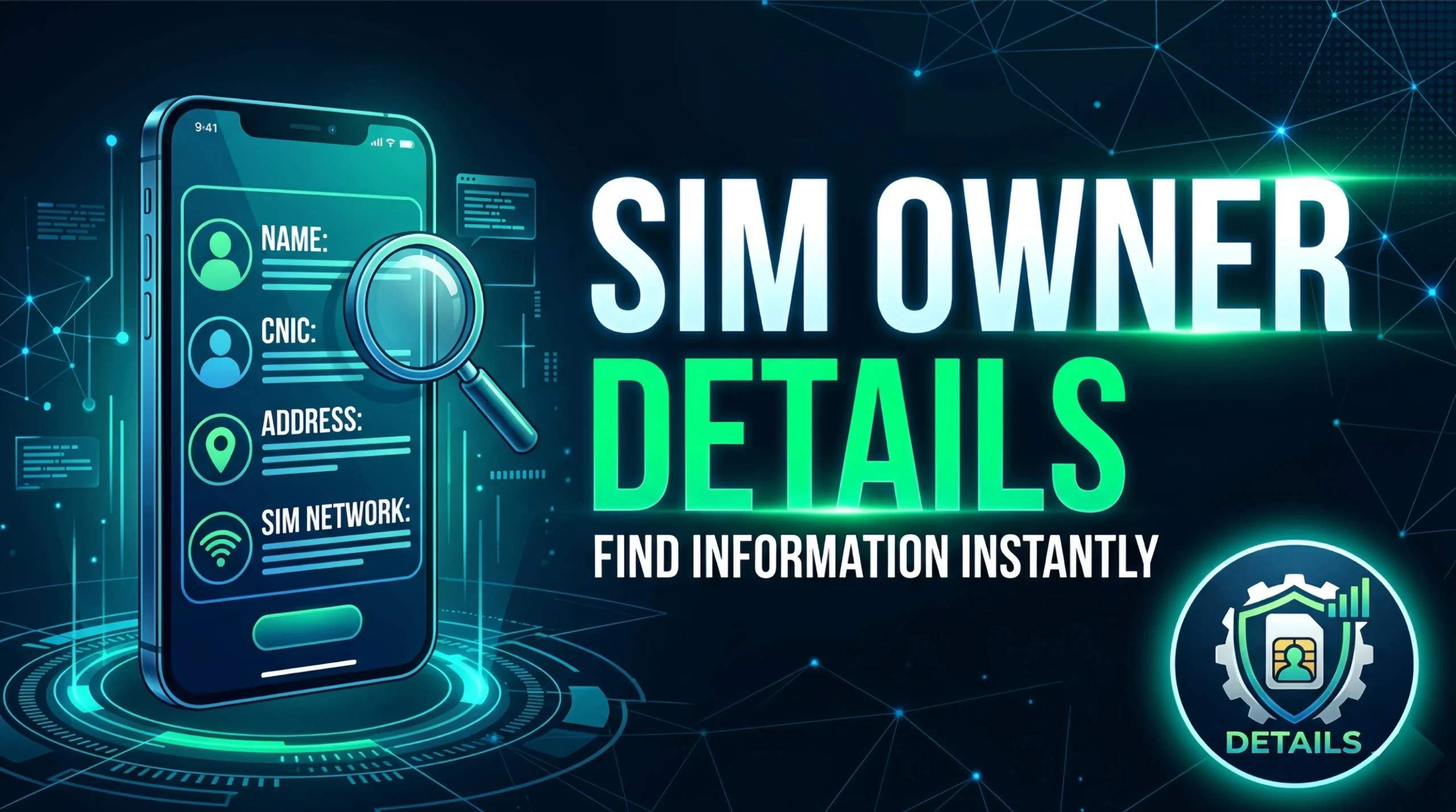
In Pakistan, mobile SIM cards are the gateway to communication, banking, and digital identity. Every SIM card issued by telecom operators Jazz, Zong, Telenor, Ufone, and Warid (now part of Jazz) is linked to a valid Computerized National Identity Card (CNIC). Knowing the Sim Owner Details – Check SIM Owner Details Pakistan is crucial for several reasons: verifying if a SIM is registered in your name, identifying unknown callers, recovering lost SIMs, or ensuring that your CNIC has not been misused to issue fraudulent connections.
Why You Might Need to Check SIM Owner Details
Before diving into the methods, it is important to understand why checking Sim Owner Details – Check SIM Owner Details Pakistan is a necessary practice for every citizen:
-
Prevent Identity Theft: Unscrupulous shopkeepers or criminals may issue SIMs using your CNIC without your knowledge. These “ghost SIMs” can be used for illegal activities, and you could be held responsible.
-
Verify Unknown Numbers: If you receive threatening calls, spam messages, or prank calls, checking the owner’s details (where legally permitted) can help you report the offender to authorities.
-
Lost or Stolen SIM: If you lose your phone, knowing which SIM numbers are registered under your CNIC allows you to block them immediately.
-
Family SIM Management: Parents can verify how many SIMs are issued against their children’s CNICs to prevent misuse.
-
Business Compliance: Companies issuing official SIMs to employees need to maintain records; cross-checking ownership ensures accountability.
However, it is critical to note that privacy laws in Pakistan restrict access to SIM owner details. You cannot simply look up any random phone number’s owner. Legal methods require the SIM to be linked to your own CNIC or involve law enforcement.
Official Methods to Check Sim Owner Details
The Pakistan Telecommunication Authority (PTA) and telecom operators provide several official channels for citizens to check SIM ownership against their own CNIC. Below are the most reliable methods.
1. PTA’s SIM Information System (SIMS) – Web Portal
The most authoritative way to perform a Sim Owner Details – Check SIM Owner Details Pakistan is through the PTA’s official SIM Information System. This web portal allows any Pakistani citizen to see all mobile numbers registered against their CNIC.
Step-by-Step Guide:
-
Open your browser and visit the official PTA SIMS website:
sims.pta.gov.pk. -
On the homepage, enter your 13-digit CNIC number (without dashes, e.g., 1234567890123).
-
Complete the captcha verification.
-
Click Submit.
-
Within seconds, the portal displays a list of all mobile numbers (Jazz, Zong, Telenor, Ufone) issued against that CNIC, along with the operator names.
-
If you see any number you do not recognize, you can report it directly to the PTA.
Important: This portal only shows SIMs registered under YOUR CNIC. You cannot search for another person’s CNIC or an unknown mobile number. This is by design to protect privacy.
2. PTA SIM Information App (Android)
The PTA has also released an official mobile application for checking Sim Owner Details – Check SIM Owner Details Pakistan. The app is available on the Google Play Store (search for “PTA SIM Information”).
Features:
-
Scan your CNIC’s barcode (on the back of the smart card) to auto-fill details.
-
View all SIMs registered against your CNIC.
-
Report unauthorized SIMs directly to PTA with one click.
-
Receive notifications if a new SIM is issued on your CNIC.
Installation & Use:
-
Download the app from Play Store (avoid third-party APKs).
-
Open the app and grant necessary permissions (camera for scanning, storage).
-
Enter your CNIC or scan it.
-
Tap Check.
-
The app displays the same data as the web portal, with an option to file a complaint.
3. Telecom Operator Portals & Apps
Each telecom operator in Pakistan provides its own customer portal where you can check SIMs registered under your CNIC with that specific operator. While the PTA portal shows all operators, these are useful for deeper details like SIM issuance date, status (active/blocked), and remaining balance.
-
Jazz: Use the Jazz World app or dial *786# from any Jazz SIM. Go to “My Account” > “SIM Information”.
-
Zong: Zong App > “Profile” > “My SIMs”.
-
Telenor: My Telenor App > “Account” > “SIM Details”.
-
Ufone: Ufone App > “My Ufone” > “SIM Ownership”.
These apps will show you the mobile numbers registered under your CNIC for that particular network.
4. SMS Service (For Feature Phone Users)
If you do not have internet access, you can still check Sim Owner Details – Check SIM Owner Details Pakistan via SMS. The PTA has a dedicated shortcode.
-
Open the SMS app on your mobile phone.
-
Type your 13-digit CNIC number (without dashes).
-
Send it to 668 (PTA’s official shortcode).
-
You will receive an SMS reply listing all SIMs registered against that CNIC, along with operator names.
Note: This service is free for all networks. However, due to security reasons, you may be limited to a few requests per day.
What Information Can You Actually See?
When you perform a legitimate Sim Owner Details – Check SIM Owner Details Pakistan using the methods above, the information provided is limited to:
-
Mobile number(s)
-
Operator name (Jazz, Zong, Telenor, Ufone)
-
Status (Active/Blocked)
-
Issuance date (sometimes)
You will NOT see the person’s name, address, or any other personal information. Only law enforcement agencies with a court order can access such detailed subscriber data. This is in accordance with the Prevention of Electronic Crimes Act (PECA) 2016 and the Pakistan Telecommunication (Re-organization) Act.
How to Report Unauthorized SIMs
One of the primary reasons to check Sim Owner Details – Check SIM Owner Details Pakistan is to identify SIMs that you did not issue. If you find an unknown number on the PTA portal:
-
Note the number and operator.
-
File a complaint via the PTA SIMS portal itself (there is a “Report Unauthorized” button next to each number).
-
Visit your nearest franchise of that operator with your original CNIC and request blocking of the fraudulent SIM.
-
File a police complaint if you suspect criminal activity (e.g., SIM used for harassment or fraud).
Once reported, the unauthorized SIM will be blocked within 24–48 hours, and the franchise owner who issued it illegally may face penalties.
Can You Check Owner Details of Any Phone Number?
A common question is whether you can use Sim Owner Details – Check SIM Owner Details Pakistan to find the name and address of someone who calls you from an unknown number. The short answer is no for ordinary citizens. Privacy laws protect subscriber data. The only legal ways to obtain such information are:
-
Through law enforcement: If you have filed an FIR for harassment or a serious crime, the police can request subscriber details from the operator.
-
Through PTA complaint: If you receive persistent spam or threat calls, you can complain to PTA (via 0800-55055 or email to complaints@pta.gov.pk). PTA will investigate and may take action, but they will not directly give you the owner’s name.
Be extremely wary of any website, app, or individual claiming to provide “SIM owner name by number” for a fee. These are almost always scams designed to steal your money or personal data.
Common Scams and Fake Services
The demand for Sim Owner Details – Check SIM Owner Details Pakistan has given rise to many fraudulent services. Here are red flags to avoid:
-
Paid SMS to 7xxx codes: Some ads claim “Send CNIC to 7890 to get owner name.” These are premium-rate SMS services that will drain your balance and provide no real data.
-
Fake websites: Sites that ask for your CNIC and then claim you need to pay Rs. 200 to see the result. They will either steal your CNIC for future fraud or simply take your money.
-
Mobile apps with malware: APKs that promise “SIM tracker” often contain spyware that steals your contacts and messages.
Golden Rule: The only free and official methods are the PTA portal (sims.pta.gov.pk), the PTA app, and SMS to 668. Never pay for SIM owner information.
Legal Framework for SIM Registration in Pakistan
Understanding the legal context helps explain why Sim Owner Details – Check SIM Owner Details Pakistan is restricted. Since the 2014 biometric verification mandate, every SIM must be issued after fingerprint verification against NADRA’s database. A person cannot have more than five SIMs per CNIC (some operators allow more under certain packages, but total across operators is capped by PTA). The rules are enforced by:
-
Pakistan Telecommunication Authority (PTA) – Regulates operators and maintains the SIM Information System.
-
NADRA – Provides biometric verification services.
-
FIA Cyber Crime Wing – Investigates misuse of SIMs for criminal activities.
Violations (issuing SIM without proper verification) can result in fines, imprisonment, or blacklisting of the franchise.
Step-by-Step Example: Checking Your Own SIMs
Let’s walk through a real-world example of using Sim Owner Details – Check SIM Owner Details Pakistan via the web portal:
-
Open browser: Go to
sims.pta.gov.pk. -
Enter CNIC: Type
42101-1234567-8as4210112345678(remove dashes). -
Captcha: Type the letters/numbers shown.
-
Click Submit.
-
Result:
-
0311-1234567 – Jazz – Active
-
0300-7654321 – Zong – Active
-
0345-9876543 – Telenor – Blocked (reported lost)
-
-
Action: You notice an extra number
0321-5555555– Ufone – Active that you never purchased. -
Report: Click “Report Unauthorized” next to that number. PTA sends a confirmation SMS.
-
Follow up: Within 2 days, the unauthorized SIM is blocked. You receive a confirmation.
Conclusion
Knowing how to perform a Sim Owner Details – Check SIM Owner Details Pakistan is an essential digital skill for every Pakistani citizen. It protects you from identity theft, helps you manage your family’s SIM usage, and allows you to take action against fraudulent connections.
Remember: always use the official PTA portal (sims.pta.gov.pk), the PTA SIM Information app, or SMS to 668. Never fall for paid services or fake APKs that claim to reveal private information. By checking your SIM ownership regularly, you ensure that your CNIC is not misused and that you remain in control of your digital identity.