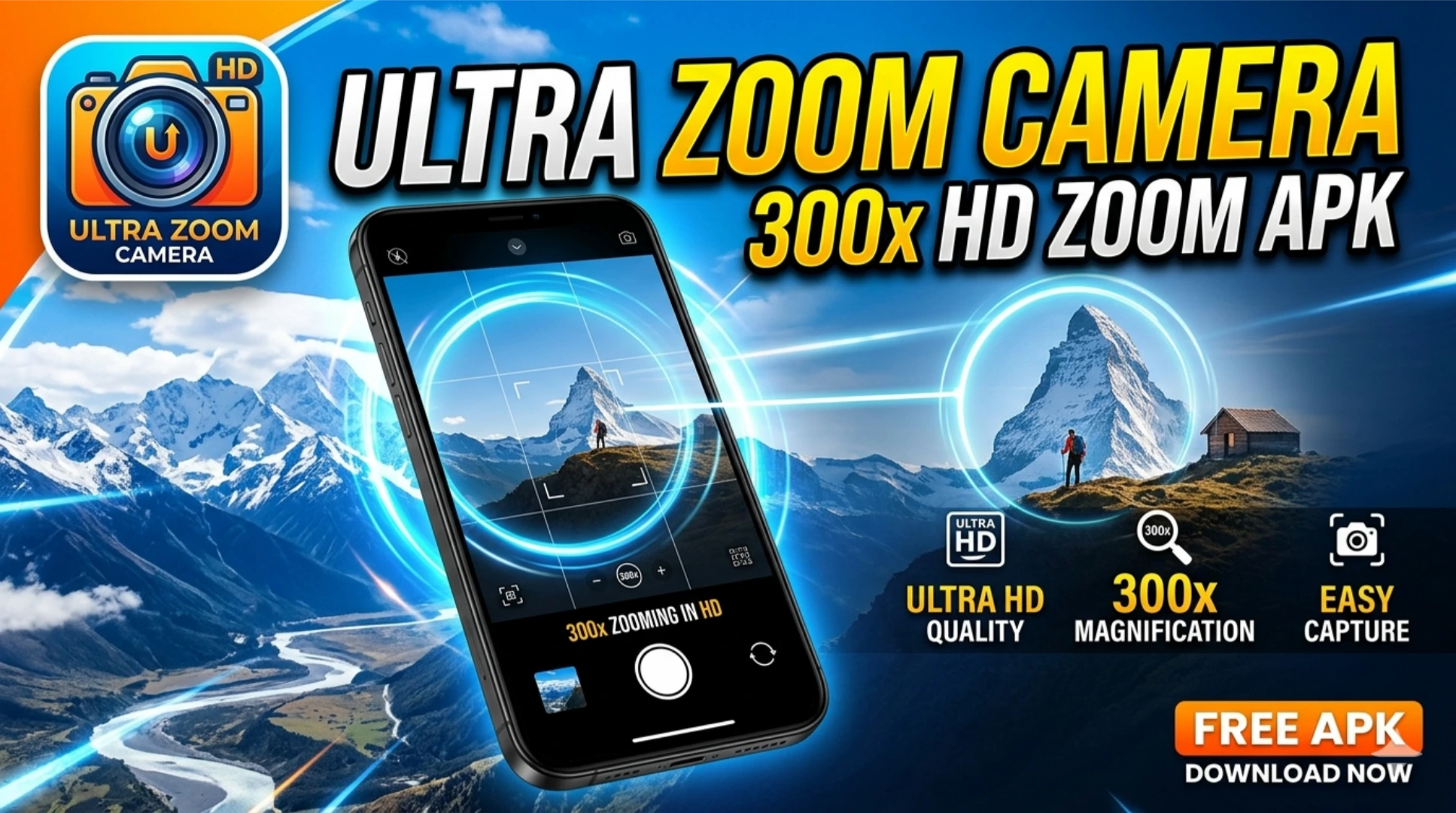
Ultra Zoom Camera 300x HD Zoom for Android
Smartphone cameras improved dramatically over the past five years. Optical zoom ranges extended. Computational photography closed the gap between mobile and dedicated camera hardware. Apps claiming 300x zoom now appear across the Play Store with impressive marketing screenshots.
The Ultra Zoom Camera 300x HD app for Android promises extreme zoom capability from your existing phone hardware. This article covers what the app actually delivers, how zoom technology works on Android devices, which features are genuine, and how to get the best results from mobile zoom photography.
What Is Ultra Zoom Camera 300x HD for Android
Ultra Zoom Camera 300x HD is an Android camera application that combines your phone’s native optical zoom with digital zoom processing to extend the total zoom range beyond what the stock camera app provides. It presents a specialized zoom-focused interface with manual controls for telephoto photography.
The app targets users who want to photograph distant subjects including wildlife, sports events, landscapes, architecture details, and celestial objects without carrying dedicated camera equipment.
Understanding the distinction between optical zoom and digital zoom is essential before evaluating any claims this or similar apps make about zoom capability.
What 300x Actually Means on Most Devices
Most Android phones sold in Pakistan between PKR 20,000 and PKR 100,000 have no optical zoom at all. A single fixed focal length lens captures every image. Any zoom beyond 1x on these devices is pure digital zoom.
On these devices, 300x zoom from an app like Ultra Zoom Camera 300x HD is 300x digital zoom applied to a single fixed focal length lens. The resulting image at maximum zoom is heavily pixelated and blurred. Subjects at extreme distances are identifiable in general shape but lack any meaningful detail.
Flagship devices with 10x or higher optical zoom produce significantly better results at extended zoom ranges because the digital zoom starts from a much higher quality base image.
What Ultra Zoom Camera 300x HD Actually Offers
Setting aside marketing claims, the app includes specific features that improve on the stock camera app for zoom photography regardless of your device’s hardware.
Zoom Lock
The zoom lock feature holds your zoom level steady during capture. Smartphone cameras drift at high zoom levels due to hand tremor. Zoom lock freezes the zoom value so small hand movements do not inadvertently zoom in or out during the shot.
Stabilization Enhancement
The app applies additional digital stabilization on top of your device’s hardware optical image stabilization. At high zoom levels where even minor movement creates significant blur, additional stabilization processing improves the percentage of sharp captures.
Manual Focus Control
The stock camera app uses automatic focus that struggles at extreme zoom levels. Ultra zoom camera apps provide manual focus control through a slider interface. You set the focus point precisely for distant subjects rather than relying on autofocus algorithms that hunt and miss at telephoto distances.
Exposure and ISO Control
Telephoto photography requires specific exposure settings. Distant subjects in bright outdoor light need fast shutter speeds to freeze motion. The app provides manual ISO and exposure controls that the stock camera app limits or hides behind automated processing.
Grid and Level Display
Composition at extreme zoom levels is difficult without reference guides. The grid overlay and horizon level indicator help you maintain consistent framing and straight horizons when photographing distant subjects.
Burst Mode at Zoom
Burst mode captures multiple frames in rapid succession at your set zoom level. At high zoom where camera shake causes blur in individual frames, burst mode increases the probability of capturing at least one sharp image in each sequence.
Device Zoom Capabilities
Your device’s hardware determines what any zoom app can actually deliver. Here is what to expect across different device categories available in Pakistan.
Budget Devices Under PKR 40,000
Single lens, fixed focal length cameras. No optical zoom. All zoom is digital. At 5x to 10x, usable results for social media sharing. Beyond 10x, significant quality degradation. At 300x, images are extremely pixelated and useful only for general subject identification rather than detail photography.
Mid-Range Devices PKR 40,000 to PKR 100,000
Some devices in this range include a 2x telephoto lens. With 2x optical zoom as a base, digital zoom to 20x produces acceptable results for casual photography. Beyond 20x, quality drops noticeably. Apps like Ultra Zoom Camera 300x HD improve results through stabilization and processing but cannot recover detail that the hardware does not capture.
Upper Mid-Range Devices PKR 100,000 to PKR 200,000
Devices like the Samsung Galaxy A55 and Google Pixel 8a include more capable camera systems. Better sensor quality and improved optical zoom ranges mean zoom apps produce better results as a starting point. Processing algorithms have more image data to work with.
Flagship Devices Above PKR 200,000
Samsung Galaxy S24 Ultra offers 10x optical zoom and 100x Space Zoom through a combination of optical and digital processing. On hardware like this, zoom apps extend an already strong zoom capability. Results at 30x to 50x digital zoom from a 10x optical base are genuinely impressive.
The Samsung Galaxy S25 Ultra pushes this further. On current generation flagship hardware, zoom apps deliver results that approach what budget telephoto lenses achieved on dedicated cameras a decade ago.
How to Get the Best Results From a Zoom Camera App
Getting usable images at high zoom levels requires specific technique regardless of which app you use.
Use a Physical Support
Hand-holding a phone at 10x zoom or higher produces blurry images for most people in most conditions. Brace your phone against a wall, fence, or stable surface. A small portable tripod with a phone mount costs under PKR 1,000 and transforms high-zoom photography results. A tripod is the single biggest improvement you make to zoom photography without changing your hardware.
Shoot in Good Light
Digital zoom amplifies noise along with image detail. Low light conditions produce grainy, detail-poor images at high zoom levels. Shoot in bright daylight or toward well-lit subjects for the cleanest results. The same zoom level that produces usable results in bright sunlight produces unusable results in overcast or indoor conditions.
Use the Timer or Remote Shutter
Tapping the shutter button introduces camera shake at the moment of capture. Use the countdown timer to trigger capture without touching the device. A Bluetooth remote shutter button, available for under PKR 500 at most mobile accessories shops, eliminates shutter press vibration entirely.
Start at Lower Zoom and Crop Later
Shooting at 10x to 15x on a capable device and cropping the resulting high-resolution image often produces better results than shooting at 50x or 100x directly. The higher zoom levels apply aggressive digital processing that sometimes introduces artifacts worse than simple cropping of a lower zoom image.
Use Burst Mode for Moving Subjects
Animals, birds, athletes, and vehicles move unpredictably at the moment of capture. Burst mode at your target zoom level produces five to ten frames. One frame in each burst typically shows sharper detail than a single capture would reliably provide.
Downloading and Installing Ultra Zoom Camera 300x HD
The app is available on the Google Play Store. Installation follows the standard process.
- Search for Ultra Zoom Camera or HD Zoom Camera on the Play Store
- Several similar apps appear under different developer names. Check review counts and update dates before selecting
- Install the app and grant camera and storage permissions during first launch
- Camera access is required to use the zoom functionality
- Storage access saves captured images to your gallery
If downloading an APK version from outside the Play Store, follow the standard APK installation process through Settings, Security, Install Unknown Apps. Download only from verified sources like APKMirror and confirm the developer signature matches before installation.
Permissions the App Requests
A camera app legitimately needs:
- Camera access: to activate your phone’s camera hardware and zoom controls
- Storage access: to save photos and videos to your device gallery
- Microphone access: for video recording with audio
Be cautious of any camera app requesting access to your contacts, location beyond what you explicitly enable for photo geotagging, SMS messages, or call logs. These permissions have no legitimate use in a camera application. Any version requesting them warrants removal.
Realistic Use Cases for Mobile Zoom Photography
Understanding where mobile zoom photography delivers useful results helps you set accurate expectations for Ultra Zoom Camera 300x HD.
Wildlife photography at moderate distances produces good results on capable devices at 10x to 30x zoom. Birds on branches, animals in open spaces, and wildlife in good light all photograph well within this range on upper mid-range hardware.
Sports and events photography works well when you photograph subjects 20 to 50 meters away. Stadium seats, field sports from the stands, and outdoor events at moderate distances produce shareable results at practical zoom levels.
Landscape and architectural detail photography suits mobile zoom well. Buildings, mountain ridges, and landscape features at medium distances photograph cleanly at 10x to 20x on most capable devices.
Conclusion
Ultra Zoom Camera 300x HD for Android delivers a specialized zoom photography interface with genuine improvements over the stock camera app for telephoto work. Manual controls, enhanced stabilization, and burst mode improve results for users who photograph distant subjects regularly.