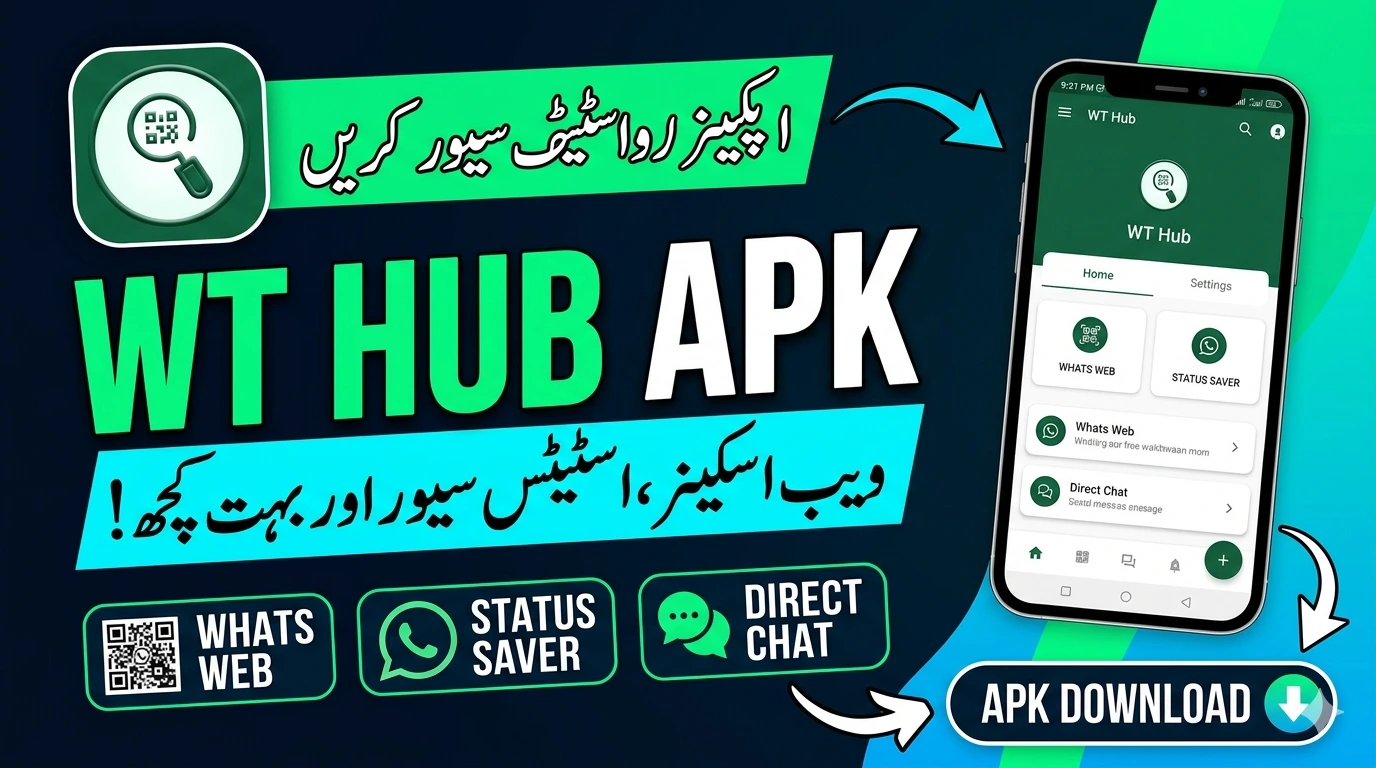
WT Hub APK – What This Web Scanner App
Web scanning tools serve legitimate purposes across cybersecurity, network administration, and website management. WT Hub APK positions itself as a mobile web scanner for Android users who need network analysis and website scanning capability from their phone. This article covers what the app does, who it serves, what features it offers, and what responsible use looks like.
What Is WT Hub APK
WT Hub APK is an Android application that provides web scanning and network analysis tools through a mobile interface. It allows users to inspect websites, analyze network connections, check domain information, and perform basic security assessments on networks they own or administer.
The APK format refers to the installable Android package file. The app distributes through third-party channels rather than the Google Play Store. This means installation requires enabling unknown sources in your Android settings and downloading from an external source.
Who Uses Web Scanner Apps
Understanding the legitimate user base for WT Hub APK and similar tools clarifies the appropriate context for their use.
Network Administrators
IT professionals managing corporate networks use scanning tools to audit their own infrastructure. Identifying open ports, checking connected devices, and monitoring network traffic on systems they administer is a standard professional responsibility.
Website Owners
Website owners scan their own domains to check for security vulnerabilities, verify SSL certificate status, check DNS configuration, and identify potential weaknesses before malicious actors find them. Regular security scanning is a recommended practice for anyone running a website.
Cybersecurity Students and Researchers
Cybersecurity education requires hands-on experience with the same tools professionals use. Students learning ethical hacking and penetration testing practice on their own devices, dedicated lab environments, and intentionally vulnerable systems designed for training purposes.
Penetration Testers
Professional penetration testers conduct authorized security assessments for clients. They use scanning tools to identify vulnerabilities in client systems as part of a contracted engagement. Written authorization from the system owner is the standard requirement before any scanning begins.
Home Network Users
Home users scan their own Wi-Fi networks to identify connected devices, check for unauthorized connections, and audit their home network security. This is entirely legitimate on networks you own.
Core Features
WT Hub APK includes several scanning and analysis capabilities oriented toward network and web security work.
Domain Information Lookup
The app performs WHOIS lookups that return registration information for any domain. This includes registrar details, registration dates, expiry dates, and nameserver information. WHOIS data is publicly available information. Any domain lookup tool accesses the same public registry data.
DNS Analysis
DNS analysis shows how a domain resolves across different record types including A records, MX records, CNAME records, TXT records, and NS records. Website administrators use this to verify DNS configuration after making changes or to diagnose email delivery issues.
SSL Certificate Checker
The SSL checker verifies whether a website’s security certificate is valid, which authority issued it, when it expires, and whether the certificate chain is correctly configured. Website owners use this to monitor certificate status and prevent unexpected expiry that disrupts HTTPS connections.
IP Geolocation
The IP lookup tool returns geographic and network information associated with any IP address. This includes country, city, ISP, and autonomous system number. This information is publicly available through regional internet registries.
Port Scanner
A port scanner checks which network ports on a target system are open and accepting connections. This is one of the most fundamental tools in network administration and security assessment. On your own systems, port scanning identifies unintended open services that represent potential security vulnerabilities.
HTTP Header Analysis
HTTP header inspection shows what information a web server sends back with each response. Headers reveal server software, security configurations, caching behavior, and other technical details. Security professionals check headers to identify misconfigured security policies on websites they manage.
Ping and Traceroute
Ping tests measure connection latency to a host. Traceroute maps the network path between your device and a destination, identifying each hop along the route. Both tools diagnose network connectivity issues and measure performance.
Responsible and Authorized Use
Web scanning tools require explicit attention to authorization before use. This is not a legal formality. It is the core ethical principle that separates legitimate security work from unauthorized intrusion.
Authorized use means:
- Scanning your own devices, networks, and websites
- Scanning client systems under a written penetration testing agreement
- Scanning intentionally vulnerable lab environments set up for training purposes
- Using domain lookup and WHOIS tools on any domain since this accesses public registry data
- Checking SSL certificates on any public website since this is equivalent to visiting the site
Unauthorized use means:
- Scanning networks you do not own or manage without explicit permission
- Port scanning systems belonging to other organizations or individuals
- Using scan results to identify and exploit vulnerabilities in systems you do not own
Most jurisdictions have computer crime laws that treat unauthorized network scanning as illegal access. Pakistan’s Prevention of Electronic Crimes Act 2016 specifically criminalizes unauthorized access to information systems. Similar laws exist in virtually every country. Authorization is not optional.
Downloading and Installing WT Hub APK Safely
WT Hub APK is not available on the Google Play Store. Installation requires the standard APK process.
Follow these steps:
- Identify the official source for the app through verified user communities or the developer’s stated distribution channel
- Download only from the source directly associated with the developer. Avoid file-sharing sites where APK files circulate without verification
- Scan the downloaded file with a mobile antivirus tool before installation
- Check the file size against any reference listed by the developer. Significant discrepancies indicate modified files
- Open Android Settings and navigate to Security or Privacy
- Enable Install Unknown Apps for your browser or file manager
- Open the downloaded APK file and tap Install
- Review permissions carefully before completing installation
Security tools distributed outside official channels require extra scrutiny. A web scanning app with injected malware could intercept the very network data it claims to analyze. Verify the source carefully before installing.
Permissions WT Hub APK Requests
A web scanner app legitimately needs:
- Internet access: to perform all scanning and lookup functions that require network connectivity
- Network state access: to check your current connection type and quality
- Wi-Fi state access: to detect connected networks for local network scanning
Be cautious of any version requesting access to your contacts, SMS messages, call logs, camera, or microphone. These permissions have no legitimate use in a web scanning application. Any version requesting them warrants immediate removal.
Storage access for saving scan results and reports is acceptable. Verify the permission request aligns with functionality the app actually provides.
Setting Up a Safe Practice Environment
Cybersecurity students and learners who want to practice with scanning tools have several legitimate options that remove the legal and ethical complications of scanning production systems.
Virtual Lab Environment
Install virtualization software like VirtualBox on a computer. Create multiple virtual machines running different operating systems. Practice scanning tools against these virtual machines. Your traffic stays within your own hardware and affects only systems you control entirely.
Intentionally Vulnerable Systems
The cybersecurity community maintains intentionally vulnerable systems designed specifically for practice. Metasploitable, DVWA, and VulnHub provide legal targets for practicing scanning and security assessment techniques. These systems exist specifically to be tested against.
Home Network Practice
Your home Wi-Fi router and connected devices are legitimate targets for network scanning practice. Scanning your own home network identifies real security information about systems you own while building practical skills.
Capture The Flag Competitions
CTF competitions provide legal, controlled environments where participants practice offensive and defensive security skills against systems specifically set up for the competition. Pakistan hosts and participates in international CTF events regularly. These competitions develop practical skills within a fully authorized framework.
What Responsible Security Tool Use Looks Like
The difference between a security professional and someone causing harm with the same tools comes down to authorization and intent.
Responsible security tool use follows these principles:
- Always obtain written authorization before scanning any system you do not own
- Document your authorization and keep records of what you scanned and when
- Report vulnerabilities you find in your own systems and fix them
- Report vulnerabilities found during authorized assessments to the system owner through responsible disclosure
- Never use scan results to access systems, extract data, or cause disruption
- Respect the scope of any authorization you receive. Permission to scan one system does not extend to adjacent systems
These principles apply to every security tool regardless of how powerful or simple it is. A port scanner and a sophisticated exploitation framework both require the same authorization framework before use.
Conclusion
WT Hub APK provides web scanning and network analysis tools that serve legitimate purposes for network administrators, website owners, security professionals, and learners working in authorized environments.
Download from verified sources only. Check permissions carefully. Use established Play Store alternatives like Fing or Network Analyzer if you prefer tools with verifiable development histories.