Introduction
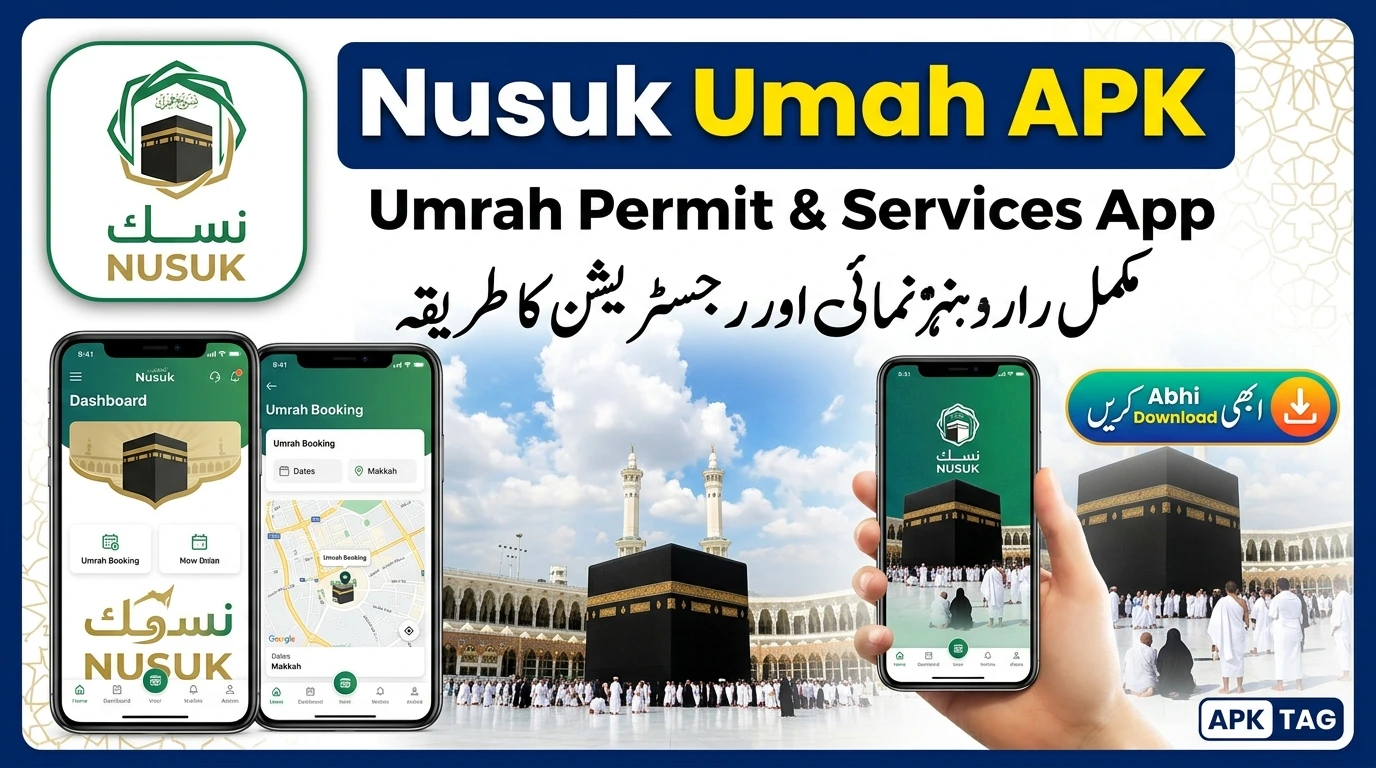
The Nusuk Umrah app is the official digital platform of the Saudi Ministry of Hajj and Umrah. The app manages permits for Umrah pilgrimages and visits to the Prophet’s Mosque in Madinah. You apply for permits through the app. You receive electronic permits instantly. The app tracks your health status and vaccination records. You download the APK file directly or through the official app stores.
What is the Nusuk?
Nusuk Umrah is a government application. It replaces previous systems like Tawakkalna and Eatmarna for pilgrims. You use the app to book permits for Umrah and Rawdah prayer at the Prophet’s Mosque. You manage your pilgrim profile. You view your permit history. The app connects to the Absher platform for identity verification. The app is available in Arabic, English, and other languages. The official version is on the Google Play Store and Apple App Store.
Official Status
The app is mandatory for all pilgrims. You cannot perform Umrah without a valid electronic permit. The app is the only official channel for permits. The developer is the Saudi Ministry of Hajj and Umrah.
Core Features
Umrah Permit
You apply for an Umrah permit through the app. Select your preferred date and time. The app shows available time slots. You receive the permit instantly. The permit contains a QR code. You present the QR code at the mosque entrance.
Rawdah Permit
You apply for a permit to visit the Rawdah in the Prophet’s Mosque in Madinah. The app shows available sessions. You select a time slot for prayer. The permit is valid for one entry only.
Health Status Integration
The app checks your vaccination status. It verifies your health records. You must have completed the required COVID-19 vaccinations. You must be free of infectious diseases. The app displays your health status.
Group Management
You register your entire group in one session. You add family members or travel companions. You apply for permits for all members simultaneously. You manage the group from the dashboard.
Prayer Time Reminders
The app provides prayer time notifications. It shows the times for Makkah and Madinah. You set reminders for Fajr, Dhuhr, Asr, Maghrib, and Isha.
Historical Permits
You view all your previous permits. You see the date, time, and status of each. You download digital copies for your records.
Digital ID
The app displays your digital pilgrim ID. This ID contains your name and passport number. You use the ID for verification at entry points.
Download and Installation
Play Store Method
Open the Google Play Store. Search for “Nusuk Umrah” or “نُسُك”. Select the official app by the Ministry of Hajj and Umrah. Tap install. Wait for the download to complete. Open the app.
Apple App Store Method
Open the App Store. Search for “Nusuk Umrah.” Select the official version. Tap get. Authenticate with Face ID or password. Wait for the download. Open the app.
APK Method (For Devices Without Play Store)
Some devices do not have Google Play Services. You can download the APK file. Enable unknown sources in your settings. Go to Settings > Security > Enable “Install from Unknown Sources.” Download the APK from the official Saudi government website or a trusted source. Tap the file to install. Grant required permissions.
Trusted APK Sources
Download from the official Saudi Ministry of Hajj and Umrah website. Use the link provided by your travel agent. Avoid third-party APK sites to prevent malware.
Registration and Usage
Step 1: Open the App
Launch the app from your device. The welcome screen displays in Arabic. You can change the language to English. Tap the language selection button at the top right.
Step 2: Create an Account
Tap “Create New Account.” Enter your email address. Enter a strong password. Confirm your password. Enter your mobile number. The system sends a verification code via SMS. Enter the code to verify.
Step 3: Verify Your Identity
You must verify your identity with Absher. Absher is the Saudi national identity platform. Enter your Absher username and password. The system links your identity. If you do not have an Absher account, you must create one at an Absher service center.
Step 4: Add Personal Information
Enter your full name as per your passport. Enter your passport number. Enter your nationality. Enter your date of birth. Upload a clear photograph of your passport. The app validates the information.
Step 5: Register Your Health Status
The app requests vaccination status. Upload your vaccination certificate. The certificate must be verifiable. The app confirms your status. If you are not vaccinated, you must obtain a valid exemption.
Step 6: Add Travel Companions
Tap the “Add Companion” button. Enter their name, passport number, and relationship. You manage group permits for all members. Each member must have an Absher-linked identity.
Step 7: Apply for a Permit
Select “Umrah Permit” from the dashboard. Choose your date and time. Select the mosque (Grand Mosque in Makkah). Add your group members. Check the available slots. Confirm the booking. The permit appears with a QR code.
Step 8: Access Your Permits
Tap the “Permits” section. See your active and used permits. Download or screenshot the QR code. You present this at the checkpoint.
Step 9: Use the Permit at the Mosque
Arrive at the designated gate. Show the QR code from your app or a printed copy. The security officer scans it. You proceed to perform your rituals.
Important Dates and Permit Allocation
Permit Release Schedule
The Saudi government releases permits in phases. The Umrah season runs throughout the year. The peak periods are Ramadan and Hajj. Booking opens 7 days in advance for general permits. Some permits are released 24 hours before.
Permit Validity
The permit is valid for the selected time slot. You must enter within the designated hour. Late arrival invalidates the permit. You can cancel the permit up to 2 hours before the time.
Non-Transferability
Permits are non-transferable. You cannot give your permit to another person. The QR code is linked to your identity and passport. The system checks your identity at entry.
Required Vaccinations
Required Vaccinations
You must have received the COVID-19 vaccination. Saudi Arabia accepts Pfizer, Moderna, AstraZeneca, and Sinopharm. You must also have a valid meningitis certificate. Some countries require a polio vaccination certificate.
Health Status on App
The app checks your health status. You cannot obtain a permit if your vaccination is not verified. If you have an exemption, upload the certificate.
Vulnerable Groups
Pregnant women and elderly pilgrims require additional documentation. The app asks for specific conditions. You must provide a medical certificate.
Safety Considerations
Fake APK Files
Fake APK files exist online. These apps steal your personal information. They may charge you for permits. Always download from the official government website. Use the Play Store or App Store for security.
Phishing Attempts
Fraudsters send fake SMS messages. They claim you need to pay a fee for a permit. The official app does not charge for permits. Report any requests for payment to the authorities.
Official Communications
Only trust communications from the Ministry of Hajj and Umrah. Do not share your OTP (one-time password) with anyone. The app never asks for your payment details for permits.
Alternatives
Tawakkalna
Tawakkalna is the official health app for Saudi Arabia. It shows your vaccination status. It provides a digital health passport. You must have Tawakkalna installed. The Nusuk Umrah app uses data from Tawakkalna.
Absher
Absher is the national identity platform. You verify your identity through Absher. You cannot register without Absher. You must have an active Absher account.
Eatmarna
Eatmarna was the previous permit system for Umrah. It is now superseded by Nusuk Umrah. Eatmarna is no longer required.
Companion Apps
Use the official Saudi Ministry of Tourism app for information. Use the Haramain Train app for transport booking. Use the Saudi Post app for delivery services.
Conclusion
The Nusuk Umrah app is essential for pilgrims. You cannot perform Umrah without an electronic permit. Use the Play Store or App Store for security. Complete your registration before travel. Verify your identity with Absher. Upload your vaccination certificates. Book your permits immediately when slots open. Take screenshots of your permits. Add your travel companions to your group. Check your health status regularly.