Introduction
Smartphone theft and unauthorized access are growing concerns in a world where our devices hold our most personal and sensitive information. Whether you are in a crowded public space, at a café, or simply leaving your phone unattended for a moment, the risk of someone tampering with your device is ever-present.
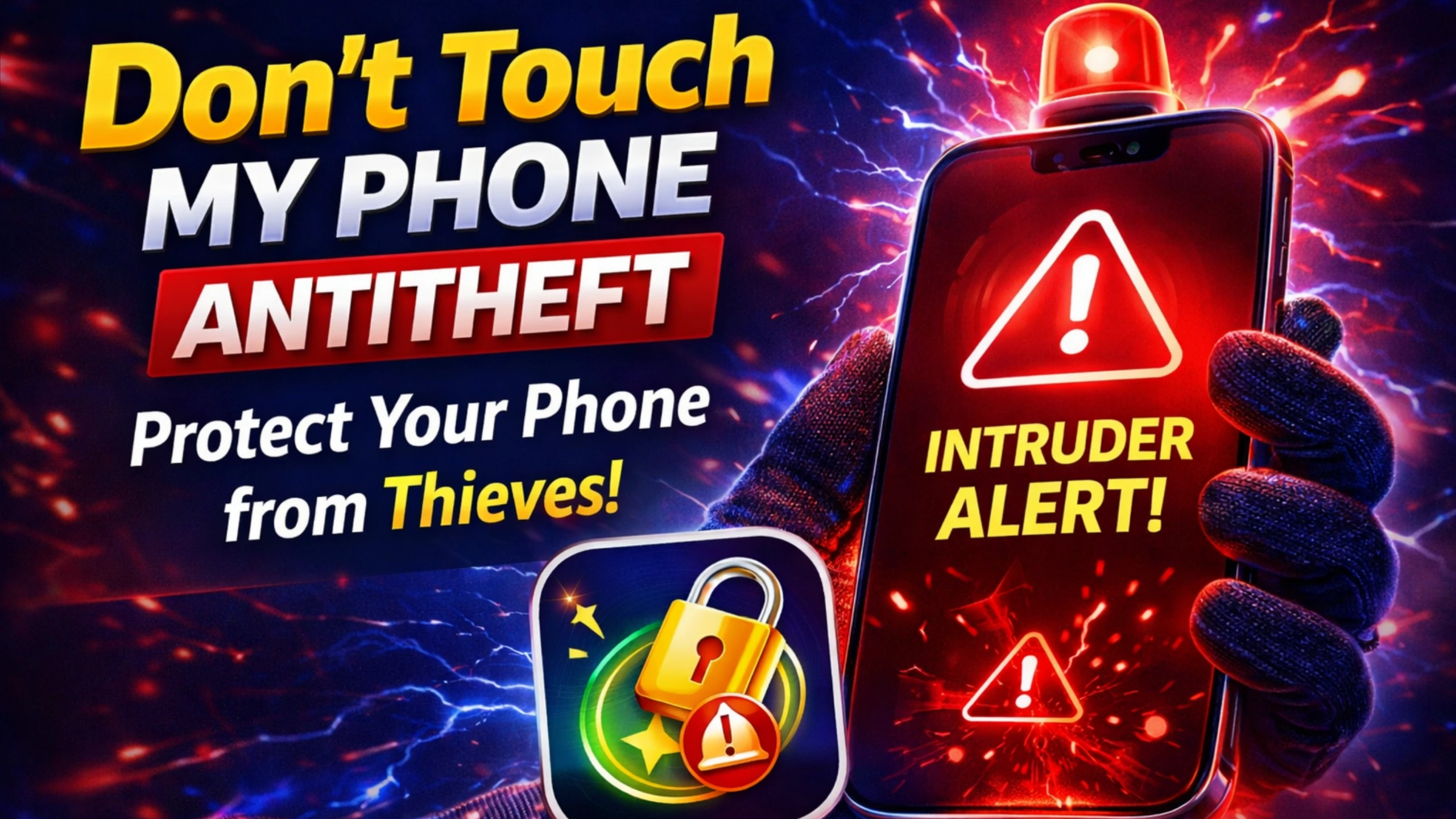
This is where security applications like Don’t Touch My Phone AntiTheft APK come into play. Designed to act as a virtual guard, this app provides an intelligent layer of protection by detecting unauthorized handling and triggering loud alarms, fake screens, or even capturing photos of potential intruders.
What is Don’t Touch My Phone AntiTheft APK?
Don’t Touch My Phone AntiTheft APK is a specialized security application for Android devices that protects your phone from unauthorized access, theft, or tampering. Unlike traditional security apps that rely solely on passwords or fingerprint locks, this application uses motion sensors, proximity sensors, and charging detection to identify suspicious activity.
When someone picks up your phone, unplugs it from a charger, or attempts to unlock it without permission, the app immediately triggers a loud siren or alarm to deter the intruder and alert you. Some advanced versions also offer features like a fake home screen that mimics a crash or error message to confuse the would-be thief, as well as the ability to capture a photo of the intruder using the front-facing camera.
How to Use Don’t Touch My Phone AntiTheft APK?
Setting up and using Don’t Touch My Phone AntiTheft APK is straightforward, requiring only a few steps to activate its protective features. Here is a step-by-step guide:
1. Download and Install: Obtain the APK file from a trusted source and install it on your Android device. Ensure you enable “Install from Unknown Sources” temporarily if you are not using the Google Play Store.
2. Launch the App and Grant Permissions: Open the application. It will request essential permissions such as accessibility access, camera, storage, and overlay permission. These are necessary for the app to detect screen unlocks, capture intruder photos, and display the fake lock screen effectively.
3. Set a Security PIN or Pattern: To ensure only you can disarm the alarm, the app will ask you to create a secret PIN, pattern, or gesture. Memorize this—it will be required to deactivate the alarm when it triggers.
4. Choose Activation Mode: Most versions offer multiple triggering scenarios: motion detection (when the phone is picked up), charger unplug detection, or a combination of both. Select the options that suit your environment.
5. Activate Protection: Tap the “Activate” or “Arm” button. The app may display a fake screen or a custom lock screen. Once armed, any unauthorized handling will trigger the alarm.
6. Disarming the Alarm: If you need to use your phone, you must enter your secret PIN or pattern. If the alarm triggers accidentally, simply enter the code to stop it.
7. Review Intruder Logs (Optional): Some versions capture photos of the person attempting to access your phone and store them in a log. You can review these to identify potential intruders.
Tip: Before activating in public, test the alarm with a low volume to ensure you understand how to disarm it. Some users also set a custom message to display on the fake screen, warning that the device is protected.
Features of Don’t Touch My Phone AntiTheft APK
The effectiveness of Don’t Touch My Phone AntiTheft APK lies in its rich set of features designed to deter, detect, and document unauthorized access. Below are the standout capabilities:
Motion and Proximity Detection
The app uses the device’s accelerometer and proximity sensors to detect when the phone is lifted, moved, or when someone’s hand approaches the screen. This triggers the alarm instantly, often before the intruder can even attempt to unlock the device.
Charger Unplug Alarm
When your phone is charging in a public place or at home, the app can detect when the charger is disconnected. If the charger is unplugged without deactivating the app, a loud alarm sounds—ideal for deterring theft in cafes, airports, or offices.
Fake Lock Screen / Simulated Crash Screen
Instead of showing the standard Android lock screen, the app can display a fake screen that appears to be a system crash, a “Find My Device” alert, or a custom message. This confuses potential thieves and discourages further attempts while the alarm continues.
Intruder Selfie Capture
When unauthorized handling is detected, the app can silently capture a photo using the front-facing camera. This image is saved locally and can be reviewed later, providing valuable evidence in case of theft.
Loud Siren Alarm
The alarm sound is designed to be loud and attention-grabbing, often with customizable options. The sudden noise draws attention to the intruder, usually causing them to abandon the attempt.
Remote SMS Control (Premium Versions)
Some advanced versions allow you to send a secret SMS from another phone to remotely trigger the alarm, lock the device, or even wipe data if your phone is stolen.
Stealth Mode
To prevent a thief from simply uninstalling the app, stealth mode hides the app icon from the launcher. Access to settings is only possible via a secret dialer code or through the app’s own interface after disarming.
How to Download Don’t Touch My Phone AntiTheft APK?
Because this type of security app is sometimes not available on the Google Play Store due to policy restrictions or regional availability, users often download it as an APK from third-party sources. Follow these steps for a safe installation:
Step 1: Enable Unknown Sources
Go to Settings > Security (or Privacy) and enable “Install Unknown Apps” or “Unknown Sources” for the browser or file manager you will use.
Step 2: Choose a Trusted Source
Search for “Don’t Touch My Phone AntiTheft APK” on reputable APK platforms such as APKMirror, APKPure, or well-known tech forums. Verify that the source has positive user feedback and a clean reputation. Avoid websites with excessive pop-ups or that ask for unnecessary personal information.
Step 3: Download the APK File
Click the download button and wait for the file to complete. Check that the file name matches the app and that the file size is reasonable (typically 10–30 MB).
Step 4: Scan for Malware
Before installation, use a reliable mobile antivirus application to scan the downloaded APK. This adds an essential layer of protection.
Step 5: Install the APK
Open the downloaded file from your notifications or the Downloads folder. Tap “Install” and wait for the process to finish.
Step 6: Disable Unknown Sources
After installation, return to your device settings and disable “Unknown Sources” to maintain security against accidental installations.
Alternatives to Don’t Touch My Phone AntiTheft APK
If you prefer a more official or alternative approach to phone security, several other options can provide similar protection. Here are some noteworthy alternatives:
Google Find My Device
Built into most Android devices, this free service allows you to remotely ring, lock, or erase your phone. While it does not offer a real-time motion alarm, it is a reliable tool for locating and securing a lost or stolen device.
Prey Anti-Theft
Prey is a comprehensive anti-theft solution available on the Play Store. It offers geolocation, remote alarm, front camera capture, and even reports for multiple devices. It is widely trusted and actively maintained.
Cerberus Anti-Theft
Cerberus is a powerful anti-theft app with features like remote control via SMS or web, fake shutdown screen, and intruder photos. It requires a subscription after a trial period but is one of the most feature-rich alternatives.
Built-in Device Protection (Samsung, Xiaomi, etc.)
Many manufacturers include anti-theft features in their system software. Samsung’s “Find My Mobile” and Xiaomi’s “Find Device” offer similar capabilities to Google’s service, with some additional options like offline finding and backup codes.
Physical Security Accessories
For those concerned about physical theft, a simple steel cable lock or a phone stand with an alarm can serve as a hardware alternative. While less sophisticated, they are effective in certain scenarios.
Conclusion
Don’t Touch My Phone AntiTheft APK offers a robust and creative approach to smartphone security, turning your device into an active guardian against unauthorized access and theft. By leveraging motion sensors, charger detection, and intelligent fake screens, it provides a layer of protection that goes beyond standard lock screens. For users who frequently find themselves in public spaces, shared offices, or anywhere their phone might be vulnerable, this app can deliver invaluable peace of mind.