Phone Cleaner APK – Al Cleaner Free Download 2026
Your phone storage is full. Again. You have deleted old screenshots, cleared WhatsApp videos, and even removed that game you played twice. Still, the dreaded “Storage Almost Full” notification stares at you. So you search for a phone cleaner, and you stumble upon “Al Cleaner.” The name sounds fancy, the promises are bold, and the download button is everywhere. But should you click it?
Let us talk about Phone Cleaner APK files in general, look at Al Cleaner specifically, and figure out whether this app is a digital housekeeper or just another piece of software that swaps one problem for another. We will keep it real, add a bit of humour, and help you make a decision that does not end with your phone begging for mercy.
What is Al Cleaner?
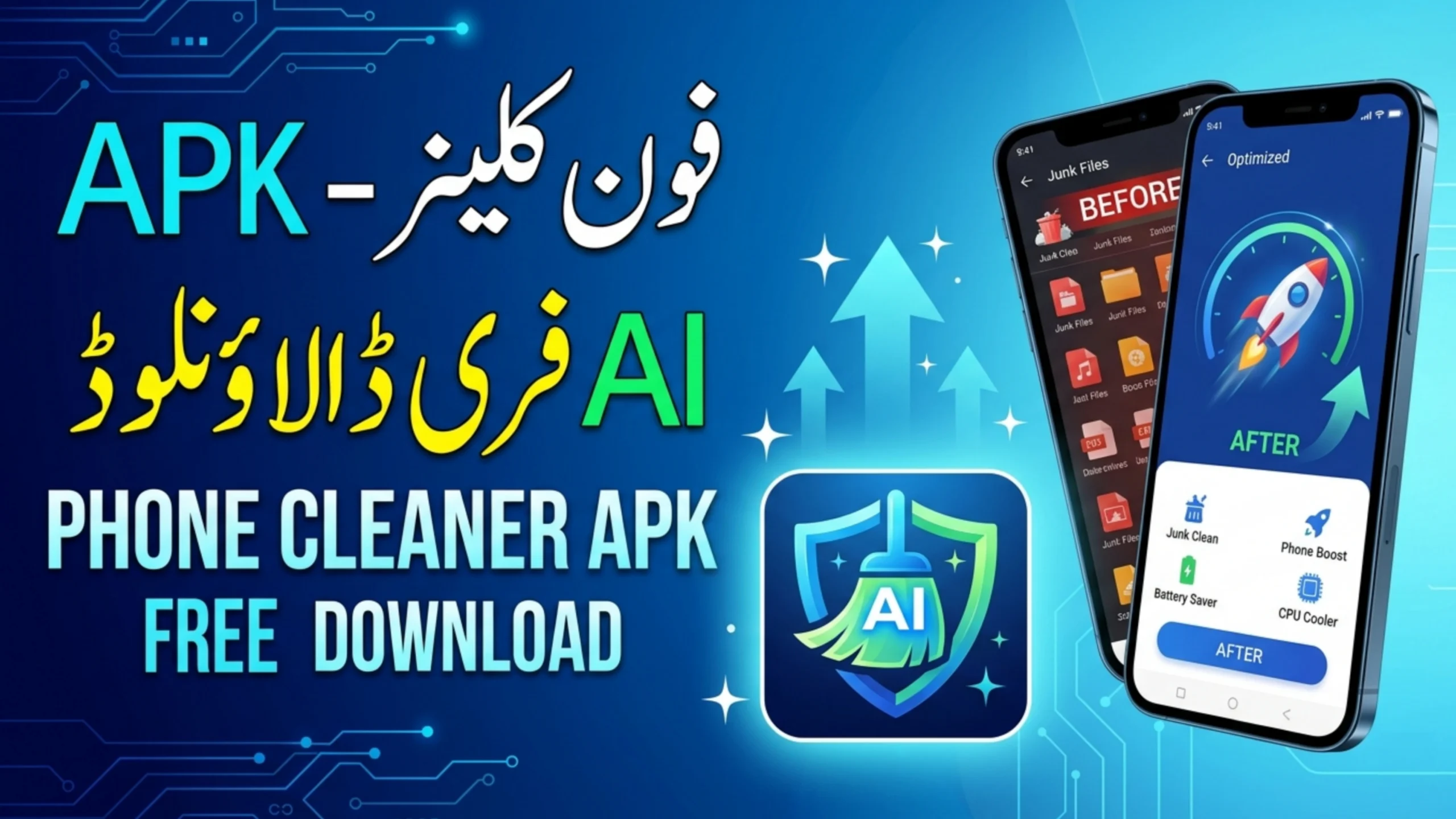
Al Cleaner is a mobile utility app that claims to clean junk files, optimize battery life, cool down your CPU, and boost phone performance. It is available as an APK (Android Package Kit) file for direct download, meaning you do not necessarily need the Google Play Store to install it.
The app has gained some attention in 2026 because of its aggressive marketing on social media and file-sharing sites. The “Al” in the name likely stands for “AI” or “All-in-one,” depending on who you ask. The developers market it as a lightweight solution for budget Android phones that struggle with storage and speed.
According to the app’s description on third-party APK repositories (since it is not widely available on the official Play Store), Al Cleaner includes a junk file cleaner, a battery saver, an app manager, and even a privacy lock. Whether it actually delivers is another story.
Key Features (What the App Claims)
If you read the promotional material for Al Cleaner, it sounds like a miracle worker. Here is what it promises:
1. Junk File Cleaner: It scans for cache files, residual files from uninstalled apps, and temporary data. The claim is that it can free up gigabytes of space with one tap.
2. Battery Saver: It supposedly identifies apps draining your battery and stops them from running in the background.
3. CPU Cooler: A feature that claims to reduce your phone’s temperature by closing background processes.
4. App Manager: It lets you uninstall multiple apps at once, identify rarely used apps, and manage APK files.
5. Privacy Lock: A feature that allows you to lock individual apps with a PIN or pattern.
These features are standard for most cleaner apps. The question is not whether they exist, but whether they work without causing harm.
The Real Question: Is Al Cleaner Safe?
This is where we need to pause. Downloading an APK from outside the Google Play Store always carries risk. Al Cleaner is not listed on the official Play Store as of March 2026. That is a red flag.
When you download an APK from a third-party website, you have no guarantee that the file has not been tampered with. Some modified versions contain malware, adware, or spyware. Once installed, these malicious components can:
- Show intrusive full-screen ads even when you are not using the app.
- Collect your personal data and send it to unknown servers.
- Download other apps without your permission.
- Slow down your phone instead of speeding it up.
A report from Kaspersky Security Bulletin (2025) noted that over 30% of Android malware infections came from third-party app downloads disguised as cleaning or optimization tools. Al Cleaner fits that profile perfectly: a flashy name, big promises, and no official oversight.
If you have already installed Al Cleaner and notice increased battery drain, pop-up ads, or unfamiliar apps appearing, uninstall it immediately.
How to Download Safely (If You Still Want to Try)
If you are determined to test Al Cleaner despite the warnings, here is how to minimize the risk:
Step 1: Only download from a reputable APK repository that scans files for malware. Sites like APKMirror and APKPure have basic verification processes. Avoid random “free download” buttons on sketchy websites.
Step 2: Before installing, go to your phone settings and ensure “Install from unknown sources” is disabled except when you are actively installing. After installation, turn it back off.
Step 3: Check the app permissions before granting them. Al Cleaner does not need access to your contacts, messages, or location to clean junk files. If it asks for those, deny them.
Step 4: Run a security scan using a trusted antivirus app like Malwarebytes or Bitdefender after installation.
Even with these steps, remember that no third-party APK is 100% safe. The safest approach is to use cleaner apps that are available on the official Google Play Store with high ratings and a long history.
Do You Even Need a Phone Cleaner?
Here is a controversial opinion: most Android phones do not need a dedicated cleaner app. Android has built-in storage management tools that do the job without extra apps.
Google Files (Files by Google): This is a free, official app from Google. It offers a “Clean” feature that removes junk files, old screenshots, and duplicate files. It is available on the Play Store, has no ads, and does not drain battery.
Android’s Built-in Storage Tool: On most Android phones, you can go to Settings > Storage > Free up space. The system will suggest clearing cache, removing downloaded files, and uninstalling unused apps. This is safe, simple, and free.
If your phone is constantly running out of space, the real solution is often moving photos and videos to the cloud (Google Photos, OneDrive) or using a microSD card if your phone supports it. A cleaner app only removes temporary files that will come back within days.
The Humorous Reality: What Users Are Saying
On forums like Reddit and XDA Developers, users who have tried Al Cleaner share mixed experiences. One user wrote, “It cleared 2GB of junk, but then it started showing me ads every five minutes. I felt like I traded one problem for another.”
Another said, “The CPU cooler made my phone warm. That’s the opposite of cooling, right?”
The pattern is common: cleaner apps often exaggerate the amount of junk they find. They might show a fake “temperature” reading to make you think the phone is overheating, then “cool it down” by simply killing a few background apps. It is a performance that makes you feel productive while delivering minimal actual value.
Alternatives to Al Cleaner
If you are looking for a reliable phone cleaner, consider these options instead of downloading an obscure APK:
1. Google Files: Clean, simple, and trusted. It also offers file sharing and a neat interface.
2. SD Maid: A well-regarded cleaner for advanced users. It is available on the Play Store and has been around for years. It requires a small one-time payment.
3. CCleaner for Android: The mobile version of the famous PC cleaner. It is on the Play Store and has a free tier.
4. Device Care (Samsung): If you own a Samsung phone, the built-in Device Care app handles storage, battery, and memory optimization without any third-party involvement.
5. Manual Cleanup: Go through your apps, uninstall what you do not use, clear cache for heavy apps like Instagram and Chrome, and delete old downloads. It takes ten minutes and gives you full control.
How to Spot a Fake Cleaner App
The market is flooded with fake cleaner apps that do more harm than good. Here are red flags to watch for:
- The app claims to “boost RAM” in unrealistic ways. Android manages RAM automatically; you cannot magically “free” RAM with a button.
- The app shows exaggerated numbers, like “10,000 MB of junk found” on a phone with only 64GB storage.
- The app asks for unnecessary permissions (contacts, SMS, location).
- The app is not listed on the Google Play Store, or it has a very low rating and many 1-star reviews complaining about ads.
If you see any of these, run away.
Conclusion
The short answer: no. The risks outweigh the benefits. Al Cleaner is not available on the official Play Store, which means it bypasses Google’s security checks. Even if the app itself is harmless, downloading it from third-party sites exposes you to tampered versions that can contain malware.
If you are struggling with storage, use the built-in tools on your phone or install a reputable cleaner from the Play Store. You will get the same cleaning results without risking your privacy or security.
And if you do decide to experiment with Al Cleaner, at least back up your data first. Your photos and contacts are worth more than a few gigabytes of temporary space.