All Mobile Secret Codes APK
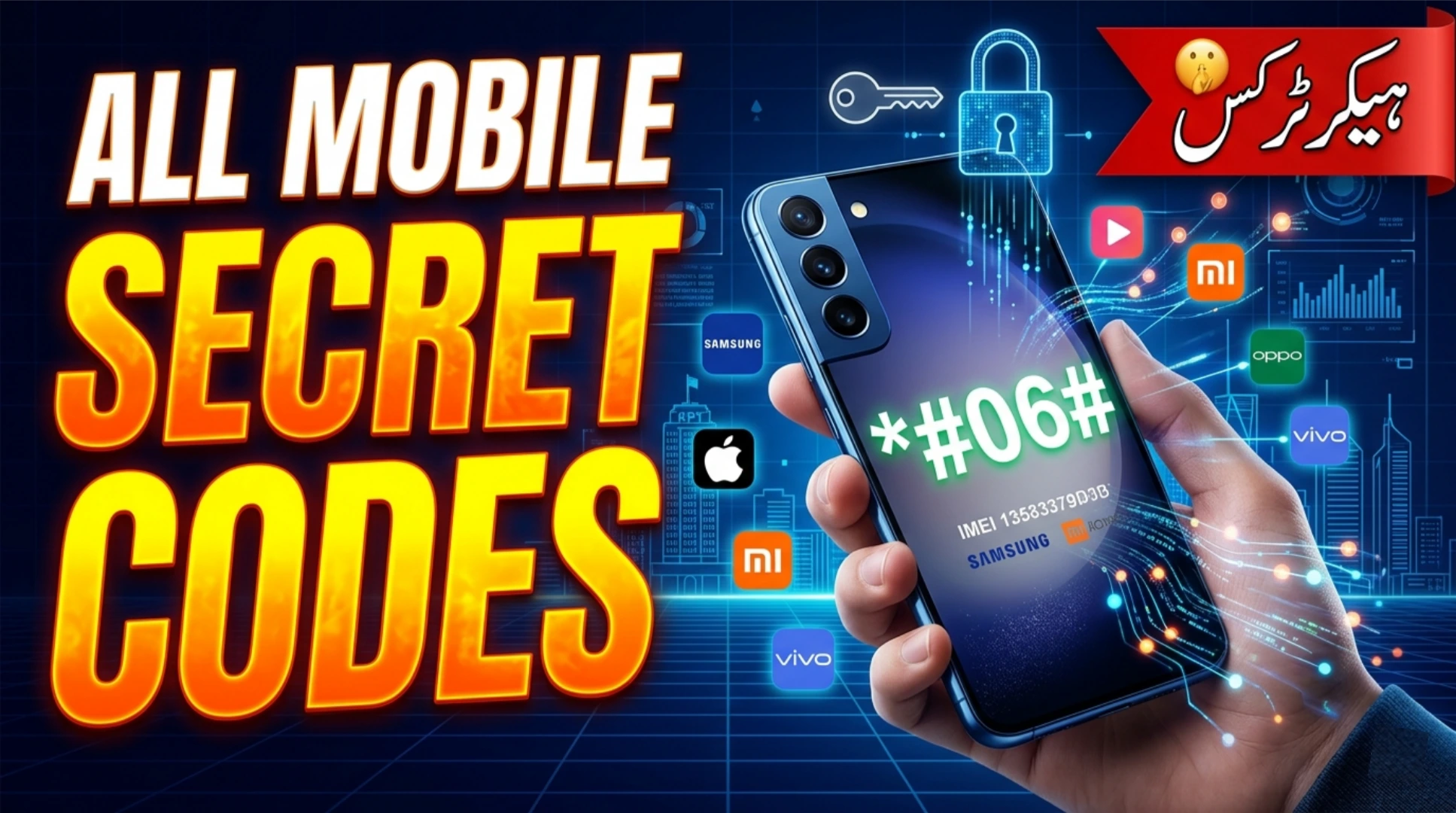
You have seen the videos. Someone taps a few mysterious numbers into their phone dialer, and suddenly a hidden menu appears. Battery stats, antenna info, even a “field test” mode that makes you feel like a spy. It looks cool. It looks powerful. And now there is an app called “All Mobile Secret Codes APK” that promises to put all those codes in one place.
We will break down what secret codes actually are, what this APK claims to do, and whether you should keep it on your phone or kick it out faster than a wrong number call.
What Are Mobile Secret Codes?
Mobile secret codes, also known as USSD codes or service codes, are short number sequences you dial into your phone’s keypad. They perform specific functions that are usually hidden from the average user. Think of them as backstage passes to your phone’s internal systems.
Some common secret codes include:
- *#06# – Displays your phone’s IMEI number (every phone has this).
- *#0*# – On Samsung phones, opens a diagnostic menu to test screen, camera, and sensors.
- *#*#4636#*#* – Shows phone information, battery stats, and usage statistics on many Android devices.
- *#*#34971539#*#* – Camera firmware details (varies by manufacturer).
These codes are built into the phone’s firmware by manufacturers. They are not “secret” in the sense of being hidden from the public they are just not advertised. Most of them are harmless and provide useful information. Some can reset your phone or wipe data if misused.
According to Android documentation, these codes are part of the telephony framework and are intended for testing, diagnostics, and service center use. They are not meant for daily tinkering by regular users, but they exist nonetheless.
What Is “All Mobile Secret Codes APK”?
All Mobile Secret Codes APK is a third-party application that claims to collect and organize hundreds of secret codes for various phone brands. Instead of memorizing codes or searching the internet every time, you open the app, select your phone brand (Samsung, Xiaomi, Oppo, Huawei, etc.), and the app lists all relevant codes. Some versions even include a “one-tap” feature that dials the code for you.
The app is available on the Google Play Store under similar names, but many of the versions floating around as APK files are modified or come from third-party sites. The free version usually contains ads. The “premium” or “unlocked” versions claim to offer more codes and no ads.
On paper, it sounds convenient. Instead of googling “Samsung secret codes” every time your screen acts up, you have a neat little library in one app.
Do You Really Need an App for This?
Here is the honest truth: you probably do not. Your phone already has the ability to dial these codes directly from the dialer. No app required. If you need a code, a quick Google search or a visit to a trusted forum like XDA Developers will give you the exact string to dial.
The convenience of having them in one app is real, but it comes with trade-offs. When you install an app that claims to access “secret” parts of your phone, you are granting it permissions. And not all apps handle those permissions responsibly.
What Permissions Does It Ask For?
Depending on the version, All Mobile Secret Codes APK may request:
- Phone permission: To dial codes automatically.
- Storage permission: To save settings or screenshots of code outputs.
- Location permission: Sometimes requested for “network info” features.
- Internet access: For ads or to fetch new codes from servers.
On the surface, these seem reasonable for an app that dials codes and displays information. But here is the catch: the app can see which codes you are using and potentially capture the outputs. If a malicious version exists, it could record sensitive information like your IMEI, signal data, or even network authentication details that should not leave your device.
A 2025 analysis by the cybersecurity firm ESET noted that several “secret code” apps on third-party sites contained adware that would launch full-screen ads even when the app was not in use. Some versions were found to collect device identifiers and send them to advertising networks without user consent.
What About Modded Versions?
You will find “All Mobile Secret Codes APK Mod Unlocked” versions on various APK sites. These claim to give you the full version with all codes unlocked and no ads. As with previous articles about modded APKs, this is where risk skyrockets.
The modder is an unknown person. You have no idea what they added to the app. Because secret code apps have the ability to dial numbers and access telephony data, a malicious mod could:
- Dial premium-rate numbers in the background, racking up charges on your bill.
- Use your phone to send hidden USSD codes that reset your device or unlock the bootloader (in extreme cases).
- Collect your IMEI, phone number, and location data and sell it to data brokers.
One user on a tech forum shared: “I installed a modded secret codes APK. It worked fine for a day. Then I noticed my phone was sending text messages to an unknown number every few hours. Factory reset fixed it, but I lost my photos.”
If you must use such an app, stick to the official Play Store version. At least that one has been scanned by Google’s security systems.
What Are the Real Secret Codes You Might Actually Use?
Instead of downloading an app, here are a few legitimate codes that work on many Android phones. You can dial them directly from your phone app:
1. IMEI Check: *#06# – Shows your unique device ID. Useful if your phone is lost or stolen.
2. Testing Menu: *#0*# – On Samsung devices, this opens a comprehensive diagnostic suite. You can test colors, touch, sensors, and cameras.
3. Phone Info: *#*#4636#*#* – Opens a menu with phone information, battery stats, and usage statistics. Works on most Android phones.
4. Field Test Mode: *#0011# – On Samsung, shows detailed signal strength and network information.
5. Factory Reset (Caution!): *2767*3855# – This code wipes your phone. Do not use it unless you want to erase everything.
These are just a few. The exact codes vary by manufacturer and even by software version. What works on a Samsung may not work on a Xiaomi. That is why enthusiasts maintain lists online.
Safer Alternatives to a Secret Codes App
If you are curious about your phone’s hidden features but wary of third-party apps, here are safer ways to explore:
- Use the built-in dialer. Search for codes online from trusted sources like XDA Developers or the manufacturer’s own support forums. Write down the ones you use often.
- Use the device’s built-in test menu. Many phones have a hidden test menu accessible via the dialer without any app. Check your manufacturer’s support page.
- Use a reputable hardware info app. Apps like “Device Info HW” or “AIDA64” give you detailed system information without dialing codes. They are available on the Play Store and do not require risky permissions.
These alternatives give you the information you want without installing an app that might do more than it should.
What Users Actually Say
On Reddit and other forums, the consensus is mixed. One user joked, “I downloaded a secret codes app thinking I’d unlock my phone’s hidden superpowers. Turns out the only superpower it gave me was the ability to see 50 ads per hour.”
Another said, “The app showed me a code to test my proximity sensor. I dialed it, and it worked. Then the app showed me an ad for a ‘phone cleaner’ that I definitely did not need. Uninstalled both.”
And then there is the classic: “I accidentally pressed a code that reset my network settings. Lost all my saved Wi-Fi passwords. The app developer did not respond to my email. 1 star.”
The reality is that secret codes are fun to explore, but they are not something you need to access every day. An app dedicated to them often creates more problems than it solves.
How to Spot a Malicious Secret Codes APK
If you still decide to try one, here are red flags to watch for:
- The app asks for permissions that have nothing to do with dialing codes (contacts, camera, microphone).
- The app shows excessive ads, especially full-screen or outside the app.
- The app is not listed on the Google Play Store, or it has a very low rating with complaints about malware.
- The APK file size is significantly larger than the official version (extra code hidden inside).
- The app claims to “unlock” features that require root access but does not ask for root (impossible).
When in doubt, do not install.
Using Verified Sources
If you want to explore secret codes safely, stick to official sources. The Android Open Source Project documentation explains the telephony framework. Manufacturers like Samsung and Xiaomi occasionally publish service codes on their support portals. XDA Developers has comprehensive, community-maintained lists that are regularly updated.
When an app like “All Mobile Secret Codes APK” is promoted with phrases like “unlock hidden features” or “root without root,” treat it with skepticism. No app can give you more access than the operating system allows without proper permissions—and granting those permissions to an unknown app is risky.
Conclusion
If you are looking at the official version on the Google Play Store, it is likely harmless in terms of malware, but it is also mostly unnecessary. You can achieve the same results with a quick web search and your phone’s built-in dialer. The app just adds a layer of ads and permissions you do not need.
If you are looking at a modded APK from a third-party site, avoid it. The convenience of having codes in one place is not worth the risk of adware, spyware, or worse. There are too many stories of people regretting that download.