AppLock PRO – Lock Apps Fingerprint for Android
One name that keeps popping up is AppLock PRO – Lock Apps Fingerprint for Android. It promises to keep your apps behind a fingerprint, a PIN, or a pattern. But before you rush to download an APK from a random website, let us look at what this app actually does, whether you need the “PRO” version, and how to avoid locking yourself out of your own privacy.
What Is AppLock PRO?
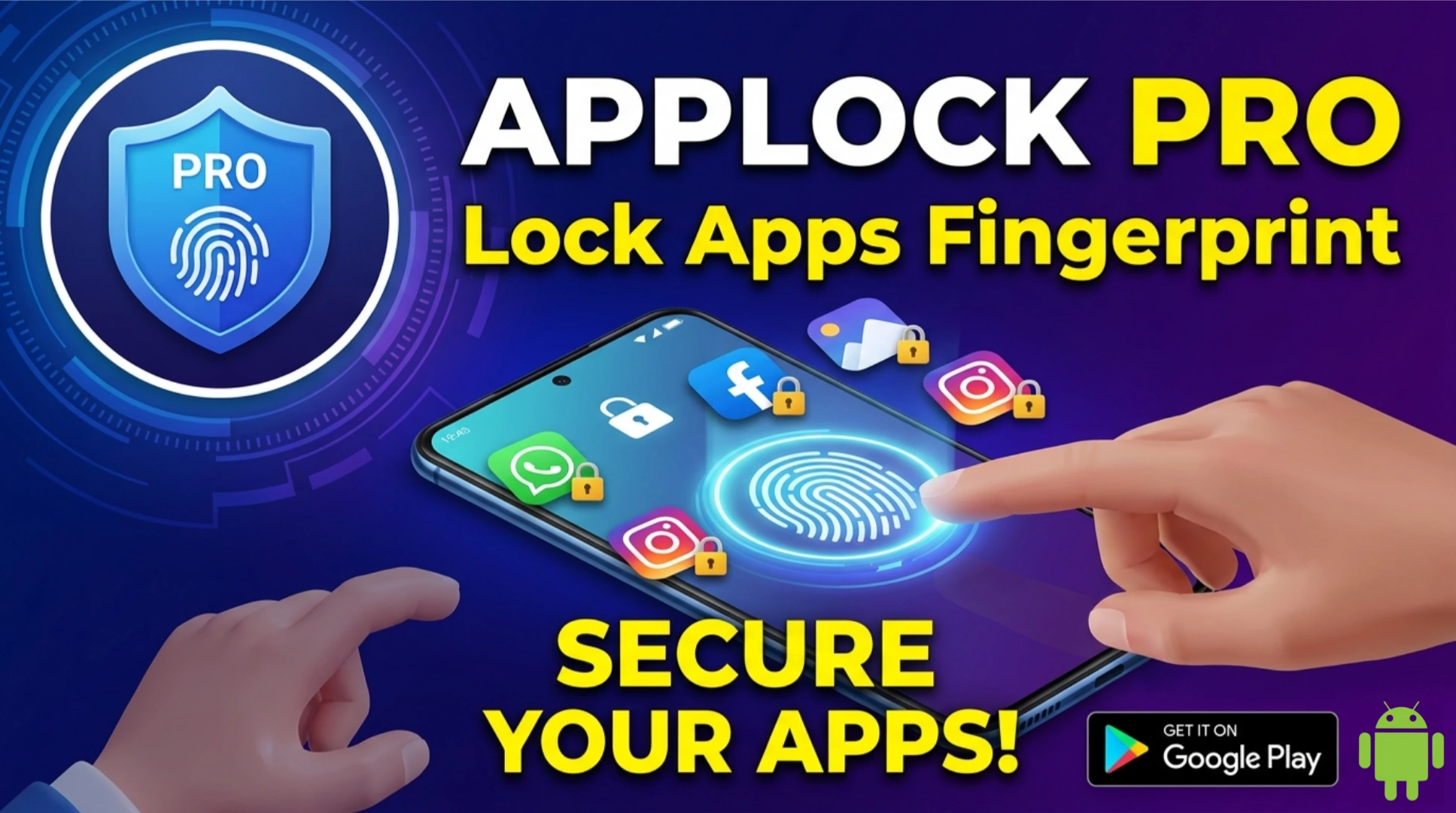
AppLock PRO is a security application developed by SpSoft, a company known for utility apps on Android. The app allows you to lock individual applications with a fingerprint, PIN, pattern, or even a knock code. Once locked, anyone trying to open the app will need to authenticate.
The free version of the app (simply called “AppLock”) includes basic features with ads. AppLock PRO is the premium version that removes ads, adds more themes, and unlocks advanced features like fake cover screens, intruder selfies, and remote lock via SMS.
According to its Google Play Store listing (as of March 2026), the free version has over 100 million downloads and a rating of 4.6 stars. The PRO version is a paid upgrade, usually priced around PKR 300–500 or a small monthly subscription.
Key Features
If you install the official AppLock PRO (either as a paid upgrade or through an in-app purchase), you get a solid set of features. Here is what works, based on user reviews and the developer’s description:
1. Fingerprint Lock: Uses your phone’s biometric sensor to unlock apps. It is fast and convenient. If your device does not have a fingerprint scanner, you can use PIN or pattern.
2. Intruder Selfie: This is a crowd favourite. If someone enters the wrong password multiple times, the front camera takes a photo of the intruder. You can later see who tried to snoop. Many users have shared stories of catching curious friends, siblings, or even parents in the act.
3. Fake Cover: Instead of showing a lock screen, AppLock can show a fake error message or a dummy crash screen. To anyone peeking, it looks like the app simply crashed. You then unlock it with a secret gesture.
4. Time-Based Lock: You can schedule locks. For example, lock social media apps during study hours and automatically unlock them after 6 PM.
5. App Hider: It can hide apps from your app drawer entirely. They become accessible only through AppLock itself.
6. Remote Lock: If your phone is lost, you can send an SMS to lock your sensitive apps remotely.
These features make AppLock one of the most comprehensive app lockers on Android. It is not perfect—some users report occasional lag on older phones—but it does the job.
Why Do People Search for “AppLock PRO APK”?
When you see searches for “AppLock PRO APK” or “AppLock MOD unlocked,” it usually means people want the premium features without paying. The free version of AppLock has ads and lacks some advanced features like fake cover and intruder selfie. The PRO version is a one-time purchase, but many users look for a free workaround.
Here is the problem: the only legitimate way to get AppLock PRO is to download the free app from the Play Store and purchase the upgrade inside the app. Any website offering a standalone “AppLock PRO APK” is distributing a modified (modded) or cracked version.
The Risks of Modded AppLock APKs
An app locker is perhaps the worst kind of app to install from an untrusted source. Think about it: you are installing an app that will control access to your banking apps, your email, your private photos, and your messages. If that app itself is malicious, you are handing the keys to your digital life to a stranger.
Cybersecurity firms have repeatedly warned about fake app lockers. A 2025 report by Trend Micro found that over 30% of third-party app lockers analyzed contained spyware components designed to steal banking credentials. The logic is simple: scammers know that people who download app lockers care about privacy, so they create fake versions that collect exactly what users are trying to protect.
If you download a modded AppLock PRO APK, you might get:
- Adware that shows full-screen ads even when you are not using the app.
- A keylogger that records every PIN you enter—including the one you use to lock your banking app.
- A backdoor that allows the attacker to disable the lock remotely.
- Your personal data (contacts, SMS, photos) silently uploaded to a remote server.
And because app lockers often require “usage access” permission (to detect when an app is opened), a malicious version can monitor everything you do.
The Official App: Is It Safe?
The official AppLock (and AppLock PRO upgrade) from SpSoft is generally considered safe. It has been on the Play Store for over a decade, has millions of downloads, and undergoes regular updates. The app does request “usage access,” which is necessary for it to detect when you open a locked app. This is a legitimate requirement.
However, even the official app is not without controversy. Some users worry about privacy because the app collects analytics data (like which apps are locked) to improve its service. The developer’s privacy policy states that they do not sell personal data, but as with any app, you should review what permissions you grant.
If you use the official version from the Play Store, you are protected by Google’s app verification and you have a clear path to report issues. If you install a modded APK, you lose all those protections.
What Are the Alternatives?
If you want an app locker but prefer to avoid any risk, there are trusted alternatives available on the Play Store:
- Norton App Lock: From the well-known security company. Free, with ads, and uses fingerprint or PIN. No intruder selfie, but very trustworthy.
- Smart AppLock (SpSoft): This is the same as AppLock but a different version. Both are from the same developer.
- AppLock by DoMobile Lab: Another popular option with millions of downloads. It offers similar features, though it has faced privacy concerns in the past.
- Built-in Secure Folder (Samsung) / Private Space (Android): Many phones now have native app hiding features. Samsung’s Secure Folder is a great free alternative that uses Knox security.
For most users, the free versions of these apps are sufficient. The PRO features are nice but not essential.
The Humorous Reality Intruder Selfie Stories
The “intruder selfie” feature has created some legendary moments. One user shared on Reddit: “I caught my little brother trying to get into my Instagram. The selfie showed him with a confused face and a slice of pizza in his hand. I framed it.”
Another said: “My phone took a photo of my mom when she tried to open my WhatsApp. She was wearing a face mask and looked like she was about to interrogate me. I showed her, and she laughed so hard she forgot to be mad.”
These moments are fun, but they also highlight why app lockers matter. Privacy is not about hiding bad things; it is about having boundaries. Even with family, some spaces are yours.
Permissions : What to Look For
When you install any app locker, pay attention to the permissions it requests. The official AppLock asks for:
- Usage Access: To know when you open a locked app. This is essential.
- Notification Access: To hide notifications from locked apps (optional).
- Fingerprint Hardware: To use biometric unlock.
If an app locker asks for permissions like contacts, SMS, camera, or location without a clear reason, that is a red flag. Uninstall it immediately.
How to Download AppLock Safely
If you want to use AppLock PRO, here is the safest path:
Step 1: Open the Google Play Store on your Android device.
Step 2: Search for “AppLock” by SpSoft. Look for the one with the purple lock icon and over 100 million downloads.
Step 3: Install the free version. Test it. If you like it, purchase the PRO upgrade through the in-app option.
Step 4: If you cannot use the Play Store (e.g., on a device without Google services), you can get the official APK from a trusted repository like APKMirror. APKMirror only hosts unmodified apps and verifies signatures. Search for “AppLock SpSoft” there.
Step 5: Avoid any website offering “AppLock PRO APK cracked” or “mod unlocked.” They are almost always malicious.
Conclusion
If you value your privacy and want to keep specific apps away from prying eyes, AppLock is a solid choice. The free version is adequate for most people. The PRO features (intruder selfie, fake cover, remote lock) are convenient but not essential.
What you should absolutely not do is download a modded “PRO” APK from a third-party site. The risk is simply too high. You would be installing an app that controls access to your most sensitive data, from an unknown source, with no accountability. That is like hiring a security guard who might be a thief.