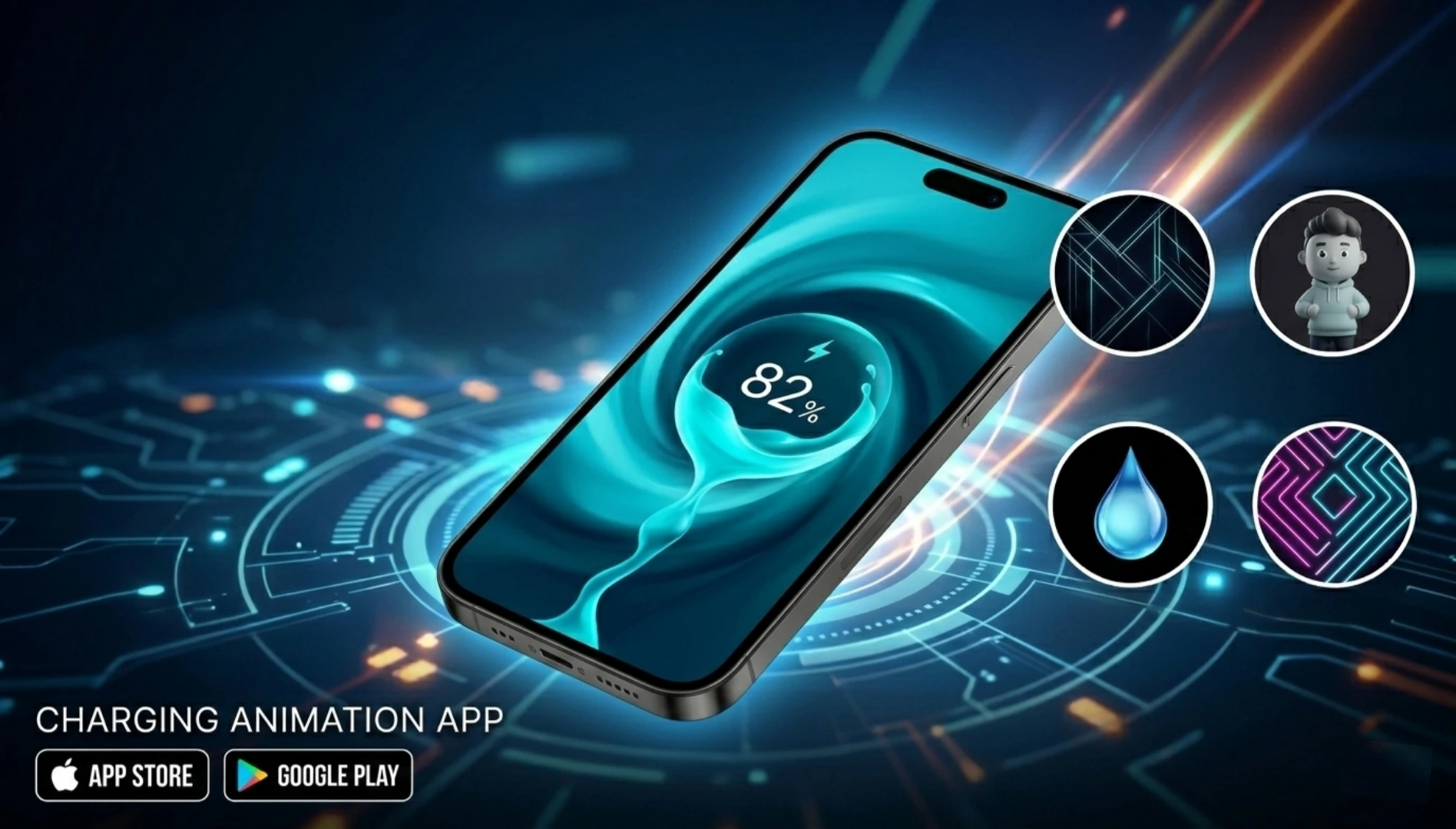
Introduction
In the modern world, smartphones have become extensions of our personalities. From custom launchers to unique wallpapers, Android users love to personalize every aspect of their devices. However, one area that often remains monotonous is the charging screen. For years, we have been staring at the same static battery icon or a simple lock screen notification while our phones power up.
Enter the Battery Charging Animation App for Android. These innovative applications have transformed the mundane act of charging into a visually engaging experience. Whether you want a retro game screen, a live wallpaper, or a digital dashboard that shows real-time stats, these apps turn your charging session into a spectacle. Beyond aesthetics, many of these apps offer practical benefits like charging speed monitors and battery health insights. If you are looking to add some flair to your daily charging routine, this guide will walk you through everything you need to know about these dynamic tools.
What is a Battery Charging Animation App for Android?
A Battery Charging Animation App for Android is a software application designed to replace the default battery indicator with a full-screen, animated interface that activates when you plug your device into a power source. Unlike the standard static icon in the status bar, these apps provide an immersive visual experience.
Typically, these apps utilize the “Screen saver” or “Daydream” features native to Android, or they run as an overlay service. When the device detects that it is connected to a charger, the app triggers a custom animation. This can range from simple 3D rotating battery icons to complex interactive scenes, such as a retro Pokémon-style healing screen, a digital aquarium, or an analog gauge showing voltage and temperature.
These applications are not just about looks; they often serve a dual purpose. By providing detailed analytics such as estimated time to full charge, current battery temperature, and charging amperage, they help users monitor the health and efficiency of their batteries. In essence, this type of app merges utility with entertainment, making the waiting time for a full charge feel shorter and more enjoyable.
How to Use a Battery Charging Animation App?
Setting up a Battery Charging Animation App for Android is generally a straightforward process, though it can vary slightly depending on the specific app and your Android version, particularly Android 13 and 14, which have stricter background permissions. Here is a step-by-step guide on how to get these animations running:
Download and Install: First, download your chosen animation app from the Google Play Store.
Grant Necessary Permissions: Most apps will require specific permissions to function correctly. The most common is Notification Access. This allows the app to detect when the charging notification appears, triggering the animation. Other apps may request Display over other apps permission to show the animation on top of the lock screen.
Set as Default Screen Saver (The Traditional Method): Open the app and look for a setting like “Set as Daydream” or “Set as Screen Saver.” Navigate to your phone’s Settings, then Display, then Screen saver or Daydream. Select the newly installed app as your active screen saver. Configure the screen saver to start when “Charging” or “Docked.”
Using Overlay Mode (The Modern Method): Many newer apps bypass the screen saver function by using an overlay. Once permissions are granted, the app runs in the background. When the charger is connected, it automatically launches the animation on top of your lock screen or home screen.
Customization: After setup, dive into the app’s settings to choose your preferred animation style, adjust brightness levels while charging, and toggle sound effects on or off.
Once configured, simply plug in your phone, and your chosen animation will spring to life.
Features of a Top-Tier Battery Charging Animation App
The best apps in this category offer much more than just a pretty face. When selecting a Battery Charging Animation App for Android, look for these standout features to ensure you get the best experience:
Diverse Animation Library: A high-quality app will offer a wide variety of animations. Look for options like retro gaming screens such as PAC-Man or Mario, nature scenes including rainforests or aquariums, sci-fi interfaces like Iron Man arc reactor or cyberpunk grids, or minimalist digital clocks.
Real-Time Battery Statistics: Functionality is key. Premium apps display crucial data directly on the animation screen, including battery percentage, temperature, voltage, health status, charging current measured in mA, and estimated time to full charge.
Customizable Triggers: You should be able to control when the animation activates. The best apps allow you to set it to trigger only when connected to a specific charger, whether AC versus USB, or only during certain times of the day such as not at night.
Full-Screen Immersion: The animation should seamlessly cover the entire screen, hiding the navigation bar and status bar for a truly immersive experience.
Sound Effects and Music: Some apps enhance the visual experience with sound effects or the option to play your own music in the background while the animation runs.
Battery Health Alerts: Advanced apps can monitor your charging habits and alert you if the battery temperature gets too high or if you should unplug the charger to prevent over-stressing the battery.
How to Download the Best Battery Charging Animation App?
Downloading a Battery Charging Animation App for Android is safe and easy, provided you stick to official sources. The Google Play Store is the most secure repository for these applications. Here is how to find and download a reliable one:
Open the Google Play Store: Locate the Play Store icon on your Android device and tap to open it.
Use Specific Search Terms: In the search bar, type relevant keywords. While “Battery Charging Animation App for Android” is a great starting point, you might also try “Charging animation,” “Battery screen saver,” or “Charge effects.”
Evaluate the Results: Check ratings and reviews by looking for apps with a rating of 4.0 stars or higher. Read the recent reviews to see if users are reporting bugs or success with the latest Android versions. Review the download count as an app with over a million downloads is generally more reliable than one with only a few thousand. Read the description to ensure the app lists features that are important to you and confirms compatibility with your Android version.
Tap Install: Once you have found the right app, tap the “Install” button. The app will download and install automatically.
Open and Configure: After installation, tap “Open” and follow the in-app setup guide to grant permissions and choose your animation.
Caution: Avoid downloading APK files from third-party websites, as these can sometimes contain malware or adware disguised as animation apps.
Alternative Options to Dedicated Apps
While dedicated applications are the most common way to get charging animations, there are alternative methods to achieve similar visual feedback without installing a specific animation app:
Custom Launchers with Plugins: Some advanced launchers, like Nova Launcher or KLWP which is Kustom Live Wallpaper Maker, allow for deep customization. With the right plugins and themes, you can create a custom charging screen that activates when the device is plugged in.
Always on Display (AOD): Modern Android phones, particularly from Samsung, OnePlus, and Google Pixel, come with robust Always on Display features. While not a full-screen animation, many AOD settings allow you to display a colorful battery bar or a fun graphic when the phone is charging. You can often customize this in Settings, then Lock screen, then Always on Display.
Third-Party Widgets: If you do not want a full-screen takeover, you can use KWGT which is Kustom Widget Maker to place a small, animated battery widget on your home screen that changes appearance or shows charging speed when the cable is connected.
ROM Mods: For users with rooted devices or custom ROMs like LineageOS, charging animations can often be baked directly into the system firmware, offering a seamless and integrated experience.
Cons & Pros of Using Charging Animation Apps
Like any third-party software, using a Battery Charging Animation App for Android comes with its own set of advantages and disadvantages. Understanding these can help you decide if this customization is right for you.
Pros
Enhanced Aesthetics: The primary benefit is visual. It breathes new life into the boring charging routine and allows for deep personalization.
Utility and Information: Many apps provide valuable real-time data about your battery’s health, temperature, and charge speed, helping you diagnose charging issues.
Entertainment: Animations can be fun and nostalgic, providing a brief moment of joy or distraction every time you plug in your phone.
Ambient Display: Some animations double as a dim nightlight or a clock, making them useful for a bedside table.
Cons
Battery Drain (Irony Alert): The most significant drawback is the potential for battery drain. The app uses power to run the animation while you are trying to charge. If the animation is bright and complex, your phone might charge significantly slower.
Notification Clutter: Constant background activity and notification access can sometimes lead to notification spam from the app itself.
Permission Requirements: Some users are uncomfortable granting “Display over other apps” or “Notification access” permissions, citing privacy concerns.
Compatibility Issues: With each new Android update, Google restricts background activities. Some animation apps may stop working correctly after a system update until the developer releases a patch.
Ads and In-App Purchases: Many free animation apps are ad-supported, which can interrupt the experience. Access to the best animations often requires a one-time purchase or a subscription.
Conclusion
The world of Android customization is vast, and the Battery Charging Animation App for Android is a perfect example of how software can enhance the hardware experience. These apps successfully blend form and function, turning a passive activity into an interactive and informative session. Whether you are a tech enthusiast wanting to monitor voltage curves or simply someone who loves the aesthetic of a retro game screen while their phone juices up, there is an animation app out there for you.
However, it is important to choose wisely. Look for well-reviewed apps on the Play Store that respect your privacy and offer a good balance between visual flair and battery efficiency. By doing so, you can enjoy a phone that not only powers your day but also looks good doing it. So, why settle for a static bolt icon when you can charge into a cyberpunk city or watch a kitten nap while your battery fills up? Give one a try and transform your charging experience today.