PakWheels The Complete Guide
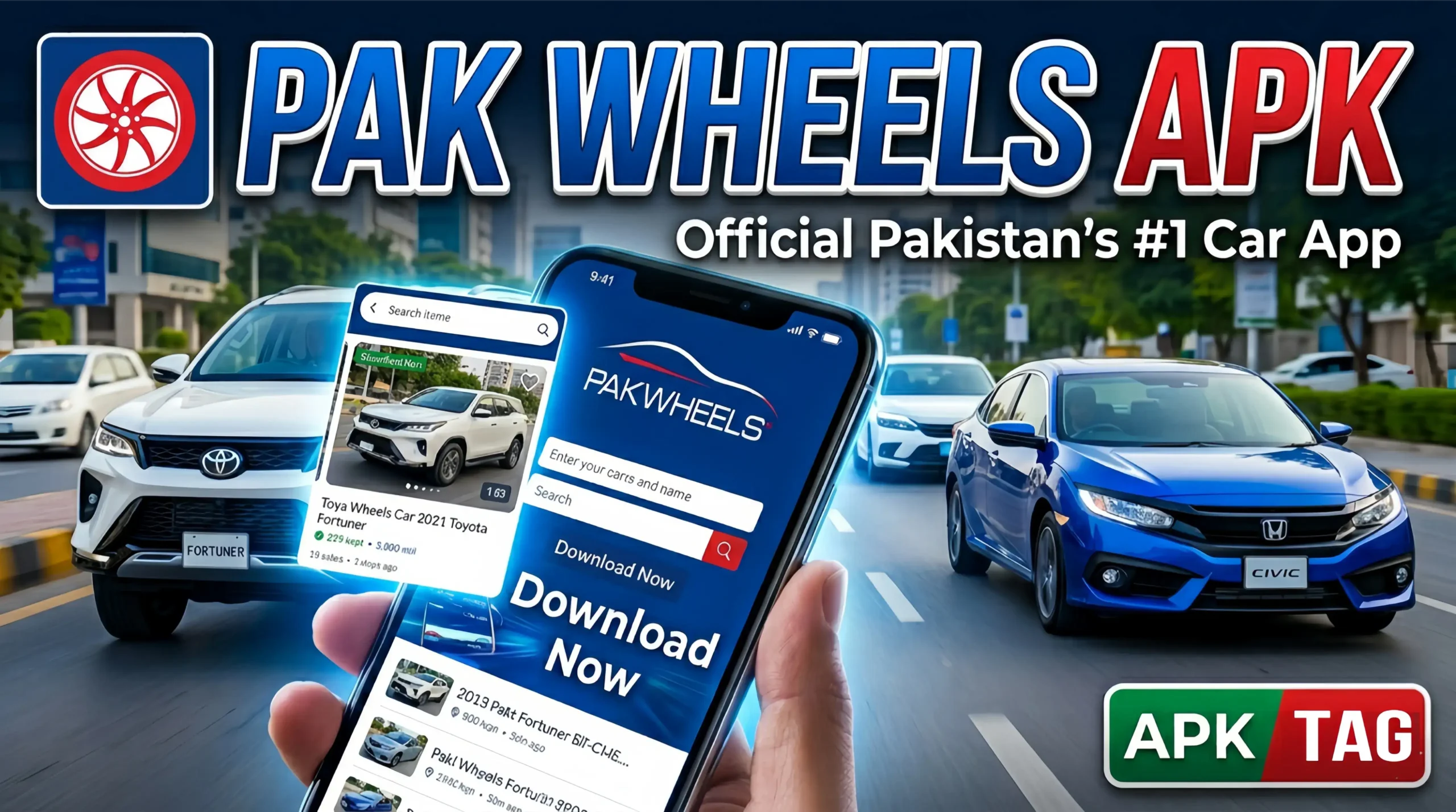
PakWheels is Pakistan’s largest automotive marketplace. It connects car buyers, sellers, and enthusiasts across every city in the country. The PakWheels APK brings the full platform to your Android phone, giving you access to used car listings, new car prices, bike listings, auto parts, and a massive community forum directly from your mobile device. This article covers what the app offers, how to download and use it, its key features, and how to get the most from the platform.
What Is PakWheels APK?
PakWheels APK is the official Android application for PakWheels.com, Pakistan’s most visited automotive website. It launched as a car listing platform and expanded over two decades into a comprehensive automotive ecosystem covering new and used cars, motorcycles, auto parts, car reviews, price tracking, and community discussion.
The app serves several distinct user groups:
- Private sellers listing their personal vehicles for sale
- Individual buyers searching for used cars within their budget
- Professional dealers managing dealership inventory listings
- Motorcycle buyers and sellers across all bike categories
- Auto parts buyers sourcing replacement components
- Car enthusiasts following automotive news and reviews
- People checking current market prices before buying or selling
PakWheels processes thousands of vehicle listings daily. Its database covers vehicles from every major manufacturer sold in Pakistan alongside grey market imports, hybrid vehicles, and electric cars entering the Pakistani market.
Key Features
1. Used Car Search and Listings
The core feature. PakWheels maintains one of the largest used car databases in Pakistan. Search filters let you narrow listings precisely:
- Make and model selection covering all Pakistani market vehicles
- Year range from classic to current models
- Price range in Pakistani Rupees
- Mileage range for condition filtering
- City selection covering all major Pakistani cities and surrounding areas
- Transmission type: Manual or automatic
- Fuel type: Petrol, diesel, CNG, hybrid, or electric
- Color preference
- Seller type: Individual or dealer
Each listing displays photos, complete vehicle details, seller contact information, listing date, and location. Verified seller badges indicate accounts that completed PakWheels’ identity verification process.
2. New Car Prices and Information
PakWheels maintains a comprehensive new car price database updated with every manufacturer price revision. The new car section covers:
- Current ex-factory prices for all locally assembled vehicles
- Import duties and total on-road price estimates for grey imports
- Variant comparison showing feature differences between trim levels
- Waiting period information for high-demand models
- Color availability by variant
- Detailed specifications including engine, transmission, dimensions, and features
This makes PakWheels the first stop for buyers researching new car purchases before visiting a dealership.
3. Bike Listings
PakWheels covers the motorcycle market alongside cars. The bike section includes:
- Used motorcycle listings from 70cc commuter bikes to large displacement sports bikes
- New bike prices for all major brands: Honda, Yamaha, Suzuki, United, Ravi, and others
- Chinese brand bikes with pricing and availability
- Electric motorcycle and scooter listings
- Bike parts and accessories
Motorcycle search filters match the car search system: make, model, year, price, city, and condition.
4. Auto Parts and Accessories
The auto parts section connects buyers with parts sellers across Pakistan. Search for specific parts by vehicle make and model. Listings include:
- OEM replacement parts from dismantled vehicles
- Aftermarket parts from local and imported suppliers
- Accessories including audio equipment, lighting, and exterior modifications
- Tyres and wheels
- Workshop tools and equipment
This section benefits buyers who cannot find specific parts through local markets and sellers who specialize in parts from specific vehicle models.
5. PakWheels Price Checker
One of the most used tools on the platform. Enter any vehicle’s details: make, model, year, variant, mileage, and city. The Price Checker returns:
- Current market price range based on active listings
- Average asking price for similar vehicles
- Price comparison against similar vehicles currently listed
- Historical price trend showing whether values have increased or decreased recently
This tool protects buyers from overpaying and helps sellers price competitively. Run a Price Checker search before agreeing to any used vehicle transaction.
6. Car Reviews and Comparisons
PakWheels produces original automotive content including:
- Professional car reviews covering new model launches and popular used cars
- Video reviews accessible through the app
- Side-by-side car comparisons for buyers deciding between two models
- Owner reviews submitted by PakWheels community members sharing real ownership experiences
- Fuel economy reports from owner submissions
This content helps buyers make informed decisions based on real Pakistani driving conditions rather than international reviews that may not reflect local road quality, fuel quality, or climate conditions.
7. PakWheels Forums
The forum section connects Pakistan’s automotive community. Active discussion threads cover:
- Model-specific ownership groups sharing maintenance tips and problems
- Buying advice threads where community members evaluate specific vehicles
- Modification and customization discussions
- Fuel economy comparisons across different ownership conditions
- Import and customs discussion for grey market vehicles
- Workshop recommendations by city
Forum activity makes PakWheels more than a listing platform. The community knowledge base represents decades of Pakistani automotive ownership experience.
8. Sell Your Car
The app includes a complete car listing tool for private sellers. Add your vehicle listing entirely from your phone:
- Enter vehicle details manually or search by registration number where supported
- Photograph your vehicle using the app’s camera with framing guidelines
- Set your asking price with reference to the Price Checker
- Choose your listing duration and package
- Manage inquiries through the app’s messaging system
Listing packages vary from basic free listings to featured placements that increase visibility in search results.
9. Saved Searches and Alerts
Save your search parameters and receive push notifications when new listings matching your criteria appear. If you are searching for a specific Toyota Corolla variant within a price range in Lahore, the alert system notifies you the moment a matching listing goes live. This advantage matters in Pakistan’s fast-moving used car market where desirable vehicles sell within hours of listing.
10. Dealer Directory
Find verified used car dealers in your city with complete contact information, location maps, and inventory listings. The dealer directory helps buyers who prefer purchasing through established businesses rather than private sellers. Dealer profile pages show their full PakWheels inventory, location, and contact details.
How to Download PakWheels APK
From Google Play Store
The safest and recommended method.
- Open Google Play Store on your Android phone
- Search “PakWheels” in the search bar
- Select the app published by PakWheels.com
- Verify the developer name shows PakWheels.com before installing
- Check the rating and download count
- Tap Install
- Open the app after installation completes
- Create an account or browse as a guest
From PakWheels Official Website
PakWheels also distributes the APK directly through pakwheels.com.
- Open pakwheels.com on your phone browser
- Navigate to the app download section
- Tap the Android download link
- Go to Settings, Security, enable Install from Unknown Sources
- Open the downloaded APK from your file manager
- Tap Install
- Open the app after installation
Only download from pakwheels.com directly. Avoid third-party APK sites distributing files claiming to be the PakWheels app. A fake PakWheels APK collects your personal information and contact details under the guise of legitimate automotive listings.
How to Use PakWheels Effectively
Searching for a Used Car
Open the app. Tap the Cars section. Use the search filters to define your requirements precisely. Set a realistic price range based on your budget. Select your city to see locally available vehicles first.
Sort results by newest listing first to see recently posted vehicles. The best deals on PakWheels sell quickly. Setting up a saved search alert ensures you see new listings immediately rather than checking manually throughout the day.
Evaluating a Listing
Before contacting a seller, review the listing thoroughly. Check every photo for signs of accident damage, repair work, or rust. Read the description carefully for mentions of modifications, problems, or reasons for selling.
Cross-reference the asking price against the PakWheels Price Checker for the same make, model, year, and variant. A listing priced significantly below market value warrants extra scrutiny. Very low prices often indicate hidden problems, documentation issues, or outright fraud attempts.
Contacting a Seller Safely
Use the in-app call or message function to contact sellers. This keeps your inquiry logged within the platform. Ask the seller these specific questions before visiting:
- Is the registration in your name? How long have you owned it?
- Is the vehicle original or has it been in an accident?
- Is the engine number and chassis number clear and matching documents?
- Is there any remaining bank loan or leasing against the vehicle?
- Can I bring my own mechanic for inspection?
A legitimate seller answers all of these questions without hesitation. Reluctance to answer any of these questions is a red flag worth investigating before making any payment.
Inspecting Before Purchase
Never complete a used car purchase without a mechanical inspection. PakWheels offers its own PakWheels Inspection Service in major cities. A certified inspector examines the vehicle and produces a detailed report covering:
- Structural and accident damage assessment
- Engine and transmission condition
- Electrical system check
- Interior and exterior condition rating
- Document verification
The inspection report gives you objective third-party verification of the vehicle’s condition before committing your money. Request a PakWheels inspection through the app on any listing that interests you seriously.
Listing Your Car for Sale
Tap Sell Your Car from the app home screen. Select your vehicle make, model, year, and variant. Add your asking price. The app suggests a price range based on current market data. Take photos following the app’s framing guidelines: front, rear, both sides, interior, dashboard, engine, and odometer.
Write a description that covers the vehicle’s key selling points and any known issues honestly. Honest listings attract serious buyers and reduce wasted time from buyers who discover problems during inspection.
Conclusion
Download the PakWheels app from Google Play Store. Create an account with your mobile number. Set up saved search alerts for your target vehicle before anything else. Use the Price Checker before visiting any seller to confirm the asking price is realistic.
When you find a promising listing, contact the seller through the app, ask the key ownership and condition questions, and book a PakWheels Inspection before committing any money. The inspection fee represents a small fraction of any vehicle purchase price and protects you from buying a vehicle with serious hidden problems.