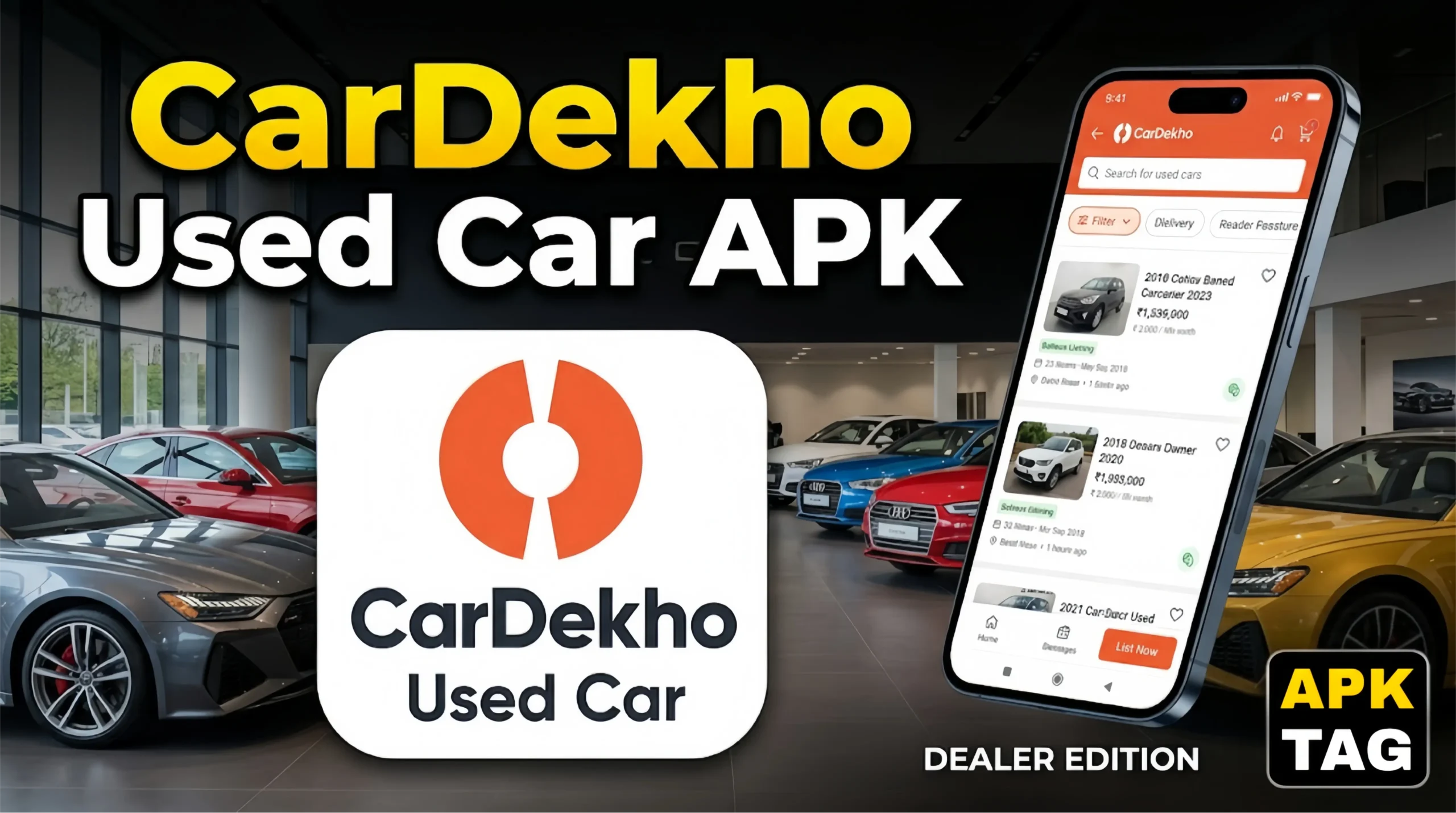
CarDekho Used Car APK (Dealer Only) for Android
CarDekho is one of India’s largest automotive marketplaces with over 60 million monthly users. Beyond its consumer-facing platform, CarDekho operates a dedicated dealer ecosystem for used car professionals. The CarDekho Used Car Dealer APK gives registered dealers direct access to inventory management, lead tracking, buyer connections, and pricing tools built specifically for the used car trade.
What Is CarDekho Used Car Dealer APK?
CarDekho Used Car Dealer APK is a professional Android application designed exclusively for verified used car dealers registered on the CarDekho dealer network. It is not a consumer browsing app. It functions as a business management tool for dealers who list, price, and sell used vehicles through the CarDekho platform.
The app serves dealers across India who handle used car inventory professionally. It connects them directly with CarDekho’s massive buyer base, provides real-time market pricing data, manages incoming buyer leads, and streamlines the listing process for individual vehicles.
Why Dealers Use CarDekho’s Dedicated Platform
India’s used car market is one of the fastest-growing automotive segments globally. Used car sales in India crossed 4.4 million units annually in recent years and continue growing faster than new car sales. Dealers who manage this volume need professional tools beyond the standard consumer app.
Key Features
1. Inventory Management Dashboard
The central feature for active dealers. Your complete vehicle inventory displays in one organized view. Each listing shows:
- Vehicle details: Make, model, year, variant, and color
- Listing price and suggested market price comparison
- Current listing status: Active, paused, sold, or pending inspection
- Days on inventory counter showing how long each vehicle has been listed
- View count and inquiry count per vehicle
- Listing quality score indicating completeness of each vehicle’s information
Manage your entire stock from this single screen. Update prices, pause listings, mark vehicles as sold, and monitor performance without navigating between individual vehicle pages.
2. Quick Vehicle Listing
Adding new inventory to CarDekho through the dealer app takes significantly less time than the consumer listing process. The app streamlines data entry for professional dealers:
Enter the vehicle registration number. The app automatically fetches available vehicle details from registration databases including make, model, year, and variant. You verify pre-filled information and add dealer-specific details: your asking price, condition notes, service history status, and any accessories included.
Photo capture happens directly within the app. Guidelines appear on screen showing optimal framing for each required photo: front three-quarter, rear three-quarter, interior, dashboard, engine bay, and odometer. The app flags missing photos and substandard image quality before submission.
3. Lead Management System
Every buyer inquiry on your CarDekho listings appears in the lead management section. Each lead shows:
- Buyer name and contact information
- Specific vehicle they inquired about
- Time and date of inquiry
- Inquiry source: Direct call, WhatsApp message, or form submission
- Lead status: New, contacted, follow-up pending, converted, or lost
Response time tracking matters significantly on CarDekho’s platform. Faster response rates improve your dealer ranking and increase the likelihood of your listings appearing prominently in search results. The app sends push notifications for every new lead so you respond quickly from anywhere.
4. Market Pricing Intelligence
CarDekho processes thousands of used car transactions monthly across India. This transaction data feeds into their pricing intelligence system, which the dealer app surfaces as a pricing tool.
Enter any vehicle’s details: make, model, year, variant, mileage, and city. The app returns:
- Current market price range for similar vehicles in your city
- Average asking price from competing dealers
- Average transaction price showing what buyers actually pay
- Price trend over the past 30, 60, and 90 days indicating whether values are rising or falling
- Recommended listing price based on your vehicle’s specific condition and mileage
This data helps you price competitively without underpricing profitable inventory or overpricing stock that sits unsold.
5. CarDekho Inspection Integration
CarDekho offers professional vehicle inspection services through their partner network. Dealers initiate inspection requests directly through the app for vehicles they want to list as CarDekho Certified. The inspection covers:
- Mechanical condition assessment
- Accident history verification
- Odometer authenticity check
- Document verification including RC, insurance, and service history
Certified vehicles display a CarDekho Certified badge on listings, increasing buyer confidence and typically commanding higher prices than uncertified alternatives.
6. Performance Analytics
The analytics section shows your dealership’s performance across key metrics:
- Total listing views across your inventory
- Lead volume by day, week, and month
- Response rate and average response time
- Conversion rate from inquiry to sale
- Top-performing listings by view count and inquiry volume
- Comparison against CarDekho’s dealer network average benchmarks
These metrics identify which vehicles attract the most buyer interest, which listings need better photos or pricing adjustments, and how your dealership performs relative to competitors on the platform.
7. WhatsApp Integration
The app integrates with WhatsApp Business for lead communication. Buyer inquiries route directly to your WhatsApp Business number. Pre-built response templates help you respond to common inquiries quickly: vehicle availability confirmation, inspection invitation, test drive scheduling, and price negotiation openings.
8. Document Management
Store and access vehicle documents within the app for each inventory item:
- Registration Certificate
- Insurance documents
- Service history records
- NOC documents for out-of-state vehicles
- Hypothecation clearance certificates
Having documents organized within the app speeds up buyer verification requests and reduces the time between agreement and transaction completion.
9. Bidding and Auction Access
CarDekho operates vehicle auction services for dealer sourcing. Registered dealers access upcoming auction listings through the app, review vehicle condition reports before bidding, and participate in auctions directly from their phones. This provides a sourcing channel beyond individual customer trade-ins and walk-ins.
How to Access CarDekho Used Car Dealer APK
The CarDekho dealer app is not available to the general public through the standard Google Play Store consumer listing. Access requires dealer registration with CarDekho.
Step 1: Register as a CarDekho Dealer
Visit cardekho.com and navigate to the dealer registration section. Alternatively, contact CarDekho’s dealer onboarding team directly through their business helpline.
Registration requires:
- Business registration documents: GST certificate, trade license, or shop establishment certificate
- Dealer’s CNIC or Aadhaar for identity verification
- Business address proof
- Bank account details for transaction settlements
- Dealership photos showing your physical premises
CarDekho’s onboarding team verifies your documentation and activates your dealer account. Processing typically takes 3 to 7 business days.
Step 2: Download the Dealer App
After your dealer account activates, CarDekho provides the dealer app download link through:
- Direct APK link sent to your registered email
- Download instructions provided by your CarDekho account manager
- The CarDekho dealer portal at dealer.cardekho.com
Because the app targets verified dealers rather than general consumers, it may not appear in standard Google Play Store searches. CarDekho distributes it through their dealer portal and direct communication channels.
Step 3: Install the APK
If CarDekho provides the app as a direct APK download rather than a Play Store link:
- Go to Settings on your Android phone
- Tap Security or Privacy
- Enable “Install from Unknown Sources” or enable it for your browser
- Download the APK from CarDekho’s official dealer portal link
- Open the downloaded file from your file manager
- Tap Install
- Open the app after installation completes
Only download from the link provided by CarDekho directly or from dealer.cardekho.com. Do not download files claiming to be the CarDekho dealer app from third-party APK sites.
Step 4: Log In With Dealer Credentials
Open the app. Enter your registered dealer mobile number. Verify with the OTP sent to your number. Your dealer account loads with your existing inventory and settings if you are an existing CarDekho dealer migrating to the app.
How to Use the Dealer App Effectively
Listing New Inventory Efficiently
Photograph vehicles immediately when they arrive at your dealership. The app’s photo guidelines ensure you capture every required angle in optimal quality on the first attempt. Complete all vehicle information fields including service history status, accident history, and modification details.
Complete listings with all fields filled and high-quality photos receive significantly more views than incomplete listings. The app’s listing quality score identifies exactly which fields need attention before you submit.
Responding to Leads Quickly
Enable push notifications for new leads. Set a personal target of responding to every new inquiry within 15 minutes. CarDekho’s algorithm rewards dealers with faster response times by showing their listings more prominently in search results.
Use the WhatsApp integration for initial contact. Text communication converts better than cold calls for first buyer contact on marketplace platforms. Follow up with a call only after establishing initial text conversation.
Pricing for Market Conditions
Check the pricing intelligence tool before listing every new vehicle. Market prices for specific models fluctuate based on supply, season, and new model launches. A vehicle worth Rs. 6 lakh three months ago may have dropped to Rs. 5.5 lakh if a refreshed model launched recently. Pricing based on current market data sells vehicles faster than pricing based on your purchase cost alone.
Monitoring Underperforming Listings
Check analytics weekly. Listings with high view counts but low inquiry volumes indicate a pricing problem. The vehicle attracts browser interest but not serious buyer engagement, usually because the price is above what buyers consider reasonable for that specific vehicle.
Listings with low view counts indicate a visibility problem. Review the listing quality score, check whether the photos meet CarDekho’s standards, and confirm the vehicle details are complete and accurate.
CarDekho Dealer Subscription Plans
CarDekho offers dealer subscription plans that determine your listing limits, featured placement access, and lead volume. Subscription tiers vary by:
- Maximum number of active listings simultaneously
- Featured listing placements for premium search visibility
- Lead allocation and quality guarantees
- Access to CarDekho’s certified inspection service
- Analytics depth and reporting frequency
- Dedicated account manager support level
Contact CarDekho’s dealer sales team for current subscription pricing as plans update periodically based on market conditions and platform changes.
Conclusion
Visit cardekho.com and begin your dealer registration if you are not already a registered CarDekho dealer. Prepare your business registration documents, GST certificate, and premises photos before starting the application to complete it in a single session.
Your CarDekho dealer presence connects your inventory to one of India’s largest active used car buyer bases from the moment your first listing goes live.