Unseen Messenger APK – Read Messages
Privacy in messaging is a real concern. You want to read a message on your own timeline without alerting the sender. Unseen Messenger APK solves this specific problem. It lets you read incoming messages from WhatsApp, Facebook Messenger, Telegram, Instagram, and other platforms without triggering read receipts or typing indicators.
This guide covers what the app does, how it works, how to install it, and what risks you need to weigh before using it.
What Is Unseen Messenger APK?
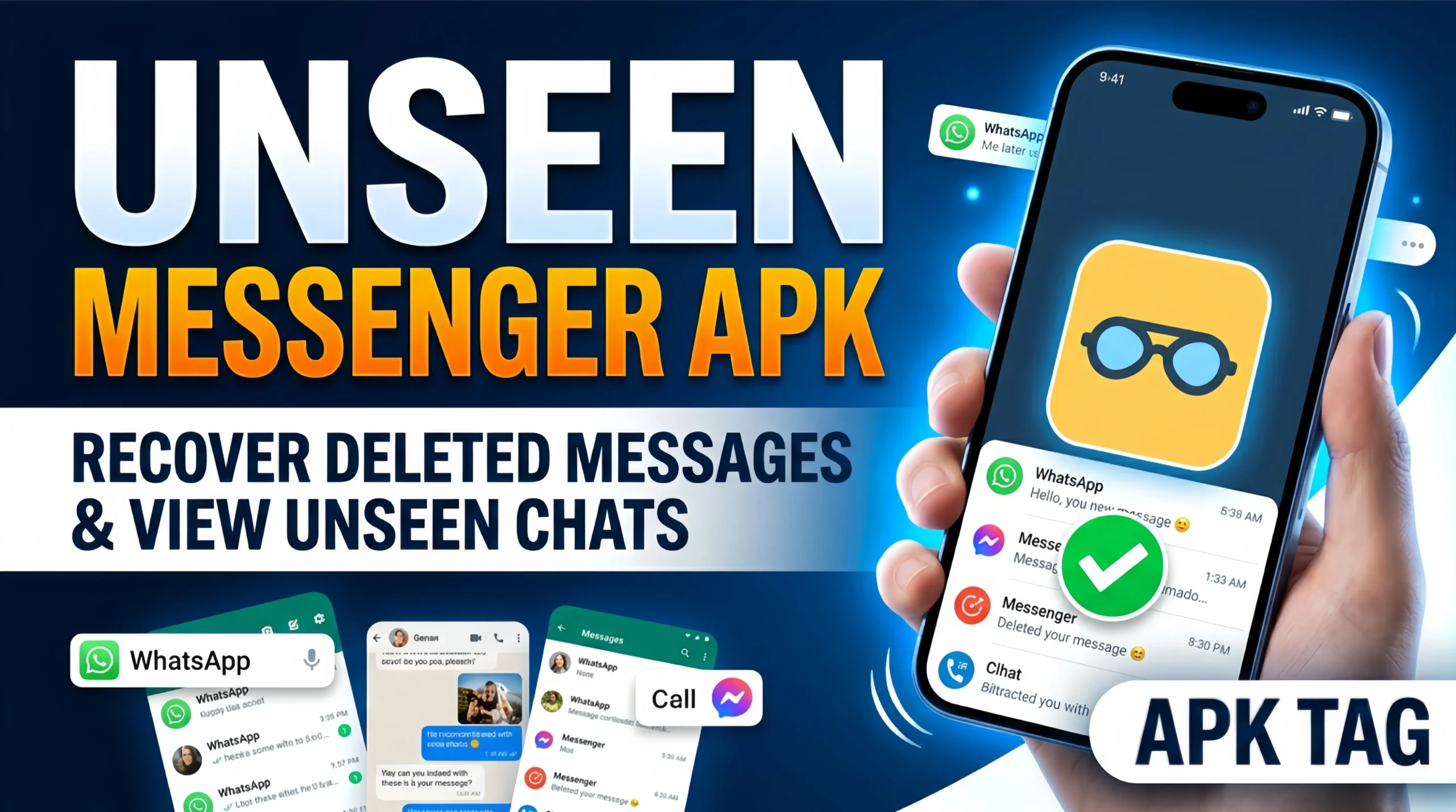
Unseen Messenger is a third-party Android application. It intercepts incoming message notifications and displays their content in a separate, private window. The original messaging app never registers the message as opened, so no read receipt fires.
The app works by reading notification data before the message reaches the official app. Because you view the content through Unseen’s interface rather than the original app, the sender sees no blue ticks, no “Seen” label, and no read confirmation of any kind.
Why People Use Unseen Messenger
The core use case is simple. You receive a message but are not ready to respond. Reading it inside the original app triggers a read receipt and creates a social obligation to reply immediately. Unseen removes that pressure.
Specific situations where users find this useful:
- Reading work messages outside office hours without signaling availability
- Reviewing sensitive messages before deciding whether to respond
- Checking messages from specific contacts without triggering follow-up calls
- Screening messages during meetings or busy periods
- Reading group chat messages without notifying all group members
The app does not block people, mute conversations, or alter any data inside the messaging platform. It simply gives you a private preview window.
Key Features of Unseen Messenger APK
Private Message Preview
The central feature. When a notification arrives, Unseen captures it and displays the full message content in its own pop-up window. You read the message there. The original app stays untouched.
Multi-Platform Support
Unseen works across all major messaging platforms simultaneously. You do not configure separate tools for WhatsApp versus Instagram. One app handles all platforms through the same notification access permission.
Selective App Filtering
You choose which apps Unseen monitors. If you want read receipt protection on WhatsApp but not Telegram, configure it that way. Full control over which platforms the app intercepts.
Notification History Log
Unseen logs all intercepted notifications. If a sender deletes a message before you see it in the original app, Unseen preserves what the notification contained. This feature works within the limits of notification data, which includes message text but not media files in most cases.
Media Preview
Some versions support previewing images and voice note transcriptions through the notification data. This depends on how the source app structures its notifications. WhatsApp image previews appear in many versions. Full media playback is limited.
Stealth Mode
The app runs silently in the background without a visible icon in the app drawer on some versions. This prevents other users of your device from easily spotting the app.
Auto-Clear Notifications
After you read a message through Unseen, the app auto-dismisses the notification from your status bar so your phone looks clean. This prevents the notification from sitting visible while the original app remains unread.
How to Download and Install Unseen Messenger APK
Step 1: Find a Reliable Source
Search for Unseen Messenger APK on reputable APK hosting sites such as APKPure or APKMirror. Check the version number and user reviews before downloading. Stick to the most recent stable release.
Step 2: Enable Unknown Sources
Go to Settings, then Security or Privacy. Enable “Install Unknown Apps” for your browser or file manager. This allows APK installation outside the Play Store.
Step 3: Download and Verify
Download the APK file. Scan it with an antivirus tool before installation. Malwarebytes and Bitdefender both offer free Android scans. This step takes two minutes and protects you from modified APK files carrying malicious code.
Step 4: Install
Open your file manager, navigate to Downloads, and tap the APK. Follow the installation prompts and tap Install.
Step 5: Grant Notification Access
On first launch, the app requests Notification Access permission. This is the core permission it needs to intercept message notifications. Go to Settings, then Notifications, then Notification Access, and enable it for Unseen. Without this permission, the app does not function.
Step 6: Select Your Apps
Inside the Unseen dashboard, select which messaging platforms you want it to monitor. Toggle on WhatsApp, Messenger, or any other supported apps. The app immediately begins intercepting notifications for selected platforms.
How Unseen Messenger Actually Works
Understanding the technical mechanism helps you use the app correctly and set realistic expectations.
Android’s notification listener API allows apps with notification access permission to read and interact with all system notifications. Unseen uses this API to capture incoming message notifications the moment they arrive.
When WhatsApp sends a notification containing a message preview, Unseen reads that notification data before you open WhatsApp. It displays the content in its own interface. WhatsApp never detects an open event because you never actually opened WhatsApp. The read receipt system in WhatsApp fires only when the app itself registers a message as read inside its own interface.
This means Unseen works as long as:
- The messaging app sends full message content in its notification
- You have not disabled notification previews at the system level
- The messaging platform has not encrypted notification data end-to-end at the OS level
Some platforms show truncated notifications for long messages. In those cases, Unseen shows only the portion included in the notification.
Limitations You Need to Know
Unseen is not perfect. These limitations affect specific platforms and use cases.
Notification Content Dependency
Unseen reads only what the notification contains. If WhatsApp sends a notification saying “1 new message” without the message text, Unseen shows the same thing. This happens when notification previews are disabled in your WhatsApp settings or Android settings.
No Voice or Video Call Privacy
Incoming call notifications from messaging apps do not contain conversation content. Unseen does not help you screen calls silently.
Group Message Complexity
In group chats, read receipts work differently across platforms. WhatsApp shows individual read receipts per member. Unseen prevents your tick from appearing, but other active members who open the chat still show read.
Platform Updates Break Compatibility
When WhatsApp or other apps update their notification structure, Unseen temporarily breaks until its own update catches up. Keep the app updated to maintain compatibility.
No Media File Access
Images, videos, and audio files do not travel through notification data. Unseen shows text previews only for media messages, typically displaying “Photo” or “Voice message” as a label.
Privacy and Security Considerations
Unseen accesses every notification on your device because Android’s notification listener API works at the system level. This means the app technically reads notifications from all apps, not just messaging platforms.
Key risks to consider:
- OTP codes from banking apps appear in notifications and pass through Unseen’s notification reader
- Password reset codes and verification numbers are visible to the app
- Any developer running a malicious version of Unseen could log all notification data and transmit it to external servers
Steps to protect yourself:
- Download only from verified APK repositories with strong user review histories
- Check the app’s requested permissions before installation
- Disable OTP notifications from banking apps if you use Unseen, or use a separate secure device for financial apps
- Use an antivirus app with real-time protection while Unseen runs in the background
- Keep the app updated to reduce exposure to known vulnerabilities
Who This App Suits
- Professionals who receive work messages outside business hours and need boundary management
- Users in group chats who want to read updates without triggering mass read notifications
- Anyone who values reading on their own schedule without social pressure
- Users who want notification history for deleted messages
Conclusion
Unseen Messenger APK does one thing well. It gives you full control over your read receipt status across every major messaging platform on Android. The setup takes under ten minutes. The notification access permission is the only technical requirement.