AI Video Detector for Android
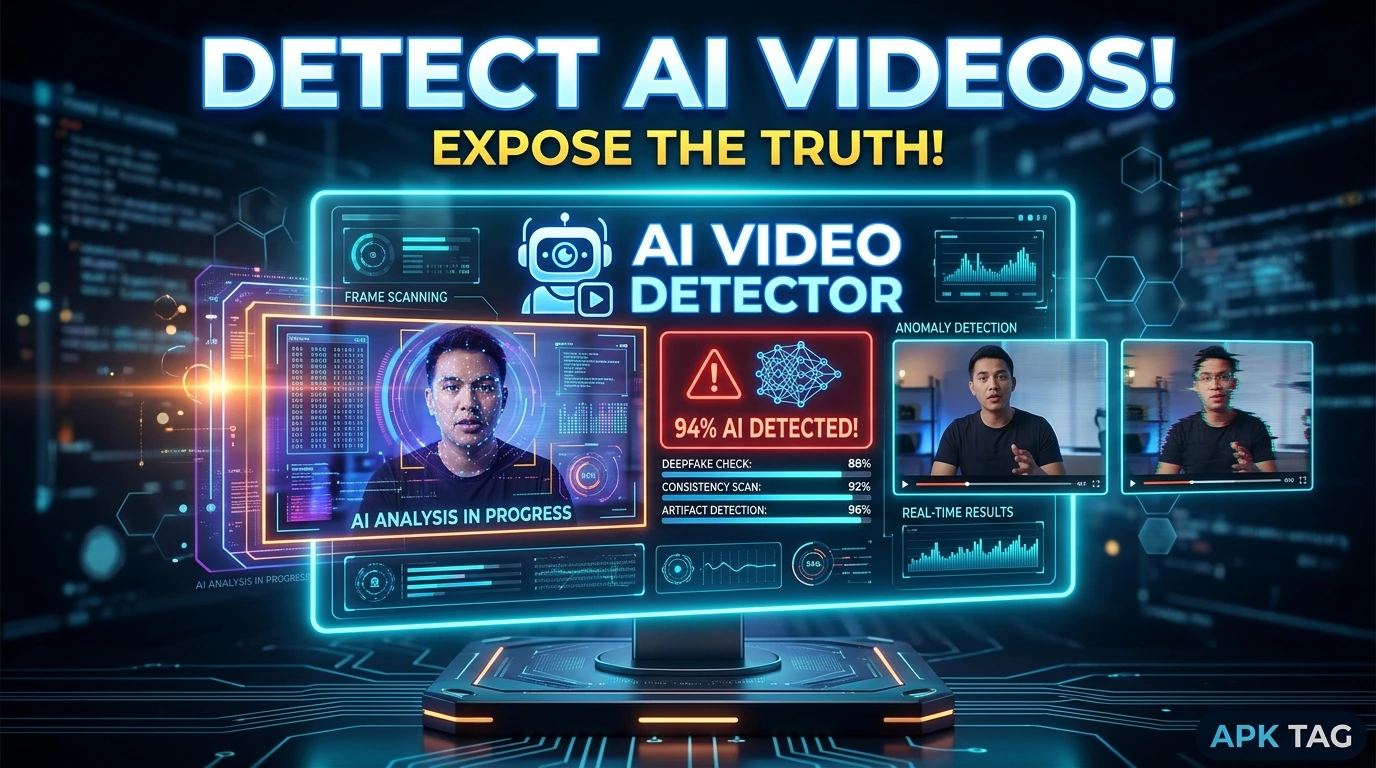
An AI video detector app analyzes video content. It determines whether a video is real or generated by artificial intelligence. You use the app to verify news clips, social media videos, and entertainment content. The app examines visual artifacts, facial inconsistencies, and audio anomalies. It provides a confidence score for its detection. You download the app from the Google Play Store or via APK.
What is an AI Video Detector?
An AI video detector is a forensic analysis tool. It uses machine learning models trained on thousands of real and AI-generated videos. The app scans frame-by-frame for synthetic markers. It looks for unnatural movements, inconsistent lighting, and mismatched audio. It also detects watermarks or generation artifacts left by AI tools. The app outputs a “real” or “AI-generated” label. The app works offline on some models. The app size ranges from 20 to 50 MB. Requires Android 7.0 or higher.
Core Purpose
You verify video authenticity. You identify deepfakes. You protect yourself from misinformation. You use it for journalistic fact-checking. You analyze content before sharing.
How AI Video Detection Works
Frame Analysis
The app extracts individual frames from the video. It analyzes each frame for pixel-level anomalies. AI-generated faces often lack natural skin pores or hair details.
Temporal Analysis
The app examines motion between frames. AI videos sometimes show inconsistent object movement. Facial expressions may change unnaturally between frames.
Audio-Visual Sync
The app checks audio synchronization. AI-generated lip movements often do not match the audio track perfectly. The app measures this mismatch.
Compression Artifacts
AI videos may have unique compression patterns. These differ from traditional camera recordings. The app identifies these signatures.
Confidence Scoring
The app provides a percentage score. A score of 85% means high confidence in AI generation. A score of 40% means the video is likely real. The score is not definitive.
Top AI Video Detector Apps
Deepfake Detector
Deepfake Detector is a specialized app. It focuses on facial deepfakes. It uses multiple analysis models. It provides a detailed report. Rating 4.1 stars.
AI or Not Video Check
This app analyzes both images and videos. It uses a combined AI detection model. It offers a simple interface. Rating 4.0 stars.
Reality Defender
Reality Defender is a professional tool. It detects AI videos, images, and audio. It provides enterprise-grade analysis. It includes a detailed breakdown. Rating 4.2 stars.
Sensity Video Analyzer
Sensity uses a proprietary detection engine. It analyzes videos in seconds. It provides an authenticity score. Rating 4.0 stars.
FakeCatcher
FakeCatcher focuses on biological signals. It detects heartbeats and blood flow patterns. AI-generated faces often lack these signals. Rating 3.9 stars.
How to Download and Install
Play Store Method (Recommended)
Open the Google Play Store. Search for “AI Video Detector.” Select an app with high ratings. Tap install. Wait for completion. Open the app. Grant storage permission for video access.
APK Method
You download the APK from third-party sites. This method carries risks. Enable unknown sources in your settings. Download the APK from a trusted site like APKMirror. Tap the APK file to install. Grant permissions during installation.
Why Use the Play Store Version
The Play Store version updates automatically. The Play Store version includes Google’s security checks. The Play Store version is verified. The APK version may contain malware. The APK version may not update. Use the Play Store version for safety.
Step-by-Step Usage Instructions
Step 1: Open the App
Launch your chosen detector app. The app requests storage permission. Grant access to your video files.
Step 2: Select a Video
Tap the “Select Video” or “Upload” button. Browse your device storage. Choose the video file you want to analyze. The app supports MP4, MOV, AVI, and other common formats.
Step 3: Start Analysis
Tap the “Detect” or “Analyze” button. The app processes the video frame by frame. This takes 30 seconds to 2 minutes. The progress bar shows status.
Step 4: View Results
The app displays a result screen. It shows “Real” or “AI-Generated.” It also shows a confidence percentage. Some apps provide a color-coded meter (green for real, red for fake).
Step 5: Read the Report
Tap “Detailed Report” for more information. The report lists specific anomalies. It may highlight suspicious frames. It may show audio sync discrepancies.
Step 6: Share Results
Tap the “Share” button. The app generates a summary report. You share via email or messaging. This is useful for fact-checking with others.
Accuracy & Limitations
Detection Accuracy
Current apps achieve 70% to 90% accuracy. Accuracy depends on the video quality. High-resolution videos are easier to analyze. Poorly lit or compressed videos are harder. The app may give false positives.
False Positives
The app may label a real video as AI-generated. This occurs with heavily filtered or edited content. It also occurs with videos from poor-quality cameras.
False Negatives
The app may miss an AI-generated video. This occurs with high-quality deepfakes. Advanced AI tools are becoming harder to detect. No app is 100% reliable.
Limitations
The app cannot detect all AI video types. It works best on facial deepfakes. It struggles with fully synthetic scenes. It requires a stable internet connection for some models.
Safety & Privacy Considerations
Data Upload
Some apps upload your video to external servers. This is necessary for cloud-based analysis. Your video is stored temporarily. Read the privacy policy. Ensure the data is deleted after analysis.
Permissions
The app requires storage permission. It does not need camera or contacts. Avoid apps that request unnecessary permissions.
Malware Risk with APK
Unofficial APKs may contain malware. The malware can steal your videos. It can display intrusive ads. Only download from trusted sources.
Data Security
The app does not share your results publicly. Your analysis remains private. You control sharing.
Troubleshooting Common Issues
Analysis Fails
Check your internet connection. Ensure the video format is supported. Restart the app. Try a shorter video.
App Crashes on Launch
Clear the app cache. Update to the latest version. Restart your device. Reinstall the app.
Slow Processing
Analysis takes time for long videos. Be patient. Use a device with more RAM. Close background apps.
Incorrect Results
The app may produce inaccurate results. Use multiple apps for verification. Do not rely on a single source.
Cannot Load Video
Grant storage permission. Ensure the video is not corrupted. Try a different file.
Alternatives
Online Detectors
Websites like Deepware Scanner and Sensity offer online detection. You upload videos directly. They provide fast results. They require internet access.
Manual Fact-Checking
Watch the video carefully. Look for unnatural blinking or mouth movements. Check for inconsistent lighting. Use reverse image search for key frames.
Browser Extensions
Browser extensions like Reality Defender detect AI content in your browser. They work on social media feeds. They provide real-time alerts.
Professional Tools
Journalists use tools like Adobe Authenticate. These are professional-grade. They are paid and accurate. They are not available as Android apps.
Tips for Better Detection
Use Multiple Apps
Run the video through 2 to 3 detectors. Compare the results. This increases accuracy.
Check the Source
Consider the video’s origin. Official news sources are more trustworthy. Unknown accounts are suspect.
Look for Artifacts
Watch the video in slow motion. Look for blurring around edges. Check for unnatural shadows.
Check Audio
Listen to the audio carefully. AI voices may sound robotic. Lip movements may not match.
Update the App
Keep your app updated. New detection models are released regularly. Outdated apps miss new deepfake types.
Conclusion
AI video detector apps are useful tools. They help you identify synthetic content. They provide a confidence score for your videos. Use them for fact-checking and verification. Do not rely on a single app for important decisions. Combine app results with manual observation. Use the Play Store version for security. Understand the app’s limitations. The technology is improving rapidly. Download an AI video detector today. Verify your videos before sharing. Protect yourself from misinformation. Stay informed and digitally literate.