Introduction
Ampere is a battery measurement application for Android devices. The app measures the charging and discharging current of your battery. You use the app to check if your charger works correctly. You test different USB cables and power sources. The app provides real-time data on voltage, temperature, and battery health. This guide covers features, download methods, installation steps, safety considerations, and alternatives.
What is Ampere?
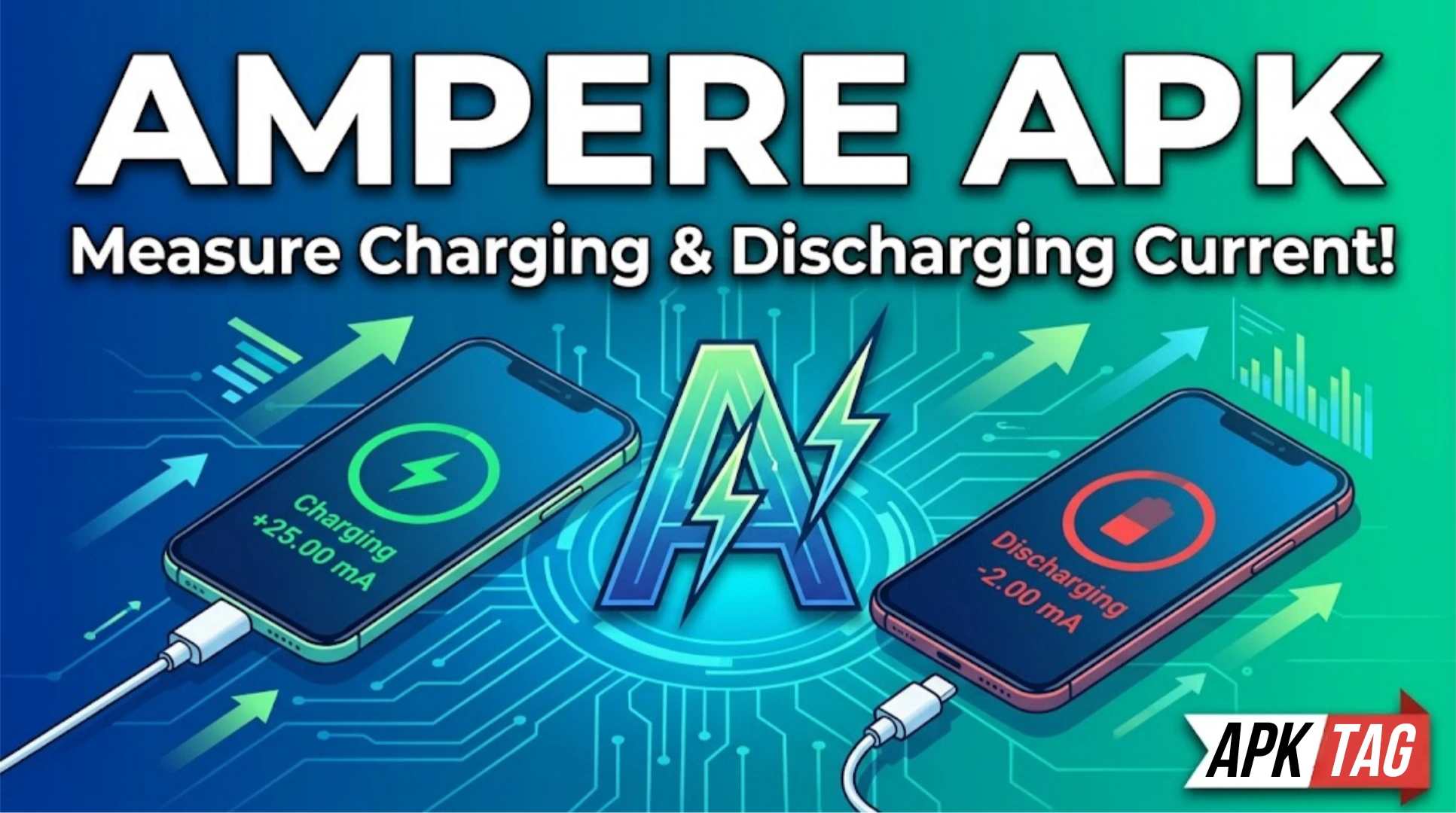
Ampere is a diagnostic tool. It measures the electrical current flowing into or out of your battery. The app displays milliampere (mA) values. A positive value means charging. A negative value means discharging. The app helps you identify slow chargers or faulty cables. The app also monitors battery temperature and voltage.
Key Statistics
The app has over 10 million downloads. The average user rating is 4.2 stars. The app size is approximately 5 MB. The app requires Android 4.0 or higher. The developer is Braintrapp.
Core Features
Ampere offers a specific set of battery monitoring features.
Current Measurement
The app shows real-time charging current. The value updates every second. You see the maximum current your device draws. The app displays the average current over time. You compare different chargers to find the fastest.
Voltage Display
The app shows the current battery voltage. Voltage indicates battery charge level. Higher voltage means more charge. You track voltage changes during charging.
Temperature Monitor
The app displays battery temperature in Celsius and Fahrenheit. High temperatures indicate stress. You stop charging if temperature exceeds 45 degrees Celsius. You monitor cooling after intensive use.
Battery Health Estimation
The app estimates your battery capacity. The estimate is based on voltage and current data. The app compares your capacity to the original specification. You track degradation over time.
Graphical History
The app graphs current and voltage over time. You see charging patterns. You identify intermittent charging issues. You export the data for analysis.
Widget Support
You place a widget on your home screen. The widget shows current and voltage at a glance. You update the widget every 5 seconds. You choose from multiple widget sizes.
How to Download the Ampere APK
You download the APK from third-party sources.
Step 1: Enable Unknown Sources
Open your Android settings. Navigate to Security or Privacy. Find “Install unknown apps”. Enable the toggle for your browser or file manager. This permits installation from outside the Play Store.
Step 2: Find a Trusted Source
Search for “Ampere APK” on your browser. Select a reputable APK provider. Recommended sites are APKMirror and APKPure. Avoid unknown or suspicious sites. Check user ratings for the site.
Step 3: Download the APK File
Click the download button for the latest version. The file size is approximately 5 MB. Wait for the download to complete. Your browser may warn about the file type. Confirm the download.
Step 4: Install the APK
Open your Downloads folder. Tap the Ampere APK file. Tap “Install” on the prompt. The installation takes a few seconds. Tap “Open” to launch the app.
Step 5: Grant Permissions
The app requests battery statistics permission. Grant this permission for accurate readings. You can change permissions later in settings.
Differences Between Play Store and APK Versions
The Play Store version is the official release. The APK version may be older or modified.
Play Store Version
The Play Store version updates automatically. The app verifies your license. The app includes no malware. The app supports in-app purchases for ad removal.
APK Version
The APK version may not update automatically. The APK may include unlocked features. Some APKs remove ads without payment. Some APKs contain tracking code. The APK version may have stability issues.
Modified APKs
Some APKs claim to unlock pro features. The pro version removes ads and adds themes. These modded versions are not authorized. They may violate the developer’s terms. They may contain harmful code.
Safety Considerations
Installing APKs carries security risks.
Malware Risk
Unofficial APKs may contain malware. The malware can steal your data. It can display unwanted ads. It can install other harmful apps. Only download from trusted sources like APKMirror. Scan the APK with antivirus software before installation.
Privacy Concerns
Modded APKs may collect personal information. They may access your device ID and battery data. They may send data to third parties. Read the permissions carefully. Avoid APKs that request unnecessary permissions.
Legal Issues
Modded APKs violate the developer’s terms of service. Using them is considered piracy. The developer may take legal action. Your account may be banned if you use modded versions with cloud services.
Update Issues
APK versions do not update automatically. You must manually download new versions. This leaves you with outdated software. Outdated software has security vulnerabilities.
Using Ampere for Battery Diagnosis
Follow these steps to use the app effectively.
Step 1: Open the App
Launch Ampere from your app drawer. The app starts measuring immediately. Wait 10 seconds for the reading to stabilize.
Step 2: Check Current
Read the milliampere value on the screen. A positive number means charging. A negative number means discharging. Higher positive numbers indicate faster charging.
Step 3: Test Different Chargers
Plug in different chargers. Note the current reading for each. The highest current indicates the fastest charger. Compare USB cables using the same charger.
Step 4: Monitor Temperature
Check the temperature reading. Normal range is 25 to 40 degrees Celsius. Temperatures above 45 degrees are dangerous. Stop charging and let the device cool.
Step 5: View History
Tap the history tab. See the graph of current and voltage. Identify drops or spikes. Use the data to troubleshoot issues.
Step 6: Export Data
Tap the export button. Save the data as a CSV file. Share the file with a technician or analyze it yourself.
Alternative Battery Apps
Several alternatives provide similar functionality.
AccuBattery
AccuBattery focuses on battery health. It measures capacity and wear. It provides charging alarms. It shows discharge speed. The app is available on the Play Store. The free version includes basic features.
Battery Guru
Battery Guru shows detailed statistics. It estimates remaining time. It tracks charge cycles. It provides battery temperature history. The app is free and ad-supported.
Battery Monitor Widget
This app provides a home screen widget. It shows current, voltage, and temperature. It logs historical data. The app is lightweight and simple.
GSam Battery Monitor
GSam provides comprehensive battery stats. It shows app-by-app consumption. It tracks screen-on time. It provides deep sleep analysis. The app requires root access for full features.
Comparison
Ampere is the simplest for current measurement. AccuBattery offers better health diagnostics. Battery Guru balances features and simplicity. GSam is most detailed but complex. Ampere is best for quick charger testing.
Troubleshooting
App Shows No Reading
Ensure your device supports current measurement. Not all Android devices have the necessary sensor. Check the app’s compatibility list. Restart your device. Grant all permissions.
Reading is Inaccurate
Different chargers produce different values. Use the same charger for consistent comparisons. Ensure the app is updated. Calibrate by restarting the app.
App Crashes on Launch
Clear the app cache from device settings. Update your device’s operating system. Reinstall the APK.
Permissions Not Granted
Go to device settings. Navigate to Apps and find Ampere. Tap Permissions. Enable battery statistics and storage.
Pros and Cons
Pros
The app is lightweight and fast. The interface is simple and clear. The app provides real-time data. The app helps identify faulty chargers. The free version is sufficient for most users.
Cons
Not all devices support current measurement. The app does not measure battery capacity directly. The APK version may contain malware. The app requires manual updates outside the Play Store. The app shows ads in the free version.
Conclusion
Ampere is a useful tool for battery diagnostics. The Play Store version is safe and reliable. The APK version offers ad-free features but with risks. You should only download APKs from trusted sources. You should scan files with antivirus software. You should consider alternatives like AccuBattery. These alternatives are free and legal. They provide similar functionality without security risks. If you choose the APK route, proceed with caution. Protect your device and personal data. Use the app to test your chargers and cables. Monitor your battery health regularly.