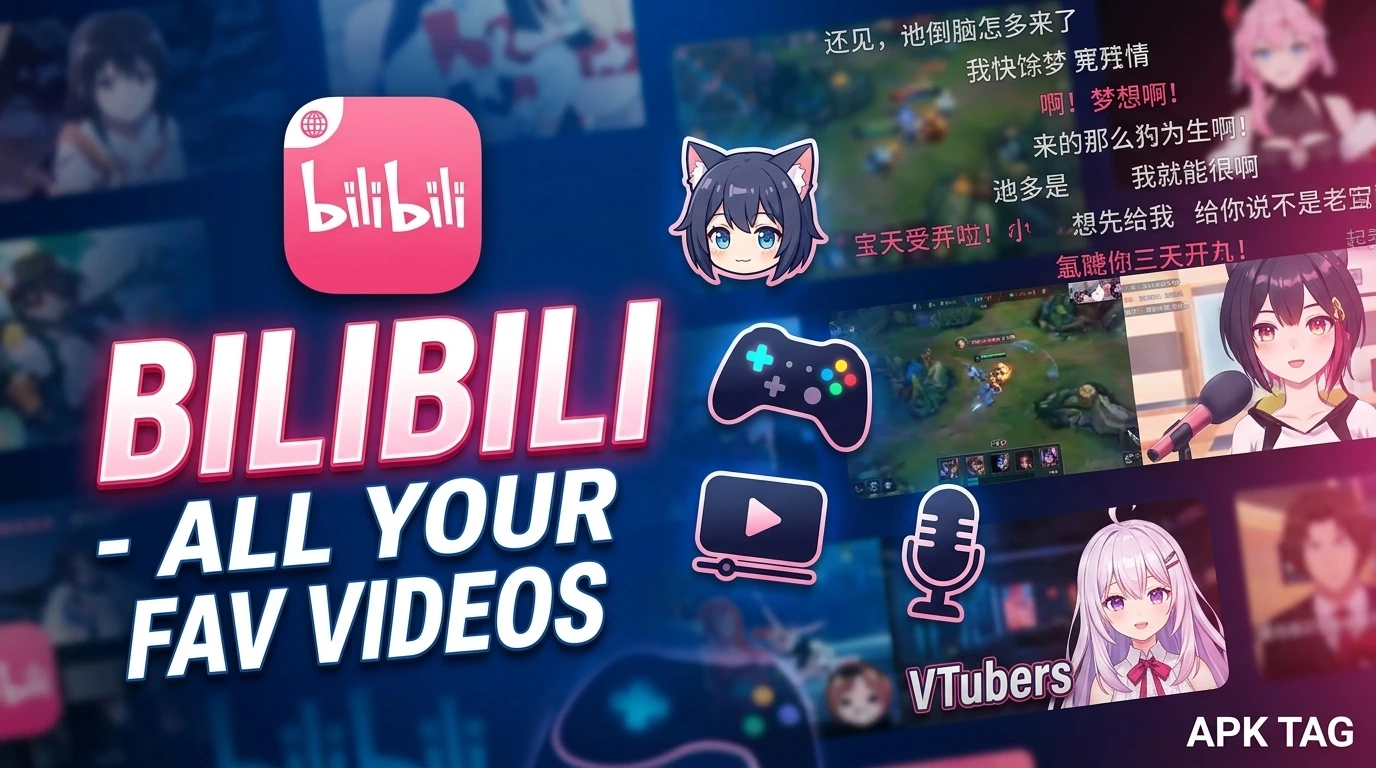
Bilibili – All Your Fav Videos
Bilibili is a Chinese video-sharing platform. It is often called the “YouTube of China.” The app hosts a wide range of content. You find anime, comics, games, movies, and user-generated videos. The platform is popular among younger audiences. It has over 300 million monthly active users. The app is available on the Google Play Store and Apple App Store. You also download the APK from third-party sites.
What is Bilibili?
Bilibili is a video platform. It started as an anime and manga community. It expanded to include gaming, technology, and lifestyle content. The platform focuses on user-generated videos. It also hosts licensed movies and TV shows. The app includes a unique comment system. Users post “bullet comments” that scroll over the video. This creates an interactive viewing experience.
Core Purpose
You watch and share videos. You follow content creators. You engage with a community. You discover new interests.
Key Features
Video Library
The app hosts millions of videos. You find content in multiple categories. Categories include anime, gaming, music, and education. You also find documentaries and vlogs.
Bullet Comments
You send scrolling comments that appear over the video. These comments are called “danmaku.” They appear in real time. You see reactions from other viewers while watching.
Live Streaming
You watch live streams from creators. You interact with streamers through chat. You send virtual gifts to support them. Live streams cover gaming, music, and casual talk.
Upload and Share
You upload your own videos. You share them with the community. You earn points and build a following. Content creators can monetize their channels.
Follow Creators
You follow your favorite creators. You receive notifications for new uploads. You build a personalized feed.
Offline Viewing
You download videos for offline viewing. This is useful for travel or areas with poor connectivity. You access downloads in the app’s library.
Subtitles and Translations
The app supports multiple language subtitles. You watch content in Chinese with English subtitles. Some videos have user-subtitled translations.
Game Integration
Bilibili is popular among gamers. The app includes game news and reviews. You watch game walkthroughs and esports events. You also find game soundtracks.
Community Forums
You participate in forums and discussion boards. You ask questions and share opinions. You connect with other fans of your interests.
How to Download & Install
Play Store Method (Recommended)
Open the Google Play Store. Search for “Bilibili.” Select the app by Shanghai Hode Information Technology. Tap install. Wait for completion. Open the app. Grant required permissions.
APK Method
You download the APK from third-party sites. This method carries risks. Enable unknown sources in your settings. Download the APK from a trusted site like APKMirror. Tap the APK file to install. Grant permissions during installation.
Why Use the Play Store Version
The Play Store version updates automatically. The Play Store version includes Google’s security checks. The Play Store version is verified. The APK version may contain malware. The APK version may not update. Use the Play Store version for safety.
Step-by-Step Usage Instructions
Step 1: Open the App
Launch Bilibili from your app drawer. The app displays a welcome screen. The interface is in Chinese by default. You change the language to English in settings.
Step 2: Create an Account
Tap “Sign Up.” Enter your phone number or email. Create a password. Verify your account with an OTP code. You can also sign in with Google or WeChat.
Step 3: Explore the Home Feed
The home feed shows recommended videos. The algorithm suggests content based on your viewing history. You scroll vertically to browse. You tap a video to start playback.
Step 4: Watch a Video
Tap a video thumbnail. The video starts playing. You see bullet comments scrolling over the screen. You tap the screen to show controls. You adjust volume, brightness, and playback speed.
Step 5: Send a Bullet Comment
During playback, tap the comment box at the bottom. Type your message. Tap send. Your comment appears over the video immediately.
Step 6: Follow a Creator
Tap the creator’s icon on a video page. Tap “Follow.” The creator appears in your feed. You receive notifications for new uploads.
Step 7: Upload a Video
Tap the upload icon (camera or plus sign). Select “Upload Video.” Choose a video from your gallery. Add a title, description, and tags. Tap “Submit.” Your video is reviewed and published.
Step 8: Download a Video
Tap the download icon on a video page. Select video quality (360p, 720p, 1080p). The video saves to your device. You access it offline in the “Downloads” section.
Step 9: Adjust Settings
Tap your profile icon. Go to “Settings.” Change the language to English. Enable dark mode. Adjust notification preferences.
Content Categories on Bilibili
Anime and Animation
Bilibili started with anime. You find classic and new anime series. You also find fan-made animations. You watch episodes with Chinese subtitles.
Gaming
You watch game walkthroughs and reviews. You watch esports tournaments. You see live streams of popular games like Genshin Impact and Honor of Kings.
Music
You find music videos and live performances. You discover covers and original songs. You listen to soundtracks from anime and games.
Comics and Literature
You read webcomics and light novels. You watch video adaptations of popular stories. You discuss chapters with other fans.
Science and Technology
You watch educational videos. Topics include physics, programming, and space exploration. You find DIY projects and reviews of tech gadgets.
Lifestyle
You watch vlogs and travel videos. You see cooking shows and fashion tips. You learn about daily life in China and other countries.
Movies and TV Shows
Bilibili licenses movies and TV series. You watch popular Chinese and international productions. You need a premium subscription for some content.
Key Terms & Symbols
Danmaku
Bullet comments. These are scrolling comments on the video screen.
UP主
Content creator. The Chinese term for a video uploader.
硬币
Coins. You earn virtual coins for daily activities. You use coins to reward creators.
B站
Bilibili’s nickname. The “B” stands for Bilibili.
大会员
Premium membership. This removes ads. It also unlocks exclusive content and higher video quality.
Safety & Privacy Considerations
Content Moderation
Bilibili moderates content. It removes illegal and inappropriate videos. It complies with Chinese regulations.
User Safety
You block and report users. You restrict comments on your videos. You control who sends you messages.
Data Collection
Bilibili collects viewing history and personal data. It uses this for recommendations. Read the privacy policy for details.
APK Risks
Unofficial APKs may contain malware. The malware can steal your account credentials. It can display intrusive ads. Only download from trusted sources. Scan the APK with antivirus software.
Troubleshooting Common Issues
App Not Loading
Check your internet connection. Restart the app. Restart your device. Check for server outages.
Video Buffering
Reduce video quality. Close background apps. Use a stable Wi-Fi connection.
Bullet Comments Not Showing
Enable bullet comments in the player settings. Check your network connection. Restart the app.
Cannot Download Videos
Check your storage space. Ensure you are logged in. Some videos are not available for download.
App Crashes on Launch
Clear the app cache. Update to the latest version. Restart your device. Reinstall the app.
Alternatives
YouTube
YouTube is the global video platform. It has a larger library. It offers more languages. It is available worldwide.
Niconico
Niconico is the Japanese equivalent of Bilibili. It also uses bullet comments. It focuses on Japanese content.
Vimeo
Vimeo is a professional video platform. It offers high-quality video hosting. It has fewer advertisements.
Tencent Video
Tencent Video is a Chinese platform. It offers movies and TV shows. It competes with Bilibili in the Chinese market.
iQIYI
iQIYI is another Chinese streaming platform. It focuses on licensed content. It offers anime, movies, and dramas.
Pros & Cons
Pros
The app offers unique bullet comments. The app has a strong anime and gaming community. The app is free with many features. The app supports offline viewing. The app includes live streaming.
Cons
The APK version may contain malware. The default interface is in Chinese. The app requires registration. Some content is region-locked. The app is not available in all countries.
Conclusion
Bilibili is a rich video platform for anime and gaming fans. You watch unique content and interact with a community. You upload and share your own videos. Use the Play Store version for security. Change the language to English for easier navigation. Explore the categories to find your interests. The app is suitable for anime lovers, gamers, and content creators. Download Bilibili today. Start watching your favorite videos. Join the community and share your passion.