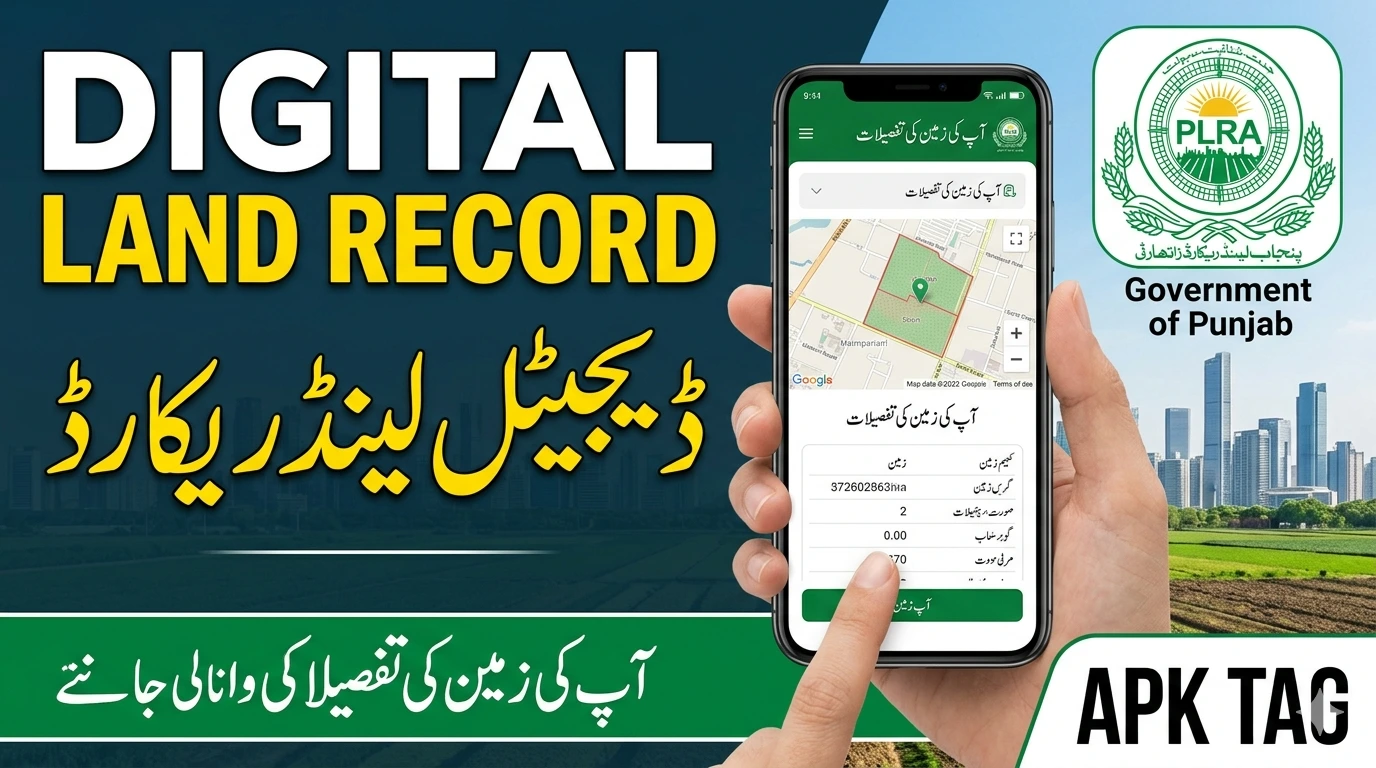
Digital Land Record Punjab
Digital Land Record Punjab is one of Pakistan’s most significant e-governance achievements. The Punjab Land Records Authority manages and digitizes property ownership records for the entire province of Punjab.
Before digitization, land records in Pakistan were maintained manually by Patwaris, creating opportunities for fraud, record tampering, and corruption. The digital system removes human intermediaries from basic record access and puts verified land ownership data directly in the hands of citizens.
What Is Digital Land Record Punjab?
Digital Land Record Punjab refers to the computerized land registry system managed by the Punjab Land Records Authority, commonly known as PLRA. It maintains ownership records for agricultural and residential land across all 36 districts of Punjab province.
The system stores Fard, the official ownership document, along with mutation records, inheritance records, and land transaction histories in a centralized digital database. Citizens access these records through multiple channels: service centers, mobile apps, web portals, and SMS services.
The PLRA launched this system to address specific longstanding problems:
- Patwari-level corruption where records were altered for bribes
- Loss or destruction of manual paper records
- Duplicate ownership claims on the same land
- Fraudulent property transactions using forged documents
- Delayed access to records requiring multiple visits to government offices
Digitization creates a tamper-resistant record that multiple authorities can verify simultaneously, making fraudulent alterations significantly harder.
Key Services Provided
1. Fard Issuance
Fard is the official land ownership certificate in Punjab. It contains:
- Owner name and CNIC number
- Land location details including district, tehsil, and mauza
- Khasra number identifying the specific land parcel
- Land area in marlas, kanals, or acres
- Ownership share percentage for jointly owned land
- Encumbrances and liabilities attached to the land
Previously, getting a Fard required visiting your local Patwari and paying unofficial fees. The digital system lets you obtain a verified Fard from any PLRA service center or online without Patwari involvement.
2. Mutation Registration
Mutation is the process of transferring land ownership in official records after a sale, inheritance, or gift. The PLRA digital system processes mutations at service centers with full documentation requirements and transparent processing timelines. This replaces the old system where mutations required lengthy negotiations with local revenue officials.
3. Land Record Verification
Any person can verify land ownership details for due diligence before purchasing property. You check the current registered owner, existing mortgages or encumbrances, pending mutations, and ownership history before committing to a transaction.
4. Inheritance Record Updates
When a landowner passes away, heirs update the land record to reflect the new ownership distribution according to inheritance shares. The PLRA system handles inheritance mutations with standardized documentation requirements.
5. Mortgage Registration
Landowners who take loans against their property register the mortgage in the PLRA system. Lenders verify the mortgage status of any land parcel before extending credit.
How to Access Digital Land Records Punjab
Method 1: PLRA Website
The official web portal at plra.punjab.gov.pk provides direct online access to land records.
- Open your browser and go to plra.punjab.gov.pk
- Click on “Land Record” or “Fard” on the homepage
- Select your district from the dropdown menu
- Select your tehsil
- Select your mauza, the village or locality where the land is located
- Enter your land details: owner name, CNIC number, or Khasra number
- Click Search
- Your land record results appear on screen
- Download or print the displayed record
The web portal provides free access to view land records. Obtaining a certified Fard with an official stamp requires visiting a service center or using the paid online Fard issuance option.
Method 2: Punjab Land Records App
PLRA offers an official mobile application for Android and iOS devices.
For Android:
- Open Google Play Store
- Search “Punjab Land Record” or “PLRA”
- Select the app published by Punjab Information Technology Board or PLRA
- Tap Install
- Open the app
- Select your location details: district, tehsil, and mauza
- Search by owner name, CNIC, or Khasra number
- View your land record results
The app provides the same database access as the web portal in a mobile-friendly interface.
Method 3: Arazi Record Centers
PLRA operates Arazi Record Centers across all districts and tehsils of Punjab. These physical service centers provide in-person access to land records and process official service requests.
At an Arazi Record Center you:
- Obtain certified Fard documents with official stamps
- Submit mutation applications
- Resolve discrepancies in existing records
- Register mortgages
- Process inheritance mutations
- Get assistance navigating the digital system
Bring your CNIC and relevant land details when visiting a center. Service charges are standardized and displayed publicly at each center.
Method 4: SMS Service
PLRA provides basic land record verification through SMS for users without smartphone or internet access.
Send your Khasra number and mauza name to the designated PLRA SMS number. The system returns basic ownership information via reply SMS. Check the current SMS service number on plra.punjab.gov.pk as service numbers update periodically.
Method 5: Kiosk Terminals
PLRA installs self-service kiosk terminals at Arazi Record Centers and some government offices. These touchscreen terminals provide guided access to the land records database for users who need assistance navigating the online system.
How to Find Your Land Record Online
Finding your specific land record requires knowing certain identifying details about your property.
Required Information
You need at least one of the following to search for a land record:
- Owner CNIC number: The most reliable search method; returns all land registered under that national identity number
- Owner name: Works but may return multiple results for common names
- Khasra number: The specific plot identification number used in revenue records
- Khata number: The account number grouping all land parcels owned by one person in a mauza
You also need to know your land’s administrative location:
- District: The district where the land is located
- Tehsil: The sub-district administrative unit
- Mauza: The village or revenue estate containing the land
If you do not know your mauza, check your previous Fard document, property purchase deed, or ask your local union council office.
Step-by-Step Search Process
Open plra.punjab.gov.pk. Navigate to the land record search section. Select your district from the first dropdown. The tehsil dropdown updates to show tehsils within your selected district. Select your tehsil. The mauza dropdown updates accordingly. Select your mauza.
Choose your search method from the available options: by owner name, CNIC, Khasra number, or Khata number. Enter your search value in the input field. Click Search.
The system returns matching records. Each result shows a summary of the land parcel. Click on a specific result to view full details including ownership information, land area, and record history.
Understanding Your Land Record
A standard Punjab land record contains several fields that require interpretation.
Khasra Number
The unique identifier for a specific land parcel within a mauza. Each agricultural plot receives a Khasra number during the original land survey. Urban plots also have Khasra numbers in the revenue records even if common usage refers to them by street address or plot number.
Khewat Number
The account number assigned to a group of co-owners who jointly own land in a mauza. Multiple Khasra parcels owned by the same people share a Khewat number.
Khata Number
Groups all land parcels of one owner within a mauza regardless of joint ownership variations.
Land Classification
Records classify land by type:
- Chahi: Irrigated agricultural land
- Barani: Rain-dependent agricultural land
- Sailabi: Flood-irrigated land
- Banjar Jadeed: Recently uncultivated land
- Shamilat: Common village land
Ownership Share
For jointly owned land, each owner’s fractional share appears in the record. Shares express as fractions such as 1/2, 1/4, or more complex fractions for property divided among many heirs over generations.
Common Services at Arazi Record Centers
Getting a Certified Fard
A certified Fard carries the official PLRA stamp and serves as legal proof of ownership for bank loans, property sales, and legal proceedings.
Visit your nearest Arazi Record Center. Provide your CNIC and land location details to the counter staff. Pay the standardized Fard issuance fee displayed at the center. Receive your printed, stamped Fard document on the same visit.
Correcting Record Errors
If your land record contains errors in your name spelling, CNIC number, land area, or other details, submit a correction request at the Arazi Record Center with supporting documentation. The center forwards the correction request to the relevant revenue authorities for verification and processing.
Checking Pending Mutations
If you recently purchased land or inherited property, check whether your mutation is processing correctly by visiting the center with your mutation application number. Staff track your application status in the system.
The Fard App: Dedicated Mobile Access
Punjab IT Board developed a dedicated Fard mobile app specifically for land record access. Search “Fard Punjab” on Google Play Store for the Android version.
The app provides:
- Land record search by CNIC, owner name, or Khasra number
- Fard viewing and downloading
- Mutation status tracking
- Arazi Record Center location finder
- Service charges information
- Contact information for PLRA helpline
This app simplifies access for users who check land records frequently.
Verification Before Property Purchase
Digital Land Record Punjab is an essential due diligence tool before buying property in Punjab. Run these checks before committing to any property transaction.
Verify current ownership by searching the seller’s CNIC in the PLRA database. Confirm the seller appears as the registered owner of the specific land they are selling. Check the exact land area in the record against what the seller claims.
Look for existing encumbrances. If the land carries a registered mortgage, the mortgage holder has a legal claim on the property. A clean Fard shows no encumbrances.
Check mutation history. The record shows previous ownership transfers. Rapid recent ownership changes warrant additional investigation.
Confirm Khasra numbers match between the seller’s documents and the PLRA record. Discrepancies between a sale deed and the official record indicate potential fraud or an unprocessed mutation.
Conclusion
Open plra.punjab.gov.pk or download the PLRA app from Google Play Store. Enter your CNIC number and select your district. Your registered land parcels in Punjab appear within seconds. Verify that your ownership details are correct and that no unauthorized mutations or encumbrances appear on your record.
If you find any discrepancy, contact PLRA immediately through their helpline or visit your nearest Arazi Record Center. Your land record is a critical legal document. Keeping it accurate and monitoring it periodically protects your property rights.