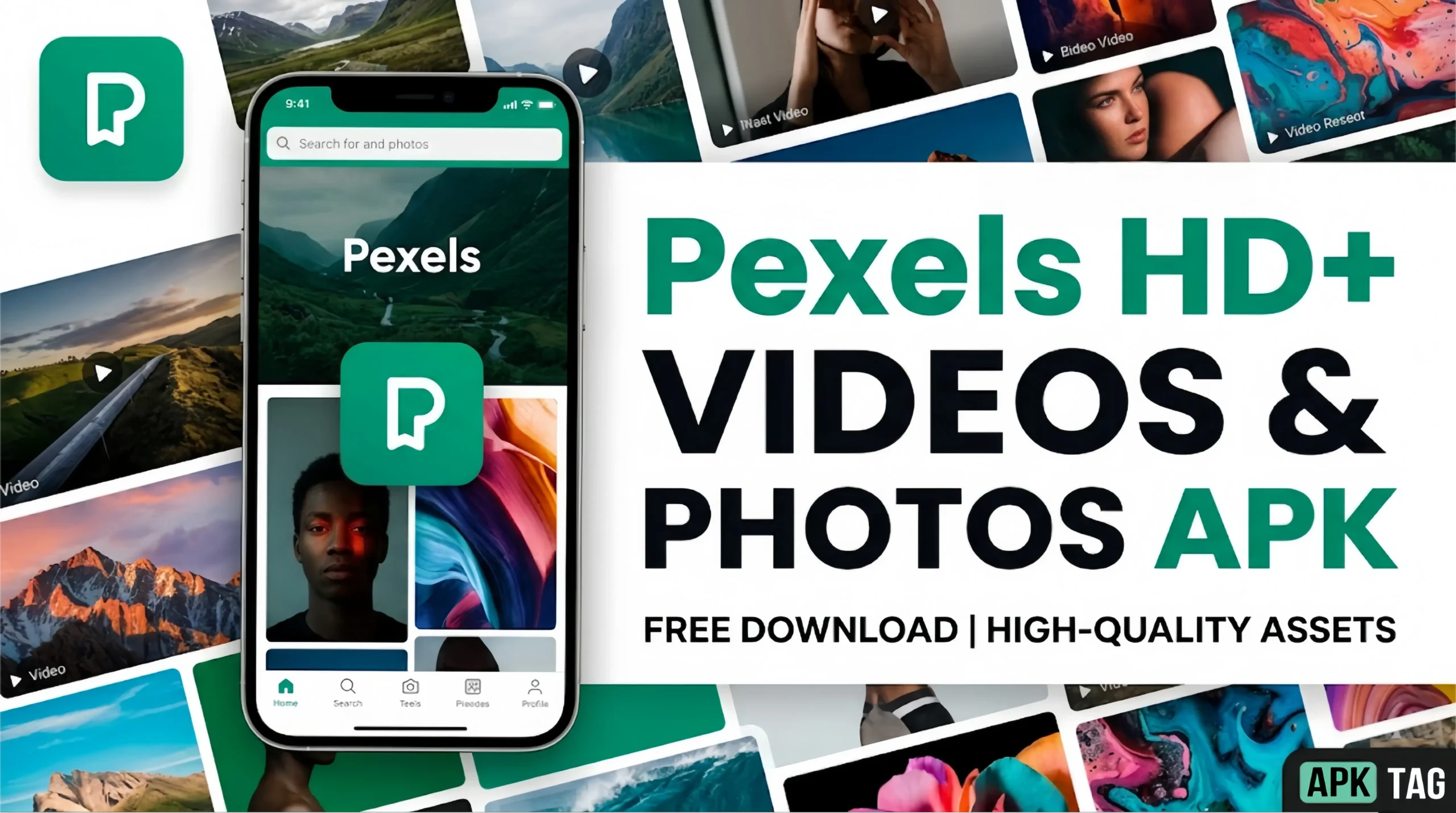
Pexels HD+ Videos and Photos APK
Finding high-quality, royalty-free images and videos for personal and professional projects costs money on most platforms. Pexels changes that equation entirely. The Pexels HD+ Videos and Photos APK puts a library of millions of free stock photos and videos directly on your Android device. Whether you create content, build presentations, design social media posts, or simply want stunning wallpapers, this app gives you professional-grade media at zero cost.
What Is Pexels HD+ Videos and Photos APK?
Pexels is a free stock media platform founded in 2014. It hosts millions of photos and videos contributed by a global community of photographers and videographers. Every piece of content on the platform carries the Pexels License, which permits free use for personal and commercial purposes without attribution requirements.
The Android app brings the full Pexels library to your mobile device. You search, browse, download, and set wallpapers directly from your phone. The HD+ designation refers to the app’s support for high-resolution downloads including 4K video and full-resolution photography.
Key Features
Massive Free Library
Pexels hosts over 3.5 million free stock photos and videos. The library grows daily as contributors upload new content. Every item in the library is free. There are no premium tiers, no watermarked previews, and no credits system to navigate.
High-Resolution Downloads
The app supports downloading photos at their original resolution, often exceeding 20 megapixels. Videos download in resolutions up to 4K at 60 frames per second on supported content. The HD+ label specifically highlights this full-resolution access on mobile.
Powerful Search Engine
The search function handles broad and specific queries equally well. Search “mountain sunrise golden hour” and get targeted results rather than generic mountain photos. The algorithm uses color, composition, and subject matter tags to return accurate results.
Curated Collections
The app organizes content into curated collections around themes, color palettes, seasons, industries, and moods. Browse collections for business photography, nature, architecture, food, technology, and dozens of other categories. Collections update regularly with fresh content.
Trending and Discover Sections
The Discover feed surfaces trending photos and videos based on what the global Pexels community engages with most. This exposes you to content outside your standard search patterns and helps you find styles and subjects you had not considered.
HD Wallpaper Setter
Set any Pexels photo directly as your home screen or lock screen wallpaper without downloading to your gallery first. The app crops and scales the image to fit your device resolution automatically. This turns your phone into a rotating gallery of professional photography.
Video Preview and Download
Stream video previews inside the app before committing to a download. Preview quality adjusts to your connection speed. Download options include multiple resolution choices per video, so you pick the file size that suits your project.
Photographer Profiles
Each photo and video links to the contributor’s Pexels profile. Browse more work from photographers whose style suits your needs. Follow specific contributors to see their new uploads in your feed.
Favorites and Collections
Save photos and videos to personal collections inside the app. Organize saved content by project, client, theme, or any category you define. Access your saved collections offline after initial download.
Color Search
Filter search results by dominant color. This feature suits designers who need images matching a specific brand palette or project color scheme. Search “coffee shop” then filter by warm amber tones to get perfectly on-brand results.
How to Download and Install Pexels APK
From Google Play Store
Search “Pexels” on the Play Store. The official app appears as the top result. Tap Install. This is the safest and fastest installation method.
APK Installation
For users who need the APK version directly:
Step 1: Source the APK
Go to APKPure or APKMirror and search for Pexels. Download the most recent stable version. Pexels is a legitimate, well-known platform, so its APK appears on major repositories without modification concerns. Still verify the file hash matches the official version listed on the repository.
Step 2: Enable Unknown Sources
Go to Settings, then Security or Privacy. Enable “Install Unknown Apps” for your browser or file manager.
Step 3: Download and Install
Download the APK file. Open your file manager, navigate to Downloads, and tap the file. Follow the installation prompts.
Step 4: Sign In or Browse as Guest
The app works without an account for browsing and downloading. Create a free account to access favorites, personal collections, and contributor following features. Account creation requires only an email address.
Performance and User Experience
The Pexels app performs well on mid-range and flagship Android devices. The interface is clean and minimal. White backgrounds, clear typography, and a masonry grid layout present photos in their best aspect ratios without cropping.
Search results load in under three seconds on a standard 4G connection. Full-resolution photo downloads take five to fifteen seconds depending on file size and connection speed. 4K video downloads require a strong connection and patience for large files.
The app handles offline use reasonably well. Previously viewed content caches locally. Downloaded photos and videos access without internet. The search function and browsing require an active connection.
Battery consumption stays moderate during standard browsing. Streaming 4K video previews draws more power. Close the app background process when not actively using it to preserve battery life.
Best Use Cases for Pexels HD+ on Android
Social Media Content Creation
Download high-resolution photos for Instagram posts, Facebook covers, Twitter headers, and LinkedIn backgrounds directly to your phone. Edit within your preferred mobile editing app and post without desktop workflow.
Blog and Website Imagery
Bloggers and website owners need fresh imagery regularly. Use Pexels to source article headers, feature images, and background photos without licensing concerns or fees.
Presentation Design
Download full-resolution photos for PowerPoint, Google Slides, or Keynote presentations. Professional photography elevates presentation quality without requiring a design team or stock media budget.
Mobile Wallpapers
The wallpaper setter feature turns this into a premium wallpaper app. Browse millions of photos and set any of them as wallpaper in seconds. Rotate wallpapers daily or weekly with new finds from the Discover section.
Video Production B-Roll
Content creators producing YouTube videos, Instagram Reels, or TikTok content download Pexels video clips as B-roll footage. 4K downloads integrate seamlessly into professional editing workflows.
Marketing Materials
Small business owners create flyers, social media ads, and email campaign visuals using Pexels photos without licensing budgets. The commercial use permission makes every image in the library viable for paid marketing materials.
Tips for Finding the Best Content on Pexels
Use Specific Search Terms
Broad searches return generic results. “Person using laptop coffee shop morning light warm tones” returns far more useful results than “person laptop.” Descriptive queries activate the platform’s subject and mood tagging system.
Filter by Orientation
Switch between landscape, portrait, and square orientations in search results. This immediately eliminates photos that do not fit your project’s aspect ratio requirements.
Browse by Color for Design Projects
Use the color filter when your project has strict brand guidelines. This saves time versus manually scrolling through results to find color-compatible images.
Check Video Collections
Many users focus on photos and overlook Pexels’ video library. The video section contains thousands of high-quality clips across every subject category. Search the same terms in the video tab to find motion content matching your photo searches.
Follow Top Contributors
Identify photographers whose style consistently suits your projects. Follow their profiles to see new uploads first. Some Pexels contributors post dozens of new images monthly.
Privacy and Account Security
Pexels collects standard account data including email address and usage analytics. It does not sell personal data to third parties for advertising purposes. The app requests storage permission for downloads and camera permission if you use any camera-linked features.
For users installing the APK version, verify the file comes from the official Pexels distribution or a verified APK repository. The legitimate Pexels APK requests only storage and internet permissions. Additional permissions beyond these warrant caution.
Conclusion
Pexels HD+ Videos and Photos APK delivers genuine professional value at no cost. The library depth, license clarity, 4K video support, and clean mobile interface make it a practical tool for content creators, designers, marketers, and anyone who needs quality visual media on Android.
Install from the Play Store for the safest experience. Create a free account to unlock favorites and collections. Use specific search terms and the color filter to find exactly what your project needs. For free stock media on Android, Pexels sets the standard against which every competing app measures itself.