PocketPal AI for Android
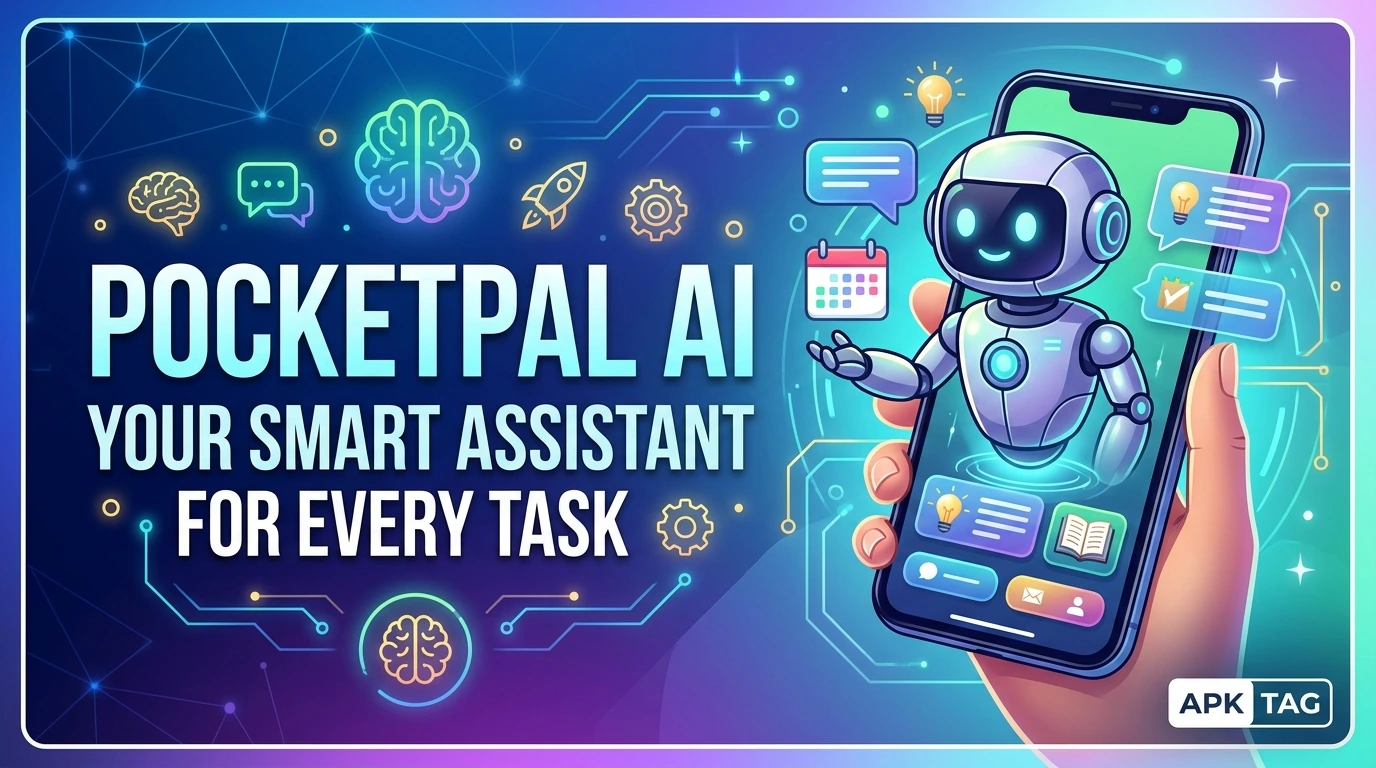
PocketPal AI is a large language model (LLM) application for Android devices. The app runs artificial intelligence models directly on your phone. You chat with AI without an internet connection. You ask questions, generate text, and summarize documents. The app supports models like Llama 2, Mistral, and Gemma. The app processes data locally. Your conversations remain private.
What is PocketPal AI?
PocketPal AI is a local AI inference app. It runs small language models on your device. You do not need cloud servers or internet access. The app uses your device’s processor (CPU) and neural processing unit (NPU). You download models within the app. The models are typically 2 to 7 GB in size. The app is available on the Google Play Store. App size is approximately 30 MB. Requires Android 8.0 or higher. The developer is PocketPal AI.
Core Purpose
You chat with AI offline. You protect your privacy with local processing. You use AI without internet. You ask questions and get responses. You generate text and summaries.
Core Features
Offline AI Chat
The app runs AI models on your device. You send messages and receive responses. The conversation is stored locally. No data leaves your phone.
Multiple Model Support
The app supports various open-source models. Options include Llama 2 (7B), Mistral (7B), and Gemma (2B). You download models from within the app. You switch between models easily.
Model Download
You download models directly in the app. The app provides a list of available models. You select and download. The download size is 2 to 7 GB. You need a stable Wi-Fi connection.
Temperature Control
You adjust the response temperature. Higher values (0.8-1.0) produce creative responses. Lower values (0.2-0.5) produce focused responses. You save your settings.
Context Length
You set the context length (number of tokens). Longer context remembers more conversation. It uses more memory. You set it based on your device capability.
System Prompts
You create custom system prompts. This sets the AI’s role (e.g., “You are a helpful assistant”). You define the tone and behavior. You save multiple prompts.
Conversation History
The app stores your chat history locally. You view past conversations. You delete or export them. You clear history to free storage.
Export and Share
You export conversation logs as text files. You share them via email or messaging. This is useful for documentation.
Performance Metrics
The app shows token generation speed. You see tokens per second (t/s). This indicates performance on your device.
Supported Models and Requirements
Model Options
Llama 2 7B – General purpose. Requires 4 GB RAM.
Mistral 7B – Improved reasoning. Requires 4 GB RAM.
Gemma 2B – Lightweight and fast. Requires 2 GB RAM.
Phi-2 2.7B – Focused on reasoning. Requires 2.5 GB RAM.
TinyLlama 1.1B – Fastest option. Requires 1.5 GB RAM.
Device Requirements
RAM: 4 GB minimum for 7B models. Storage: 3 to 8 GB free for model files. Processor: Snapdragon 865 or higher for good performance. NPU: Supports hardware acceleration (Qualcomm, MediaTek).
Performance Expectations
7B models produce 3-8 tokens per second. 2B models produce 10-20 tokens per second. Generation times vary by device. Expect 10-30 seconds per response.
How to Download and Install
Play Store Method (Recommended)
Open the Google Play Store. Search for “PocketPal AI.” Select the app by PocketPal AI. Tap install. Wait for completion. Open the app.
APK Method
You download the APK from third-party sites. This method carries risks. Enable unknown sources in your settings. Download the APK from a trusted site like APKMirror. Tap the APK file to install. Grant permissions during installation.
Why Use the Play Store Version
The Play Store version updates automatically. The Play Store version includes Google’s security checks. The Play Store version is verified. The APK version may contain malware. The APK version may not update. Use the Play Store version for safety.
Step-by-Step Setup and Usage
Step 1: Open the App
Launch PocketPal AI from your app drawer. The app shows a welcome screen. It requests storage permission. Grant storage for downloading models.
Step 2: Download a Model
Tap the “Models” tab. The app shows available models. Select a model (e.g., Gemma 2B). Tap “Download.” The model downloads in the background. Wait for completion (2-7 GB). The app notifies you when done.
Step 3: Load the Model
After download, tap “Load Model.” The app loads the model into memory. Loading takes 10 to 30 seconds. The model is now ready for use.
Step 4: Start a Conversation
Go to the “Chat” tab. Type your question or prompt. Tap the send button. The app generates a response. Wait for the output (10-30 seconds).
Step 5: Adjust Settings
Tap the settings gear. Adjust the temperature slider. Increase for creativity. Decrease for accuracy. Adjust the context length. Higher values use more memory.
Step 6: Create a System Prompt
Tap “System Prompt.” Enter a role, e.g., “You are a helpful assistant.” Save the prompt. The AI follows this role for all conversations.
Step 7: View History
Tap the “History” tab. See past conversations. Tap a conversation to resume. Tap the delete icon to remove it.
Step 8: Export a Conversation
Open a conversation. Tap the share icon. The app generates a text file. You share via email, messaging, or cloud.
Performance & Optimization
Speed Tips
Use smaller models (2B) for faster responses. Close background apps to free RAM. Use a device with a dedicated NPU. Enable hardware acceleration in settings.
Memory Management
7B models use 3-4 GB RAM. Close other apps when using large models. Use a model that fits your device’s memory. The app shows memory usage.
Battery Consumption
AI inference uses significant battery. A 10-minute session uses 5-10% battery. Charge your device before extended use. Reduce screen brightness to save power.
Storage Management
Models are 2-7 GB each. Download only models you use. Delete unused models to free space. Move models to an SD card if supported.
Pros & Cons
Pros
The app works offline and protects your privacy. The app supports multiple models. The app is free and open-source. The app includes a clean interface. The app allows customization and history export.
Cons
The app requires significant storage (2-7 GB). The app requires 4 GB RAM for larger models. The app drains battery quickly. The app is slower than cloud AI. The APK version may contain malware.
Use Cases
Privacy-Sensitive Users
You ask personal questions without data leaving your phone. You discuss sensitive topics securely. You do not worry about data breaches.
Offline Use
You travel to areas without internet. You use AI on flights or in remote areas. You maintain productivity without connectivity.
Students
You use AI for research and homework. You summarize articles and generate ideas. You practice language and writing.
Developers
You test models on mobile devices. You experiment with prompt engineering. You build local AI applications.
Writers
You generate story ideas and outlines. You overcome writer’s block. You refine your writing with AI.
Conclusion
PocketPal AI is a powerful tool for offline AI chat. You run models directly on your Android device. Your conversations remain private. You choose from multiple open-source models. Download PocketPal AI today. Experience private, offline AI on your Android phone. Enjoy secure and unrestricted access to artificial intelligence.