Introduction
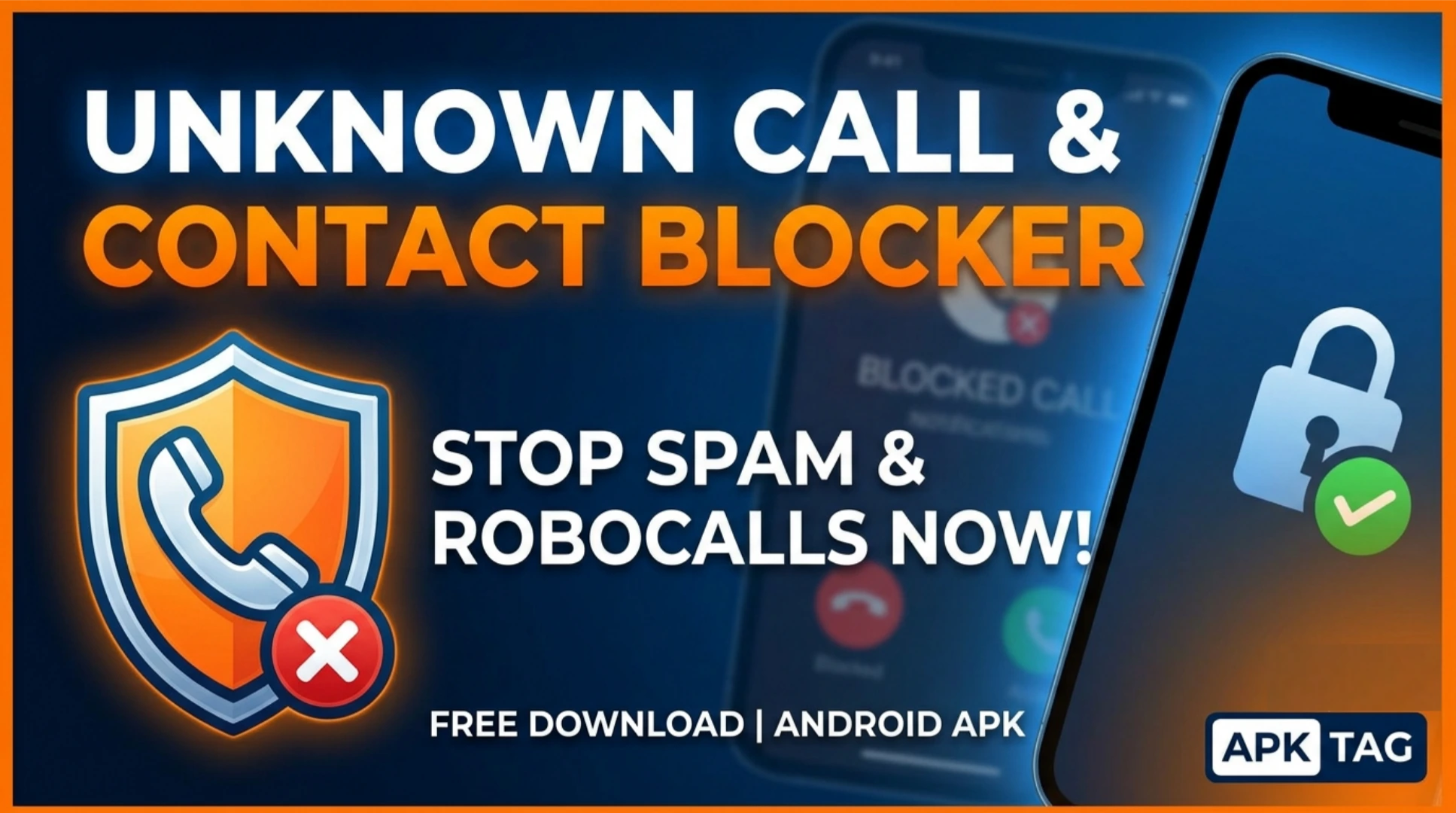
Unknown Call & Contact Blocker is an Android application. It blocks unwanted calls and messages from unknown numbers. You also block specific contacts. The app stops spam calls, telemarketers, and fraudsters. You protect your privacy and reduce interruptions.
What is Unknown Call & Contact Blocker?
This app identifies incoming calls. It checks the number against your block list. It also checks against public spam databases. It blocks calls from unknown or private numbers. You decide which numbers to block. The app works in the background. It does not interfere with your normal calls. The app has over 5 million downloads on the Google Play Store. Average user rating is 4.2 stars. App size is approximately 15 MB. Requires Android 5.0 or higher.
Core Purpose
You stop nuisance calls. You prevent scams. You avoid unknown callers. You manage your contacts effectively. You maintain your privacy.
Core Features
Unknown Number Blocking
The app blocks all calls from numbers not in your contacts. You enable this feature with one toggle. The app sends blocked calls to voicemail or rejects them directly. You do not receive notifications for blocked calls.
Contact Blocking
You block specific contacts from your address book. You select the contact from a list. The app blocks calls and messages from that person. You unblock them at any time.
Spam Database
The app uses a public spam database. It identifies known spam numbers. It blocks them automatically. The database updates weekly. You contribute by reporting spam numbers.
Private Number Blocking
The app blocks calls from private or hidden numbers. These numbers show as “Unknown” or “Private” on your screen. The app rejects these calls instantly.
SMS Filtering
The app filters text messages. It blocks SMS from unknown numbers. It sends them to a separate spam folder. You review blocked messages later.
Whitelist Option
You create a whitelist of important numbers. These numbers bypass all blocking. Emergency services are automatically whitelisted. You add family members and work contacts.
Call Log History
The app maintains a log of blocked calls. You see the date, time, and number. You restore a blocked call if needed. You unblock a number directly from the log.
Scheduled Blocking
You set active hours for blocking. You block calls during work hours. You allow calls during personal hours. This reduces disturbances at specific times.
How to Download and Install
Play Store Method (Recommended)
Open the Google Play Store. Search for “Unknown Call & Contact Blocker.” Select the app by the developer. Tap install. Wait for completion. Open the app. Grant the required permissions.
APK Method
You download the APK from third-party sites. This method carries risks. Enable unknown sources in your settings. Download the APK from a trusted site like APKMirror. Tap the APK file to install. Grant permissions during installation.
Why Use the Play Store Version
The Play Store version updates automatically. The Play Store version includes Google’s security checks. The Play Store version is verified. The APK version may contain malware. The APK version may not update. Use the Play Store version for safety.
Step-by-Step Usage Instructions
Step 1: Open the App
Launch the app from your app drawer. The app requests permissions. Grant phone, contacts, and SMS permissions. These permissions are essential for call detection.
Step 2: Set Up Blocking Rules
Enable “Block Unknown Callers.” Enable “Block Private Numbers.” Enable “Spam Filter.” The app starts blocking immediately.
Step 3: Add Contacts to Block
Tap the “Block List” option. Select “Add Contact.” Choose a contact from your address book. The app blocks that contact’s calls and messages.
Step 4: Add Numbers Manually
Tap “Add Number.” Enter a phone number manually. Include the country code. The app blocks calls from that number.
Step 5: Whitelist Important Numbers
Tap “Whitelist.” Add emergency numbers and family contacts. The app does not block these numbers.
Step 6: Enable Scheduled Blocking
Tap “Schedule.” Set your active hours. Choose start and end times. The app blocks calls during those hours. Calls are allowed outside those hours.
Step 7: Check Blocked Calls Log
Tap “Log.” You see all blocked calls. You unblock a number by tapping it. You also restore a call from the log.
Step 8: Review Blocked SMS
Tap “SMS Spam Folder.” You see all blocked messages. You restore messages you want. You mark messages as not spam.
Permissions and Privacy
The app requires specific permissions.
Phone Permission
The app reads your phone state. It detects incoming calls. It identifies the caller number. This is essential for blocking.
Contacts Permission
The app reads your contacts. It separates known numbers from unknown numbers. It allows you to block specific contacts. The app does not share your contacts.
SMS Permission
The app reads incoming messages. It filters SMS from unknown numbers. It moves them to a spam folder. The app does not read existing messages.
Storage Permission
The app stores call logs and blocked numbers. This permission is optional. The app works without it.
Data Privacy
The app does not upload your data. The app does not share your contacts. The spam database is anonymous. You control all data locally.
Safety Considerations
Malware Risk with APK
Unofficial APKs may contain malware. The malware can steal your contacts. It can send premium SMS. It can display intrusive ads. Only download from trusted sources like APKMirror. Scan the APK with antivirus software.
Privacy Risk
Some modded APKs collect personal data. They may send your call logs to third parties. Read permissions carefully. Avoid apps requesting unnecessary permissions.
Battery Consumption
The app runs in the background. It consumes minimal battery. Blocking calls does not drain your battery. You can check battery usage in settings.
False Positives
The app may block legitimate calls. It may block numbers not in your contacts. Check the blocked log regularly. Add important numbers to the whitelist.
Alternatives to Unknown Call & Contact Blocker
Truecaller
Truecaller identifies unknown numbers. It blocks spam calls automatically. It includes a large spam database. The app is free with ads. It has over 500 million downloads.
Call Blocker – Block Calls & SMS
This app focuses on simple blocking. It blocks numbers and unknown callers. It has fewer features. It is lightweight and fast. Rating 4.3 stars.
Should I Answer?
This app uses community-based spam ratings. Users report spam numbers. The app blocks numbers with low ratings. It is effective for fraud calls.
Mr. Number
Mr. Number blocks spam and robocalls. It protects your privacy. It includes a reverse phone lookup. The app is free and ad-free.
Comparison
Unknown Call & Contact Blocker is simple and effective. Truecaller is more feature-rich but collects more data. Call Blocker is minimal and fast. Should I Answer? is community-driven. Mr. Number is privacy-focused.
Troubleshooting Common Issues
App Does Not Block Calls
Ensure phone permission is granted. Check that the app is enabled in accessibility settings. Restart your device. Update the app to the latest version.
Legitimate Calls Blocked
Add the number to the whitelist. Disable “Block Unknown Callers” temporarily. Check the blocked log and unblock.
Notifications Not Showing
Enable notifications in device settings. Enable notifications within the app. Check Do Not Disturb mode.
Battery Drain
The app uses minimal power. Check if other apps drain battery. Update the app. Restart your device.
SMS Not Filtered
Grant SMS permission. Enable SMS filtering in settings. Check the spam folder periodically.
Pros and Cons
Pros
The app stops unwanted calls. The app protects your privacy. The app is easy to configure. The app works in the background. The app is free with no ads (mostly). The app includes scheduling.
Cons
The APK version may contain malware. The app may block legitimate calls. The app requires many permissions. The app does not work for VoIP calls (WhatsApp, Viber). The app needs manual whitelist updates.
Legal Considerations
Call blocking is legal in most countries. You block calls from numbers you do not know. This is your right as a phone owner. The app does not record calls. The app does not intercept messages. The app only filters based on your rules. Do not block emergency numbers. Keep police, ambulance, and fire numbers on the whitelist.
Conclusion
Unknown Call & Contact Blocker is a practical tool. It stops spam and unknown callers. It gives you control over your phone. Use the Play Store version for security. Grant only essential permissions. Set up your block list and whitelist carefully. Check the blocked log regularly. Download the app and configure it immediately. Enjoy a quieter phone experience.