All Language Translator Complete Guide
Language barriers exist everywhere. Travel, business, immigration, education, and daily communication all hit walls when two people do not share a language. All Language Translator apps address this problem directly.
They consolidate translation across dozens or hundreds of languages into a single Android application, giving you text, voice, camera, and conversation translation without switching between multiple tools. This guide covers what these apps do, how to get them safely, which features matter most, and how to use them effectively.
What Is All Language Translator?
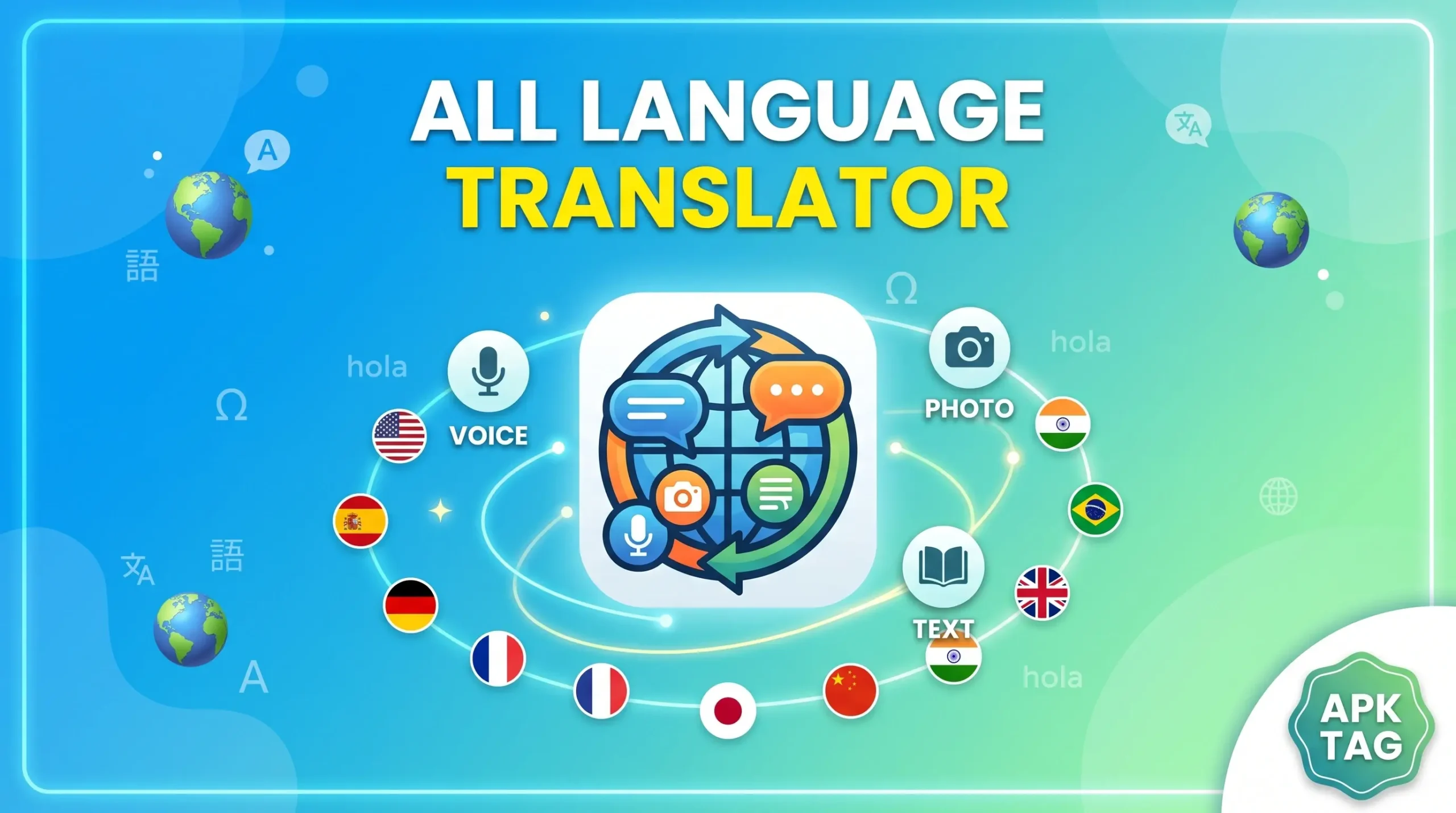
All Language Translator is a category of Android applications that provide translation functionality across a wide range of world languages through a single unified interface. These apps combine multiple translation modes including text input, voice recognition, camera-based translation, and real-time conversation into one platform.
The apps target travelers, students, business professionals, immigrants, expatriates, and anyone who communicates regularly across language boundaries. Rather than using a web browser to access translation services or switching between specialized apps for different translation scenarios, these apps consolidate every translation need into one tool.
Multiple apps carry the “All Language Translator” name or close variations on the Google Play Store. They range from simple text translation interfaces to comprehensive platforms with offline support, pronunciation guides, phrasebooks, and dictionary integration. The quality and feature depth varies significantly between developers.
What Is the All Language Translator APK?
APK stands for Android Package Kit. It is the file format Android uses to install applications. The Play Store delivers APKs automatically during installation.
Here is what matters before downloading from any unofficial source. Translation apps process everything you type into them. Business contracts, personal messages, medical information, financial documents, legal correspondence, and private communications all pass through the app when you translate them. A modified APK from an unofficial source intercepts this content and sends it to unauthorized servers without your knowledge.
Translation apps also request microphone access for voice translation and camera access for image-based translation. A compromised version exploits these permissions to record audio and capture images silently. The combination of text interception and audio-visual surveillance makes a fake translation app one of the most comprehensive data harvesting tools available.
Download All Language Translator only from the Google Play Store or the official developer’s verified channels. Never trust APK files for translation applications from third-party sites.
Key Features of All Language Translator Apps
The best apps in this category deliver a comprehensive set of translation tools. Here is what each feature does.
Text Translation
The foundation of every translation app. You type or paste text in any supported language and receive an instant translation in your target language. The app detects the source language automatically or you select it manually. Better apps translate in both directions simultaneously, showing the translation updating in real time as you type rather than requiring you to finish before results appear.
Text translation quality varies between apps based on the translation engine they use. Apps built on established neural machine translation systems produce more natural, contextually accurate results than apps using older word-by-word substitution methods.
Voice Translation
Tap the microphone icon and speak in your language. The app transcribes your speech and translates it in real time. Voice translation works for quick verbal queries, travel situations, and casual conversations where typing feels cumbersome.
Accuracy depends on your pronunciation clarity, background noise levels, and how well the app’s speech recognition handles your specific accent. Speaking clearly in a quiet environment consistently produces better voice translation results than speaking in noisy public spaces.
Camera and Image Translation
Point your phone camera at any printed text and the app translates it on screen in real time. Menus, signs, product labels, documents, street names, and any other printed material become instantly readable in your language.
Image translation works best on clear, well-lit printed text. Handwritten text, stylized fonts, and text at extreme angles challenge the OCR systems that read text before translation. Bright, flat lighting and a steady hand produce the most accurate camera translation results.
Conversation Mode
Two people speaking different languages use the same phone to communicate. One person speaks and the app translates and plays audio in the other person’s language. The second person responds and the app translates back. The app alternates between languages automatically based on which language it detects.
Conversation mode works best in quiet environments where the app clearly distinguishes each speaker’s voice. Background noise causes the app to capture ambient sound alongside speech, reducing translation accuracy.
Offline Translation
You download language packs for offline use. Once downloaded, the app translates without any internet connection. Offline translation is essential for international travel where roaming data costs are high, in areas with poor connectivity, and in situations where internet access is unavailable.
Offline translation typically covers text input. Camera translation and voice translation may require internet connectivity depending on the app and language pair. Check which features work offline for your specific language pair before traveling.
Pronunciation Guide
The app plays audio of translated text so you hear correct pronunciation. This helps you speak translated phrases rather than just showing them to others. Listening to pronunciation builds language confidence and improves communication in situations where you want to attempt speaking rather than just displaying text.
Pronunciation guides work particularly well for languages with non-Latin scripts like Arabic, Chinese, Japanese, Korean, and Hindi where seeing the translated text gives no phonetic guidance without additional support.
Phrasebook
You save frequently used translations to a personal phrasebook. Before traveling, save common phrases for greetings, directions, ordering food, asking for help, and handling emergencies. Access these saved phrases instantly without retyping or retranslating during your trip.
A well-prepared phrasebook makes the app useful even in situations where slow translation would create awkward delays. Having pre-saved phrases for your destination country ready before you land reduces pressure during arrival and transit.
Dictionary Integration
Beyond sentence translation, the app provides word-level dictionary entries. Tap any word in a translation to see its dictionary definition, part of speech, example sentences, and related words. This depth goes beyond simple translation and supports genuine language learning alongside practical communication.
History
The app saves your recent translations automatically. Review past translations without retyping content you have already processed. History is useful when you translate something and need to reference it again later, or when you want to copy a translation you completed earlier without finding the original source text again.
How to Download and Install All Language Translator
For Android via Google Play Store:
- Open the Google Play Store on your device
- Search for “All Language Translator”
- Review multiple results and compare developer names, download counts, and user ratings
- Select an app with a substantial download history and recent positive reviews
- Verify the developer name before tapping Install
- Tap Install
For Huawei devices:
- Open Huawei AppGallery
- Search for “All Language Translator”
- Install from a verified listing
After installation, the app requests microphone, camera, and storage permissions. Microphone access is required for voice translation. Camera access is required for image translation. Storage access is required for saving offline language packs and translation history. Review each permission request and grant only what the core function requires.
Privacy Best Practices for Translation Apps
Translation apps process sensitive content regularly. These practices protect your information.
Use offline translation for sensitive content. When translating business contracts, legal documents, medical information, or personal correspondence, offline mode keeps your content on your device rather than sending it to external servers for processing.
Read the privacy policy before translating confidential content. Understand whether the app stores your translation history on its servers, whether it uses your translations to improve its models, and what data retention policies apply to your content.
Avoid translating passwords, account numbers, identification documents, or financial details through online translation modes. These categories of information carry high risk if intercepted or stored by third parties.
Clear your translation history regularly if the app stores it. Go to the history section and delete entries you no longer need. This limits the volume of sensitive content stored in the app at any time.
Conclusion
All Language Translator apps give Android users comprehensive translation across text, voice, camera, and conversation modes in a single application. Download from the Google Play Store only. Download offline language packs before you need them rather than during travel.