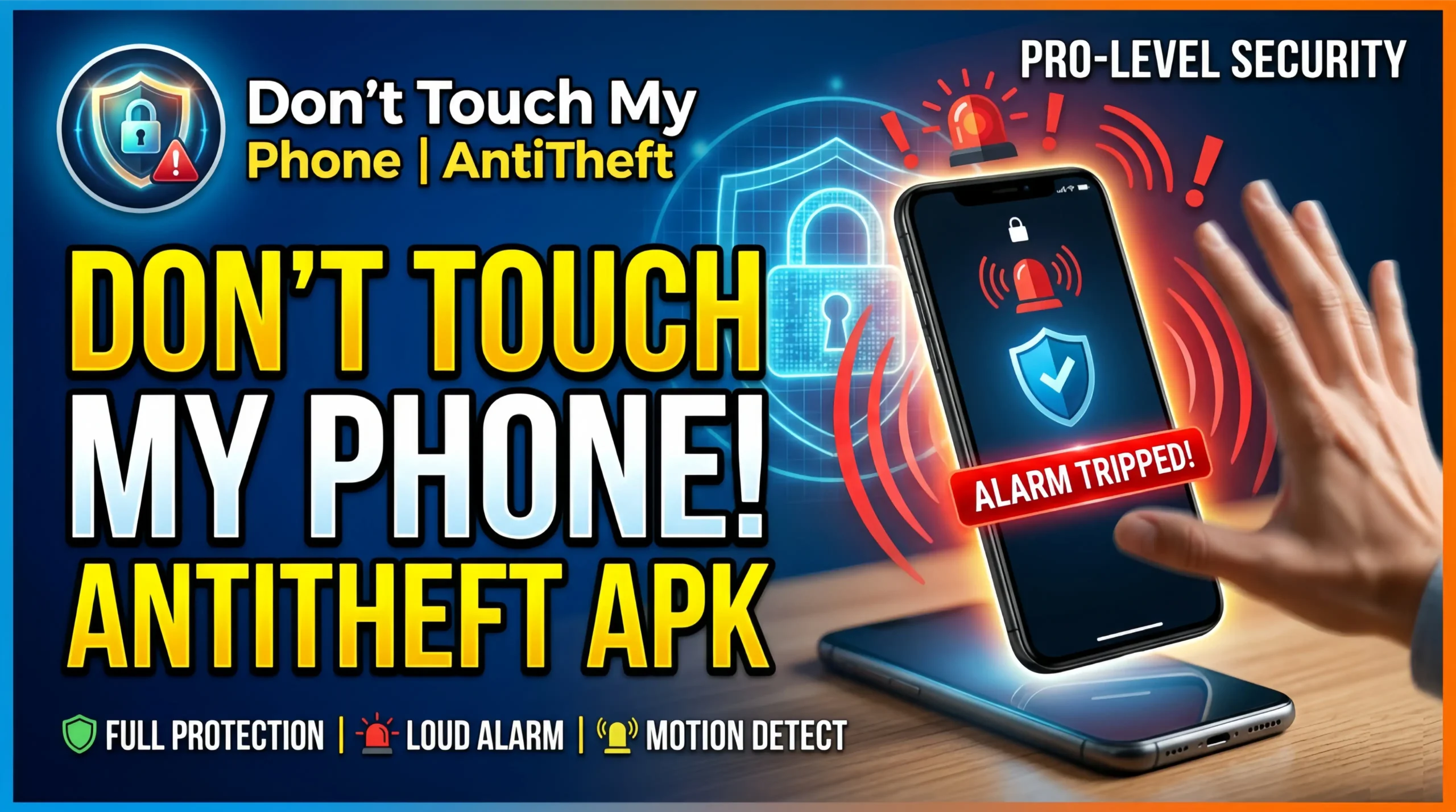
Don’t Touch My Phone AntiTheft APK
You set your phone down on a desk, a table, or a counter. Someone picks it up without your permission. By the time you notice, they have already seen your notifications, your photos, or your messages. A Don’t Touch My Phone AntiTheft APK stops this from happening by triggering an immediate alarm the moment someone touches or moves your device without authorization.
How they work, which features matter, and how to set one up correctly on your Android device.
What Is a Don’t Touch My Phone AntiTheft APK
A Don’t Touch My Phone AntiTheft APK is an Android application that uses your device’s sensors to detect unauthorized handling and triggers a loud alarm in response. The app monitors your phone continuously when activated. Any movement, screen touch, charger removal, or pocket detection beyond your set threshold fires an immediate alert.
The APK format refers to the installable Android package file. Most anti-theft alarm apps are available directly on the Google Play Store. Some versions distribute as APK files for older Android versions or devices without Play Store access.
These apps serve a specific purpose. They deter opportunistic theft and unauthorized access in situations where your phone is temporarily unattended. The alarm draws immediate attention to the person handling your device and alerts you before they get far.
How Anti-Theft Detection Works
Don’t Touch My Phone AntiTheft APK apps use several sensors built into your Android device to detect unauthorized handling.
Accelerometer Detection
The accelerometer measures movement and orientation changes. When someone picks up your phone, the accelerometer registers the movement immediately. The app compares this movement against a threshold you set. Movement exceeding the threshold triggers the alarm.
This is the most common detection method and works reliably across virtually all Android devices since every smartphone includes an accelerometer.
Touch Detection
Touch sensors detect when someone taps or swipes the screen. The app locks into a state where any screen interaction outside of the correct PIN entry fires the alarm. Someone picking up your phone and tapping the screen to check notifications triggers the alarm immediately.
Charger Removal Detection
Charger removal detection monitors the charging connection. When someone unplugs your phone from its charger without entering the correct disarm code, the alarm fires. This protects devices left charging in public spaces like offices, cafes, airports, and libraries where charger theft is a documented problem.
Pocket Detection
Some apps use the proximity sensor to detect when your phone leaves a pocket or bag. The proximity sensor registers that the device is no longer close to a surface. Combined with movement detection, this creates a sensitive alert system for devices carried on your person.
Face Detection
Advanced versions use the front camera to detect unrecognized faces. When someone picks up the phone and looks at the screen, the app compares the detected face against registered authorized faces. An unrecognized face triggers the alarm and captures a photo of the unauthorized user simultaneously.
Key Features
Not every anti-theft alarm app delivers the same protection. Focus on these specific features when evaluating a Don’t Touch My Phone AntiTheft APK.
Loud Alarm Volume
The alarm is the app’s most critical feature. A quiet alert achieves nothing. The alarm should reach maximum device volume regardless of your current ringtone or media volume settings. Look for apps that set alarm volume independently from system volume so a phone on silent still fires a loud alert when triggered.
PIN Disarm System
You need a reliable way to disarm the alarm when you pick up your own phone. A PIN disarm system requires entering a correct code to silence the alarm. Choose a PIN different from your lock screen PIN to prevent someone who observes your unlock code from also knowing the disarm code.
Wrong PIN Response
When someone enters an incorrect disarm PIN, the best apps respond by capturing a photo of the unauthorized user with the front camera and increasing alarm volume. This makes the app actively gather evidence while making the alarm harder to stop.
Intruder Photo Capture
The intruder photo feature activates the front camera automatically after a set number of failed disarm attempts or immediately upon alarm trigger. The captured photo saves with a timestamp to a protected folder accessible only after correct authentication. You see exactly who handled your phone without permission.
Charger Removal Alarm
Protecting a charging phone in a public space requires charger removal detection specifically. The app fires the alarm the moment the charging cable disconnects without a prior disarm code entry. This covers the most common public theft scenario where someone unplugs a charging device and walks away.
Movement Sensitivity Control
Adjustable sensitivity prevents false alarms from minor vibrations while remaining responsive to genuine handling. A phone on a busy desk near foot traffic should not alarm every time someone walks past. A phone left completely still on a table should alarm the moment someone picks it up. Sensitivity control lets you calibrate this balance for your specific environment.
Stealth Mode
Stealth mode hides the fact that anti-theft protection is active. The phone looks normal to someone who picks it up. No visible indicators show the alarm is armed. The alarm fires before the unauthorized user realizes the device is protected.
Best Don’t Touch My Phone Anti-Theft Apps for Android
Several apps handle unauthorized access detection effectively. Each suits slightly different user needs.
Don’t Touch My Phone by Saeed Software
One of the most downloaded anti-theft alarm apps on the Play Store. Covers motion detection, touch detection, charger removal, and pocket detection in one app. Intruder photo capture after failed PIN attempts. Adjustable sensitivity controls. Loud alarm at maximum volume regardless of system sound settings. Free with optional premium features. Over 10 million downloads indicate strong user confidence.
Anti Theft Alarm by Ours Apps
Focuses on reliability over feature quantity. Motion and touch detection with fast response time between trigger and alarm activation. Clean interface requiring minimal setup. Stable background operation without frequent service interruptions. Free to use with no mandatory subscription.
Theft Alarm Phone by Techno Apps
Combines anti-theft alarm with charger removal detection and pocket alarm in one package. Intruder selfie feature captures photos of unauthorized users. PIN disarm with wrong attempt escalation. Works reliably on devices running Android 6.0 and above.
Phone Keeper Anti Theft Alarm
Strong charger removal alarm specifically designed for public charging scenarios. Activates automatically when the charging cable disconnects without prior disarm. Loud alarm continues until correct PIN entry. Good choice for users who regularly charge in public spaces.
Cerberus Anti Theft
More comprehensive than basic alarm apps. Includes remote device tracking, remote alarm activation, remote camera access, and remote data wiping alongside local motion detection. Subscription-based with a free trial period. Targets users who want full remote management alongside local alarm functionality.
How to Set Up a Don’t Touch My Phone App
Setup takes under five minutes for most applications.
Follow these steps:
- Download your chosen app from the Google Play Store
- Open the app and complete the initial setup wizard
- Set a disarm PIN. Choose something different from your lock screen PIN and record it securely
- Adjust motion detection sensitivity based on where you typically leave your phone
- Enable charger removal detection if you charge in public spaces
- Enable intruder photo capture if available
- Grant the app accessibility permissions if prompted. This allows reliable alarm triggering across all device states
- Grant camera permission for intruder photo capture
- Test the setup by arming the app and triggering the alarm deliberately. Confirm it fires at full volume and that your PIN disarms it correctly
Test before relying on it in a real situation. A setup problem discovered during testing is a minor inconvenience. A setup problem discovered when someone steals your charging phone is a serious loss.
Permissions Anti-Theft Apps Request
A Don’t Touch My Phone AntiTheft APK legitimately needs:
- Accelerometer and motion sensors: to detect device movement and handling
- Camera access: for intruder photo capture after failed authentication attempts
- Accessibility service: to maintain reliable alarm triggering across all device states including lock screen
- Run in background: to monitor the device continuously while the screen is off
- Run at startup: to rearm protection automatically after device restart
- Maximum volume access: to override system volume settings when the alarm fires
Be cautious of anti-theft apps requesting access to your contacts, SMS messages, or call logs without a clear explanation tied to a specific feature. These permissions fall outside what alarm and detection functionality requires. Any app requesting unexplained permissions warrants closer scrutiny before installation.
Conclusion
A Don’t Touch My Phone AntiTheft APK addresses the most common phone security threat most people face: unauthorized handling in situations where your device is temporarily unattended. The alarm deters opportunistic access before it becomes theft or privacy violation.
Choose an app with a loud alarm that overrides system volume, reliable charger removal detection if you charge in public, intruder photo capture, and adjustable sensitivity. Test the full setup before relying on it. Combine it with Google Find My Device for protection that covers both prevention and recovery.