Urdu Designer APK : Everything You Need to Know
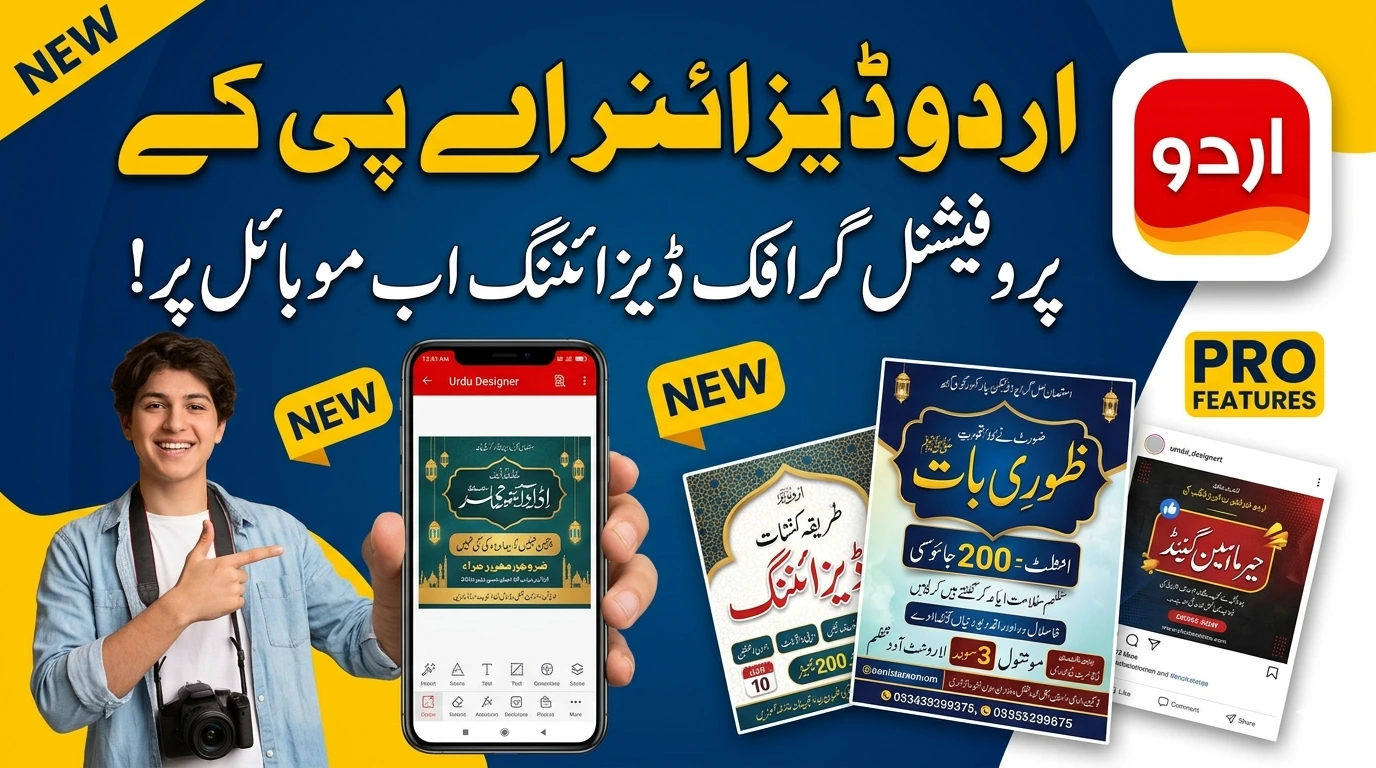
Urdu Designer APK is a mobile application that lets you add Urdu text to images, create stylish Urdu typography, and design graphics in Urdu script directly from your Android device. It serves millions of users across Pakistan, India, and Urdu-speaking communities worldwide.
What Is Urdu Designer APK?
Urdu Designer APK is a third-party Android application. Users download it outside of the Google Play Store. It focuses on one specific need: helping you write and design in Urdu on your smartphone.
Most standard photo editing apps do not support right-to-left scripts well. Urdu text breaks, appears backwards, or loses its proper joining characters in apps like PicsArt or Canva. Urdu Designer solves this problem by building the entire tool around Urdu typography.
The app is popular among:
- Social media content creators who post in Urdu
- Small business owners making promotional graphics
- Students creating project presentations
- Teachers preparing visual learning material
- Poetry and literature enthusiasts sharing Urdu shayari online
Features of Urdu Designer APK
1. Urdu Text on Photos
This is the primary feature. You open any image from your gallery or take a new photo. You then type Urdu text directly on the image. The app renders the text correctly, preserving the connected letterforms that Urdu requires.
You choose from multiple font styles. Nastaliq, Naskh, and various decorative Urdu fonts are available. Each font gives a different visual tone to your text.
2. Large Urdu Font Library
The app includes 50 to 100 Urdu fonts depending on the version. This gives you flexibility for different design purposes:
- Nastaliq fonts work well for formal or poetic content
- Bold Naskh fonts suit headlines and announcements
- Decorative fonts fit wedding cards and celebration posts
- Handwritten-style fonts add a personal touch to messages
3. Stickers and Backgrounds
Beyond text, the app provides:
- Pre-designed Urdu stickers and phrases
- Islamic calligraphy stickers
- Eid, Ramadan, and national holiday themed graphics
- Solid color and gradient backgrounds
- Textured background options
You drop these elements onto your canvas and arrange them alongside your custom text.
4. Text Customization
You control every aspect of your text:
- Font size adjustment
- Color selection with a color picker
- Opacity control
- Shadow and outline effects
- Text alignment (right, center, left)
- Line spacing and letter spacing
This level of control lets you match the text style to any background image.
5. Social Media Templates
The app includes pre-built templates sized for WhatsApp status, Facebook posts, Instagram stories, and Twitter headers. You pick a template, swap the text, and export. This speeds up content creation significantly.
6. Save and Share Options
You save designs in high resolution directly to your gallery. You share them to WhatsApp, Facebook, Instagram, or any other app installed on your phone with a single tap.
How to Download Urdu Designer APK
Because this app does not live on the Google Play Store, you download it as an APK file from third-party websites.
Follow these steps:
- Open your phone’s Settings
- Go to Security or Privacy settings
- Enable “Install from Unknown Sources” or “Allow installation of apps from unknown sources”
- Open a browser and search for “Urdu Designer APK download”
- Choose a reputable APK website such as APKPure or APKMirror
- Download the APK file
- Open the downloaded file from your notifications or file manager
- Tap Install
- Open the app after installation completes
The file size ranges from 20 MB to 60 MB depending on the version.
How to Use Urdu Designer APK
Step 1: Open the App
Launch the app. You see the home screen with options to start a new design or browse templates.
Step 2: Choose Your Canvas
Select “New Design” to start from scratch or pick a template. If starting fresh, choose your canvas size. For WhatsApp status, use 9:16 ratio. For Facebook posts, use 1:1 or 4:5.
Step 3: Add a Background
Select a background color, gradient, or upload your own image from the gallery.
Step 4: Add Urdu Text
Tap the text button. A keyboard appears with Urdu characters. Type your text. The app renders it correctly on screen.
Step 5: Style Your Text
Select your font from the library. Adjust size, color, and position. Add shadows or outlines if needed. Move the text by dragging it to the right position.
Step 6: Add Extra Elements
Drop in stickers, shapes, or additional text layers if your design needs them.
Step 7: Save and Share
Tap Save. The image saves to your gallery in full resolution. Tap Share to send it directly to any social media app.
Pros of Using Urdu Designer APK
- Solves the core problem of Urdu text rendering on images
- Free to download and use
- Large font library available offline
- Works without an internet connection after installation
- Simple interface with no steep learning curve
- Regular updates with new fonts and stickers
- Supports high-resolution exports
Cons and Risks to Know
Security Risk
Downloading APKs from third-party sources carries risk. The file could contain malware or spyware. Always scan downloaded APK files with antivirus software before installing. Use trusted APK sites and check user reviews before downloading.
No Google Play Store Support
You do not get automatic updates through the Play Store. You need to manually download newer versions. This means you might miss security patches or new features.
Ads
Free versions of the app typically include ads. Some versions include aggressive ad placement. If ads disrupt your workflow, look for premium or modded versions, though modded APKs carry even higher security risk.
Limited Advanced Editing
The app handles text-on-image tasks well. It does not replace professional tools like Adobe Photoshop or Illustrator. For complex multi-layer designs, you need a more powerful tool.
Alternatives to Urdu Designer APK
If you want options, here are other tools for Urdu design:
- PixelLab: Supports custom fonts including Urdu, available on Google Play Store
- Canva with custom Urdu fonts: Works with uploaded Nastaliq fonts in the web version
- PicsArt with Urdu font packs: Requires manual font installation
- Urdu Keyboard and Text on Photo apps: Basic alternatives for simple text overlay
None of these alternatives match Urdu Designer’s dedicated focus on Urdu typography. They require workarounds. Urdu Designer is purpose-built for this one task.
Who Gets the Most Value from This App
You get maximum value from Urdu Designer APK if you:
- Create Urdu content for social media regularly
- Run a Pakistani or Indian business with Urdu-speaking customers
- Share Urdu poetry or quotes online
- Make announcements, invitations, or greeting cards in Urdu
- Teach or share educational content in Urdu
If you post in Urdu even once a week, this app will save you significant time compared to piecing together Urdu text in standard apps.
Conclusion
Urdu Designer APK fills a real gap in the Android app ecosystem. Urdu speakers have long struggled with poor text rendering in popular design apps. This app addresses that problem with a focused, easy-to-use tool.
Download it from a trusted source. Scan it before installing. Use it to produce clean, professional Urdu graphics directly from your phone.