Clean My Phone – Release Space APK for Android
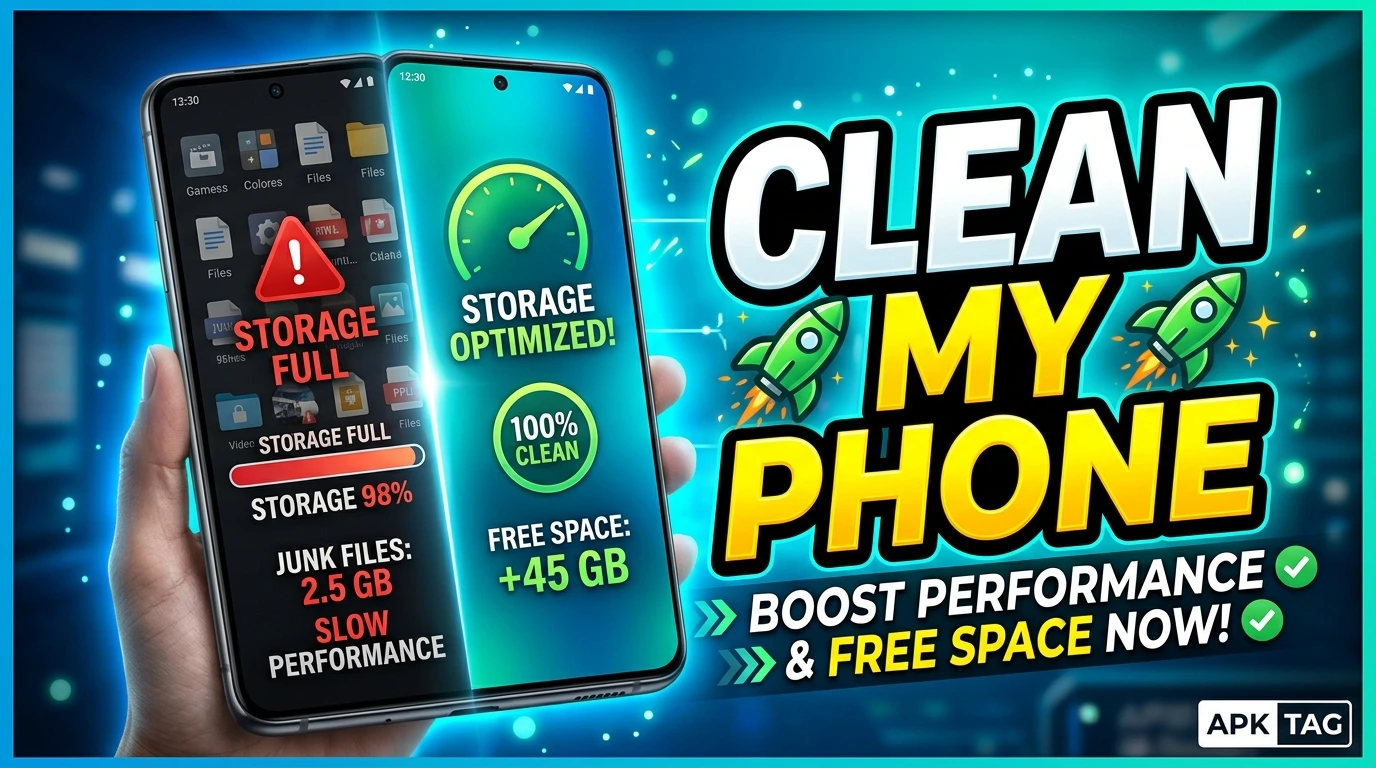
Clean My Phone is a storage optimization application for Android devices. The app removes junk files, cache data, and residual files. You free up storage space and improve device performance. The app also manages memory and detects large files. You download the APK from third-party sites or the Google Play Store.
What is Clean My Phone?
Clean My Phone is a cleaning utility. It scans your internal storage and SD card. It identifies temporary files and application caches. It removes these files to release space. The app also finds duplicate photos and unused applications. It provides a one-tap cleaning option. The app has over 10 million downloads. Average user rating is 4.2 stars. App size is approximately 15 MB. Requires Android 5.0 or higher. The developer is Mobile Clean Apps.
Core Purpose
You free up storage space. You speed up your device. You remove unnecessary files. You manage your storage efficiently. You extend the life of your internal memory.
Core Features
Junk File Cleaner
The app scans for cache files, temporary files, and residual files. It identifies files from uninstalled applications. It removes these files safely. You reclaim storage space.
Memory (RAM) Booster
The app closes background applications. It frees up RAM. This improves multitasking performance. You speed up your device.
Photo and Video Cleaner
The app scans for duplicate photos. It identifies similar images. You select and remove duplicates. It also finds blurry or low-quality images. You delete unwanted media files.
App Manager
The app lists all installed applications. You sort apps by size or usage date. You uninstall unused applications. You clear app caches directly.
Large File Finder
The app identifies files larger than 10 MB. It displays them in size order. You decide which files to delete. This removes videos and large documents.
Notification Cleaner
The app clears unnecessary notifications. It removes persistent notifications. It reduces notification clutter.
Schedule Auto-Cleaning
You set a schedule for automatic scans. The app cleans your device daily or weekly. It runs in the background.
Batch Deletion
You select multiple items for deletion. You delete all junk files in one action. The process is fast and efficient.
How to Download and Install
Play Store Method (Recommended)
Open the Google Play Store. Search for “Clean My Phone.” Select the app by Mobile Clean Apps. Tap install. Wait for completion. Open the app.
APK Method
You download the APK from third-party sites. This method carries risks. Enable unknown sources in your settings. Download the APK from a trusted site like APKMirror. Tap the APK file to install. Grant required permissions.
Why Use the Play Store Version
The Play Store version updates automatically. The Play Store version includes Google’s security checks. The Play Store version is verified. The APK version may contain malware. The APK version may not update.
Step-by-Step Usage Instructions
Step 1: Open the App
Launch Clean My Phone from your app drawer. The app requests permissions. Grant storage permission for file access.
Step 2: Run a Quick Scan
Tap the “Clean Now” button. The app scans for junk files. The scan takes 30 to 60 seconds. The results show the total junk size.
Step 3: Review Junk Files
Tap “View Details.” The app shows categories like cache, temporary files, and residual files. You see each file type and size.
Step 4: Select Items for Deletion
All items are selected by default. Uncheck any files you want to keep. Tap “Clean” to delete selected items. The process takes a few seconds.
Step 5: Clean Photos and Videos
Tap “Photo Cleaner.” The app scans for duplicates and similar images. Select duplicates for deletion. Tap “Delete.” This frees up significant space.
Step 6: Manage Apps
Tap “App Manager.” See your installed apps sorted by size. Uninstall apps you do not use. Clear caches for apps that consume space.
Step 7: Find Large Files
Tap “Large Files.” The app lists files over 10 MB. Select large videos or documents for deletion. Tap “Delete.”
Step 8: Set Auto-Clean
Tap “Settings.” Enable “Auto-Clean.” Select daily or weekly. The app cleans automatically in the background.
Performance and Resource Usage
Space Savings
The app recovers 1 to 5 GB of storage on average. You free up space immediately. The app is effective for devices with small internal storage.
Speed Improvement
After cleaning, your device may feel faster. This is especially noticeable on older devices. The improvement comes from clearing app caches.
Battery Impact
The app consumes minimal battery. The scan runs for 1 minute. Background auto-cleaning uses negligible power.
Storage Used by App
The app itself is 15 MB. The app does not store your data. It does not create large log files.
CPU Usage
The scan uses CPU for 30 to 60 seconds. The load is moderate. The phone may heat up slightly.
Safety Considerations
Malware Risk with APK
Unofficial APKs may contain malware. The malware can steal your photos. It can delete your important files. It can display intrusive ads. Only download from trusted sources like APKMirror. Scan the APK with antivirus software.
Accidental Deletion
The app may delete important cache files. Some apps need cache for performance. Clearing app caches may affect app speed temporarily. Review selected items before deletion.
Data Loss
The app does not delete personal files. It only deletes cache and junk files. It does not delete photos, documents, or contacts. You are safe from data loss.
Permissions
The app requests storage and notification permissions. It does not need phone or contacts permissions. Grant only necessary permissions.
Ads
The free version includes ads. Some ads may be intrusive. The premium version removes ads. Ads do not affect performance.
Cons and Pros
Pros
The app is free and lightweight. The app is easy to use. The app frees up significant storage. The app speeds up your device. The app includes photo cleaning and app management. The app supports auto-cleaning.
Cons
The APK version may contain malware. The app may delete important cache files. The free version contains ads. The app is not as thorough as root-based apps. The app may not clean all system caches.
Conclusion
Clean My Phone is a useful storage management tool. It frees up space quickly and easily. You reclaim gigabytes of storage. You speed up your device. Use the Play Store version for security. Review files before deletion. Enable auto-cleaning for regular maintenance. The app is suitable for all Android users. You keep your device clean and fast. Download the app and run a scan immediately. Enjoy a cleaner, faster Android device.