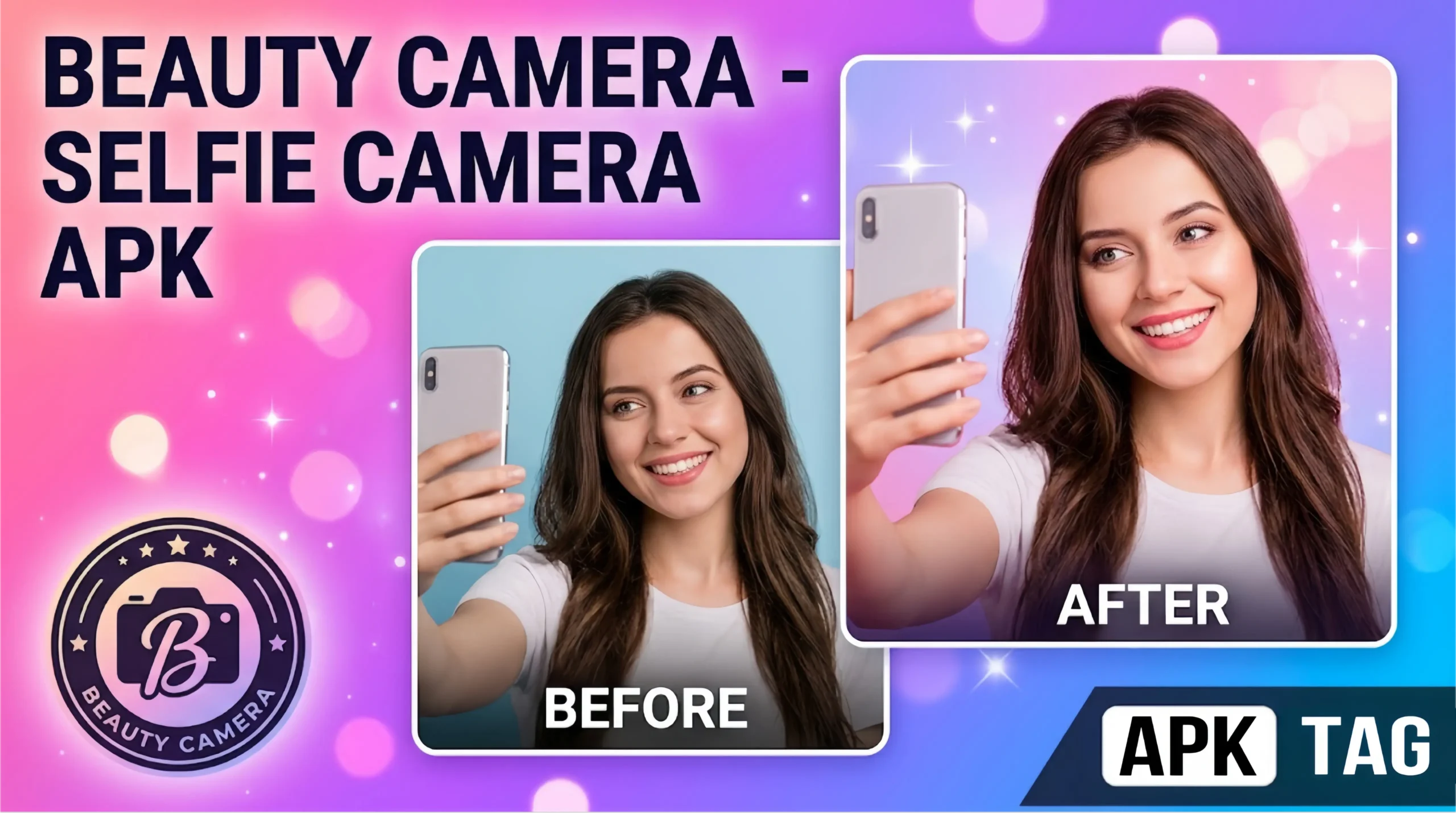
Beauty Camera – Selfie Camera APK
Smartphone cameras have become the primary tool for personal photography. Built-in camera apps handle standard shots well but fall short on skin smoothing, lighting correction, and portrait enhancement. Beauty Camera Selfie Camera APK fills that gap. It gives you professional-grade photo editing tools built directly into the camera interface, so your photos look polished before you even hit share.
What Is Beauty Camera Selfie Camera APK?
Beauty Camera Selfie Camera is a third-party Android camera application focused on portrait photography and selfie enhancement. It applies real-time filters, skin retouching, and face reshaping directly in the viewfinder before you take the shot. You see the enhanced version live on screen rather than editing after the fact.
The app works on the front camera for selfies and the rear camera for standard portrait photography. It uses AI-based facial recognition to detect skin tone, facial features, and lighting conditions, then applies enhancements suited to what it detects.
It is available on the Google Play Store from multiple developers under similar names. APK versions circulate for users who want specific older versions or access in regions where certain builds are restricted on the Play Store.
Key Features of Beauty Camera Selfie Camera APK
Real-Time Beauty Filters
The core feature. The app applies skin smoothing, blemish removal, and tone correction in real time through the viewfinder. You see exactly how the photo looks before capture. Adjustment sliders control the intensity of each effect from 0 to 100. Set it at 30 for subtle natural enhancement or push it higher for a more polished look.
AI Skin Retouching
The app uses facial detection algorithms to identify skin areas separately from eyes, lips, and hair. It applies smoothing specifically to skin without blurring other facial features. This produces more natural results than blanket filter applications that soften everything equally.
Face Reshaping Tools
Slimming, jaw adjustment, eye enlargement, and nose reshaping sit inside the face editing panel. Each adjustment uses a slider. These tools work in real time during capture and in post-capture editing mode.
Whitening and Brightening
Teeth whitening and eye brightening tools detect those specific areas through facial mapping. The whitening adjustment brightens teeth without affecting surrounding skin. Eye brightening enhances the whites and adds a subtle catchlight effect.
Makeup Filters
Virtual makeup overlays let you apply lipstick, eyeshadow, blush, eyeliner, and foundation tones without physical products. The makeup layer sits on your face in real time through the viewfinder. Switch between makeup looks instantly without resetting the camera.
Lighting Adjustment
Built-in studio lighting simulation adds fill light, soft light, or dramatic side lighting effects. This corrects poor ambient lighting conditions. Shooting in dim indoor environments no longer produces flat, unflattering selfies when you use the lighting presets.
AR Stickers and Effects
Animated AR stickers overlay on your face in real time through facial tracking. These include animal ears, accessories, seasonal overlays, and creative distortions. This feature targets social media content creation.
Background Blur and Bokeh
The app simulates portrait mode bokeh by blurring the background behind your subject. It uses edge detection to separate foreground from background. The blur intensity adjusts from subtle to extreme through a slider.
Collage and Layout Tools
Built-in collage creator lets you combine multiple shots into one image. Grid layouts, freestyle arrangements, and aspect ratio presets cover most social media format requirements.
Video Beauty Mode
Real-time beauty filters apply during video recording. Skin smoothing and lighting adjustments stay active throughout the recording session. This suits video content creators who want consistent enhancement across short-form videos.
How to Download and Install Beauty Camera Selfie Camera APK
Step 1: Choose Your Source
The safest installation path is the Google Play Store. Search “Beauty Camera Selfie Camera” and install from there. If you specifically need an APK version, use established repositories such as APKPure or APKMirror. Check user reviews and download counts before selecting a version.
Step 2: Enable Unknown Sources
Go to Settings, then Security or Privacy. Enable “Install Unknown Apps” for your file manager or browser. This permits APK installation outside the Play Store.
Step 3: Download the APK
Download the file from your chosen source. Do not download from random websites or social media links. Beauty camera apps are a common vehicle for adware and spyware because they request camera and storage permissions that users grant without hesitation.
Step 4: Scan the File
Before installation, scan the APK with a mobile antivirus tool. Malwarebytes, Bitdefender, or Avast Mobile all offer free Android scanning. This step takes under two minutes.
Step 5: Install and Launch
Open your file manager, navigate to Downloads, and tap the APK. Follow installation prompts and tap Install. Launch the app after installation completes.
Step 6: Grant Permissions
The app requests camera access, storage access, and microphone access for video mode. Grant these permissions. The app does not function without camera permission. Storage access allows saving photos to your gallery.
Performance Across Device Types
Real-time AI processing demands hardware resources. Performance varies based on your device specifications.
| Device Tier | Expected Performance |
|---|---|
| Flagship (Snapdragon 8 Gen series, Dimensity 9000+) | Smooth real-time processing at all enhancement levels |
| Mid-range (Snapdragon 6/7 series, Dimensity 700/800) | Good performance with minor lag at maximum settings |
| Budget (Snapdragon 4 series, entry Dimensity) | Noticeable lag at high enhancement levels; lower settings perform adequately |
| Devices below 3 GB RAM | Possible crashes during video beauty mode |
Reduce slider intensity values if you experience lag. Lower enhancement levels reduce processing load and improve frame rate in the viewfinder.
Privacy and Security Risks
Beauty camera apps carry higher privacy risk than most app categories. Understanding why helps you make an informed decision.
Camera and Storage Access
The app accesses your camera and photo storage. A malicious version sends captured images or accesses existing photos in your gallery without your knowledge. Only install from verified sources with strong review histories.
Facial Data Collection
Real-time facial recognition generates facial geometry data. Some beauty apps collect and store this data on external servers. Check the app’s privacy policy before installation. Look specifically for language around facial recognition data retention and third-party data sharing.
Excessive Permissions
Legitimate beauty camera apps need camera, storage, and microphone access. Be cautious of versions requesting contacts, call logs, location, or device identifier access. These permissions have no legitimate purpose in a camera app and signal potential data harvesting.
Ad Network Tracking
Free beauty camera apps generate revenue through in-app advertising. Embedded ad networks track your device identifier, location, and usage patterns. A VPN reduces exposure to location-based tracking within ad networks.
Tips for Getting the Best Results
Use Natural Lighting First
No filter compensates for genuinely poor lighting. Position yourself facing a window or natural light source before activating beauty filters. The combination of good lighting and digital enhancement produces significantly better results than filters alone in dark conditions.
Keep Enhancement Levels Moderate
Skin smoothing above 70 percent removes natural skin texture and produces an artificial, plastic appearance. Set smoothing between 30 and 50 percent for results that look enhanced but still natural.
Match Makeup Filter to Skin Tone
The app’s AI detects skin tone automatically, but manually adjusting the foundation overlay to your specific tone produces more accurate color matching. Spend two minutes in the makeup panel calibrating to your complexion before shooting.
Use Rear Camera for Group Portraits
The rear camera produces higher resolution and better optical quality than the front camera on most Android devices. Switch to rear camera mode with face detection active for group shots requiring beauty enhancement.
Save Originals
Enable the option to save unfiltered originals alongside enhanced versions. This gives you the raw photo as a backup if you want to apply different edits later.
Conclusion
Beauty Camera Selfie Camera APK delivers a comprehensive suite of real-time enhancement tools that stock Android cameras do not offer. The feature depth is genuine. Real-time AI retouching, virtual makeup, face reshaping, and video beauty mode cover every major use case for portrait and selfie photography on Android.
The privacy risk is the primary concern. Install from verified sources only. Review permissions carefully. Keep enhancement levels natural rather than maximum. Do these three things and you get a powerful portrait camera tool that outperforms your stock camera app for social media photography.